

Silent Panic & Duress
Call for backup without saying a word.
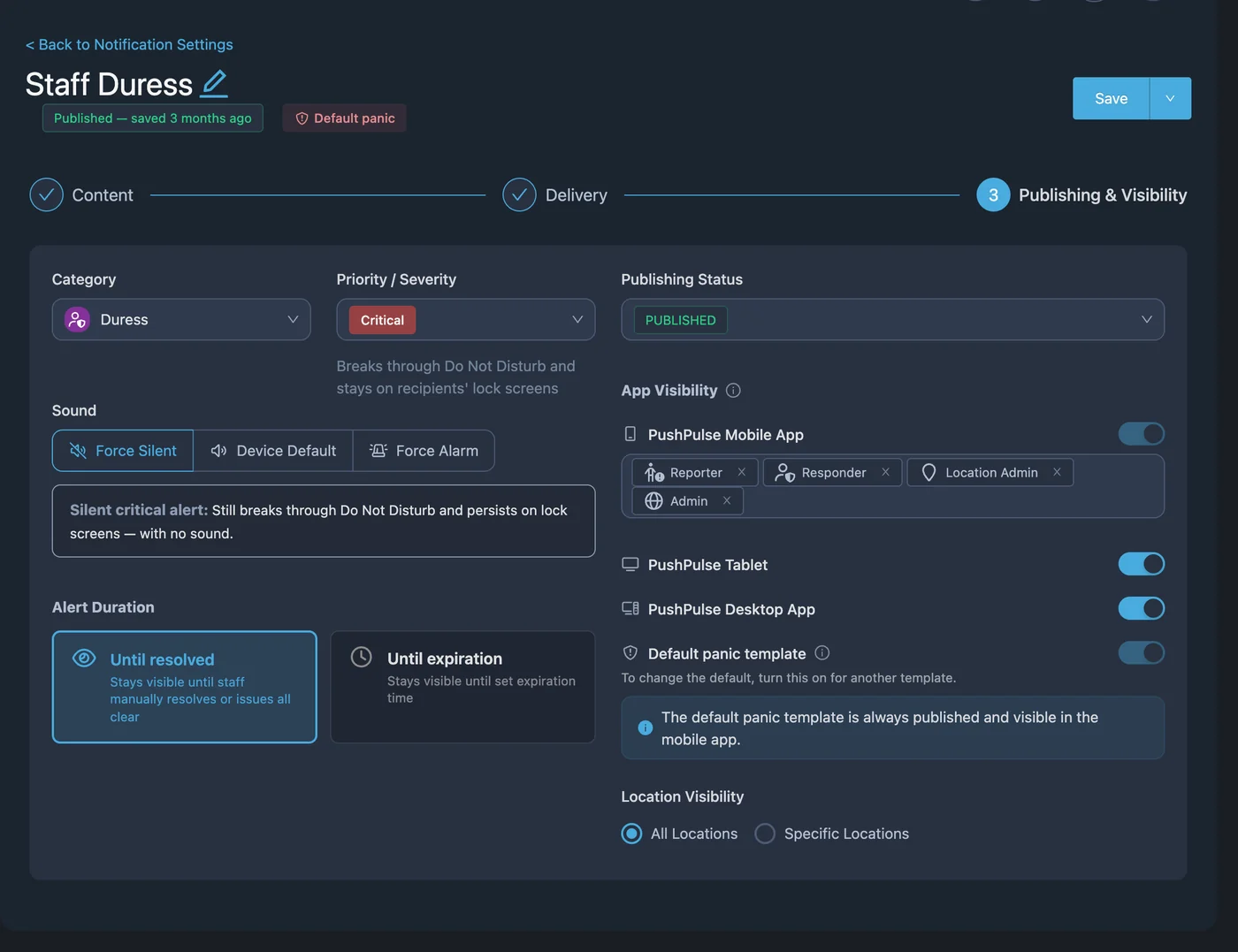
Sometimes asking for help out loud makes things worse. PushPulse lets a staff member send a silent alert that tells the right people who needs help and where, without tipping off the person in front of them.
Help that does not change the situation in the room.
A silent panic button lets a person facing a threat ask for help without alerting the person in front of them. In PushPulse, any alert template can be set to silent, and it can be sent from a phone, a Bluetooth button, a wall tablet, or a desk.

A discreet way to ask for help
A cashier presses a Bluetooth panic button under the counter or on a lanyard. A receptionist uses a keyboard shortcut in PushPulse Desktop. A nurse or an officer long-presses the panic button in PushPulse Mobile. Because the template is set to silent, the alert goes out quietly. For a trigger that needs no screen at all, use a Bluetooth button.
The right people know who and where
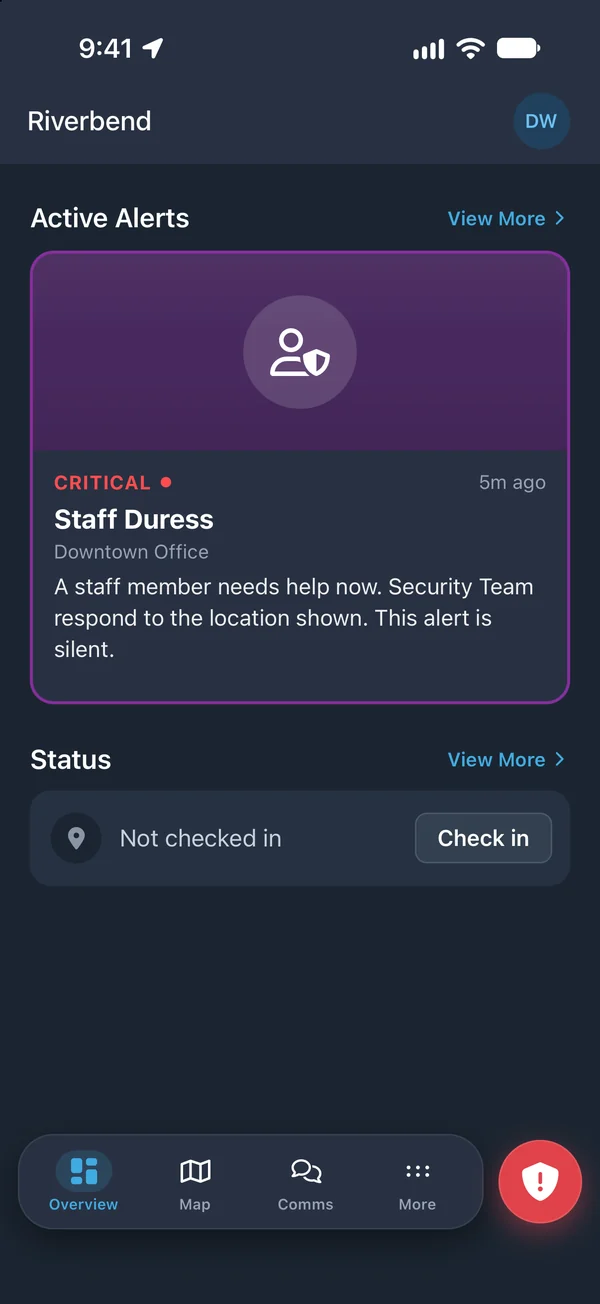
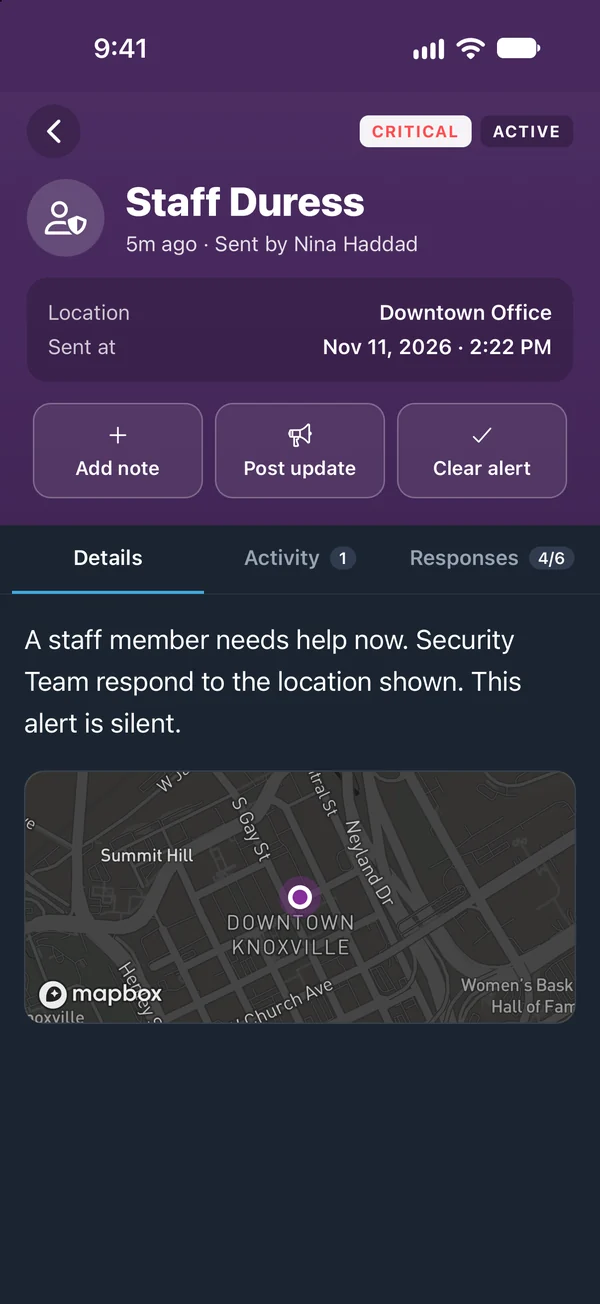
The alert goes to the people you chose for it, such as security, a manager, or a supervisor. They see who sent it and the location it came from, with a GPS position when GPS tracking is on, and they acknowledge so the team knows who is responding.
Responders coordinate quietly
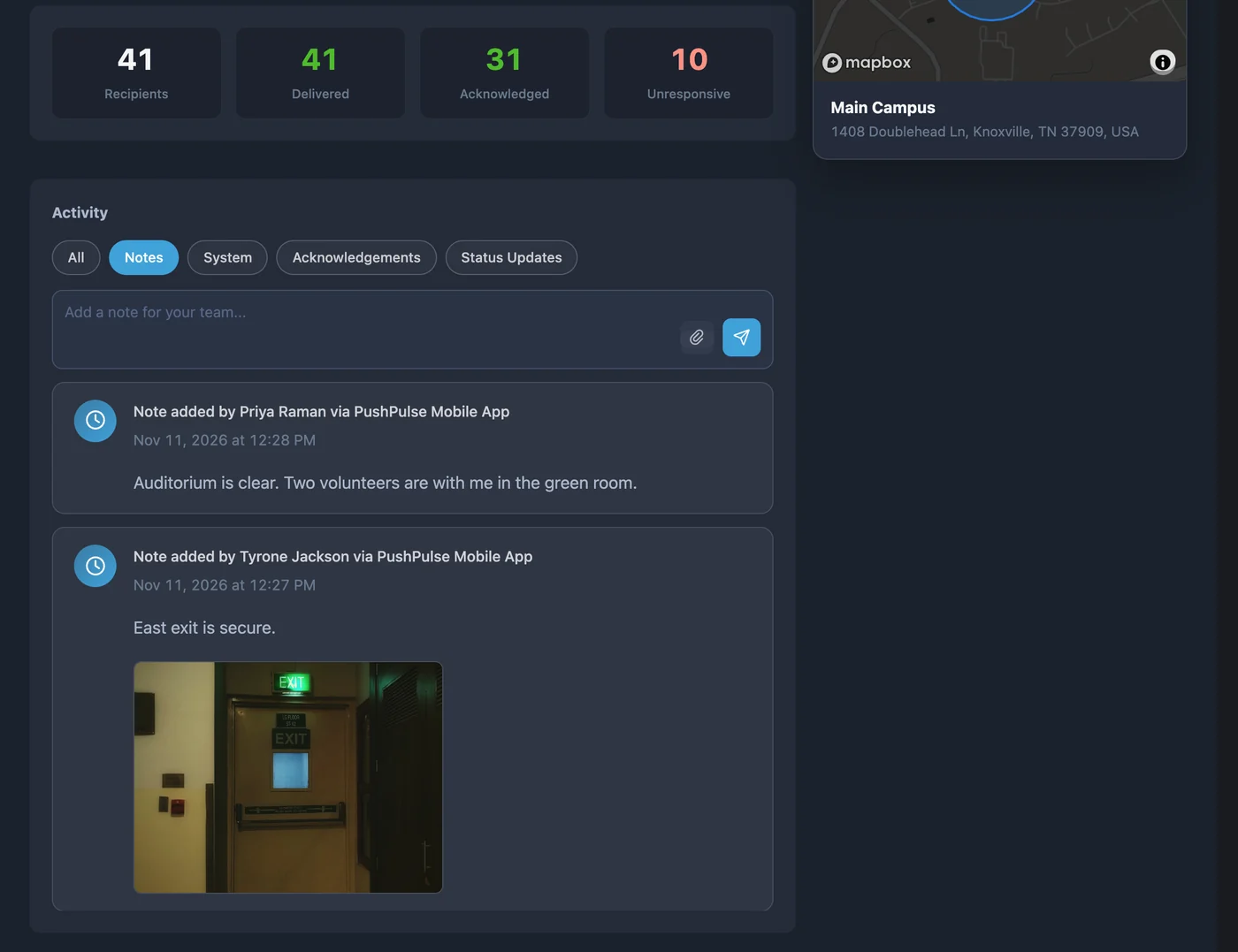
Responders share details in the notes on the alert and talk in a talk group on the way. The person who sent the alert cannot cancel it. A responder or admin clears it, and can close it without sending a message to anyone.
A record of every activation
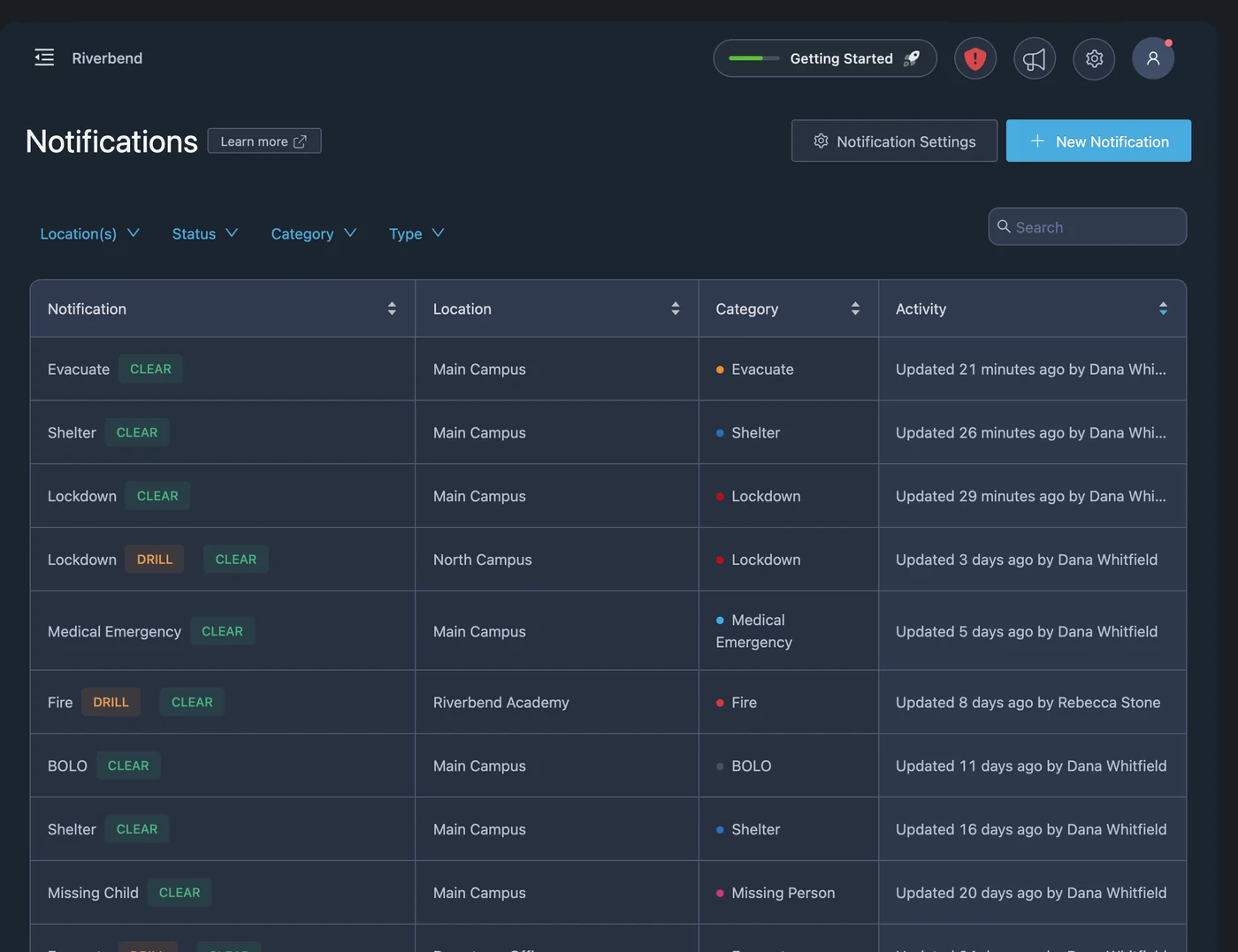
The incident timeline records the alert, the acknowledgements, the notes, and the close, and exports as a PDF. An Incident Report form captures what happened for your records.
Silent panic questions
What is a silent panic button?
How is a silent alert sent in PushPulse?
Who is notified by a silent alert?
Does a silent alert call the police?
Can the sender cancel a silent alert?
See PushPulse in action
Upgrading your safety and operations strategy is easier than you think. Get a personalized walkthrough from our team.