

Checkpoints & Guard Tours
Prove every round was made.
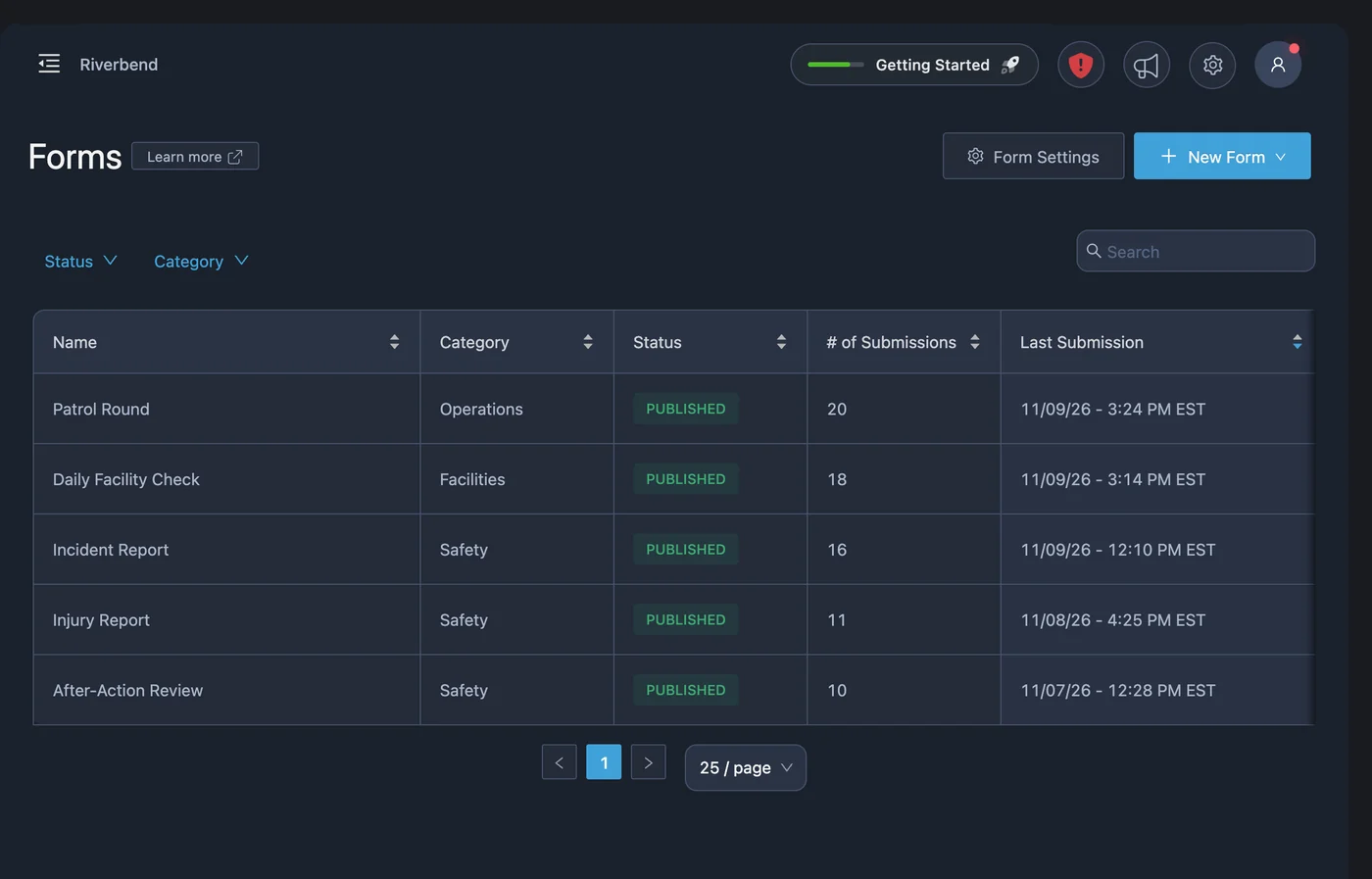
Your client wants to know the patrol happened. PushPulse lets officers scan each checkpoint and file their report from the phone they already carry, and gives you a timestamped record of every scan.
A guard tour without a separate guard tour system.
A guard tour app records that an officer was at each checkpoint on a patrol. In PushPulse, a guard tour is a form with asset scans: the officer scans each checkpoint as they go, and every scan is timestamped and reported.
Scan each checkpoint on the round
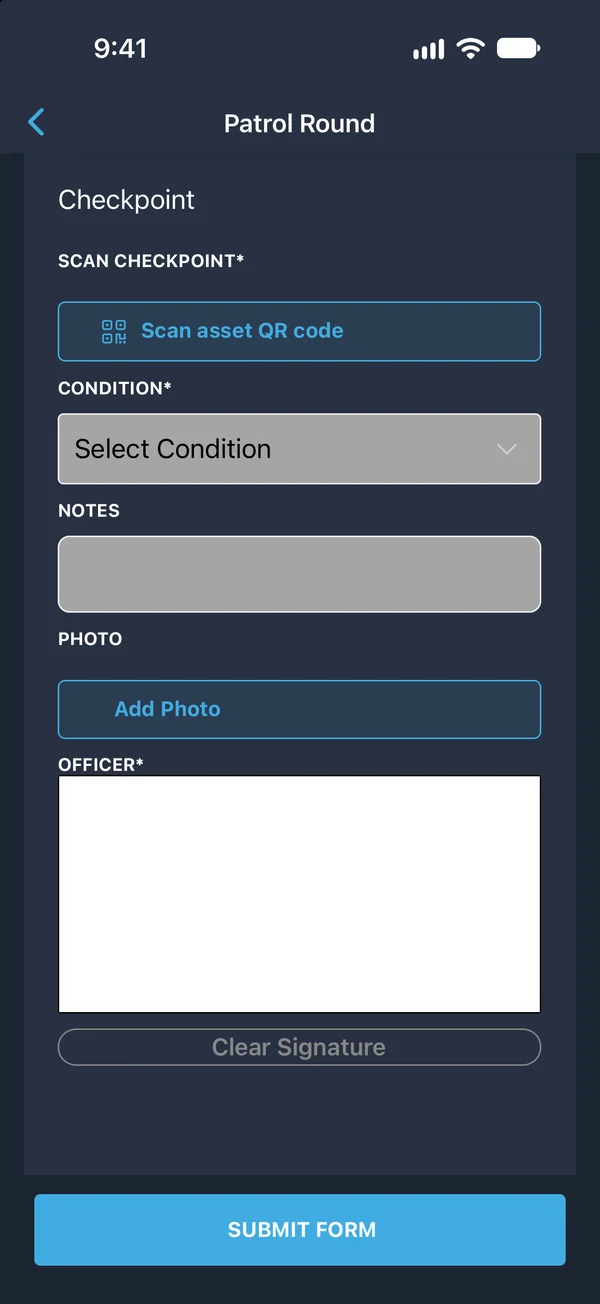
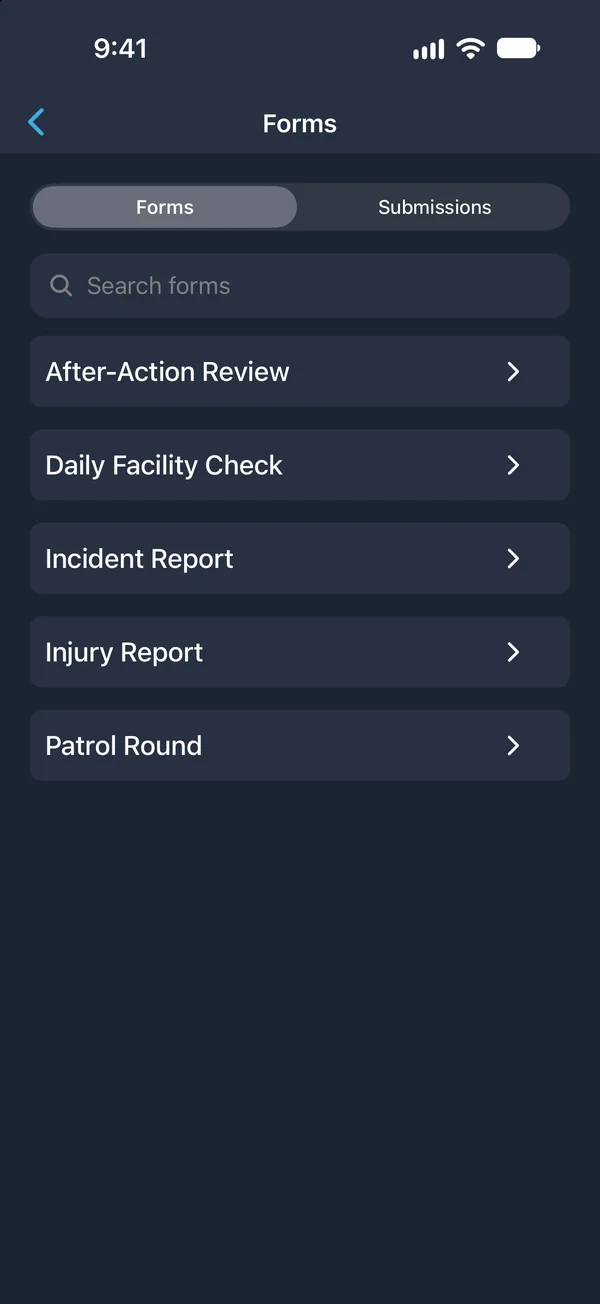
Doors, gates, stairwells, and equipment are set up as assets in PushPulse, each with a QR code you print and post. On patrol, the officer opens the patrol form in PushPulse Mobile and scans each asset as they reach it. The Security Patrol Log template is a ready-made place to start.
Report what you see, where you see it
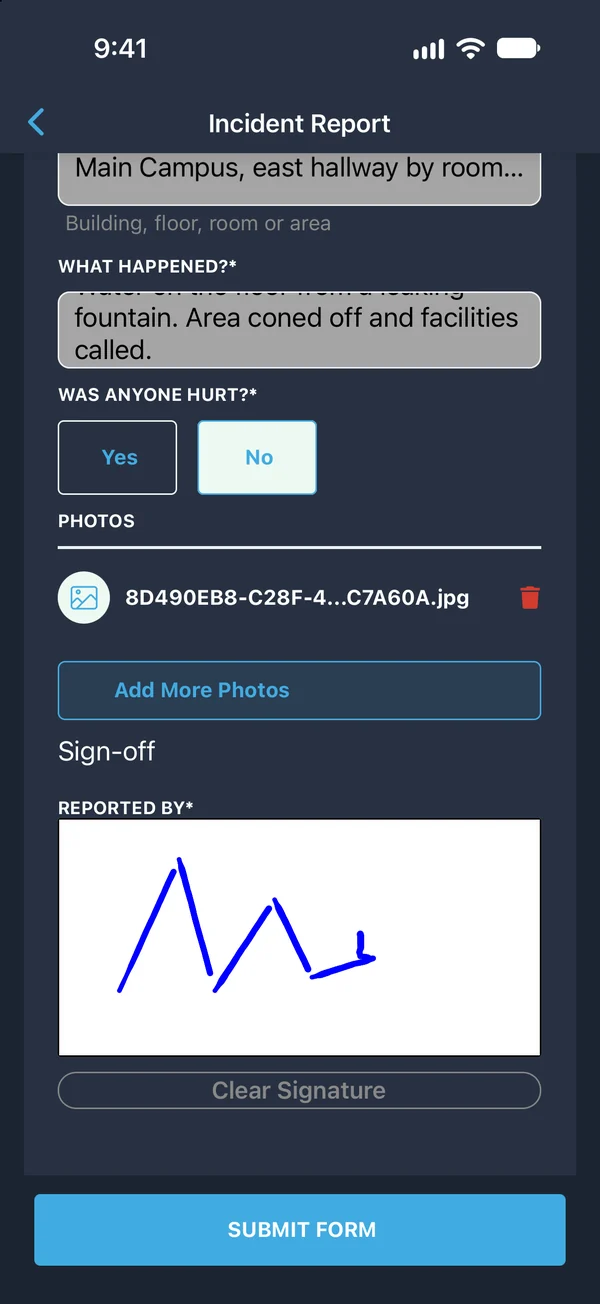
The same form takes observations, photos from the camera, and a signature. If something needs more, the officer files an Incident Report on the spot. Every submission records who filed it and when.
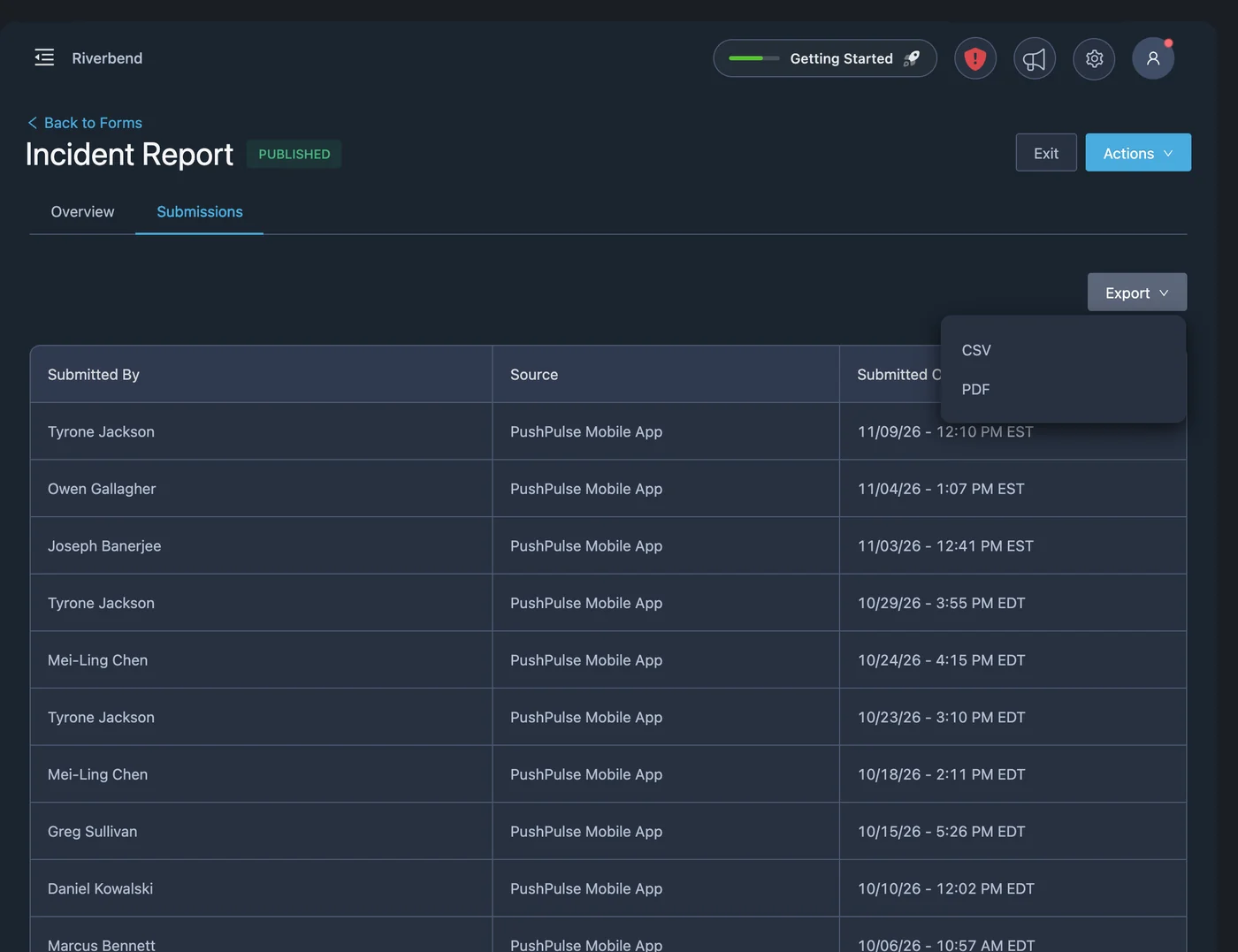
Supervisors see every scan
The asset scan report shows every scan with its time and the form submission it belongs to. Review submissions in PushPulse Console or PushPulse Mobile, and export to CSV or PDF to send to your client.
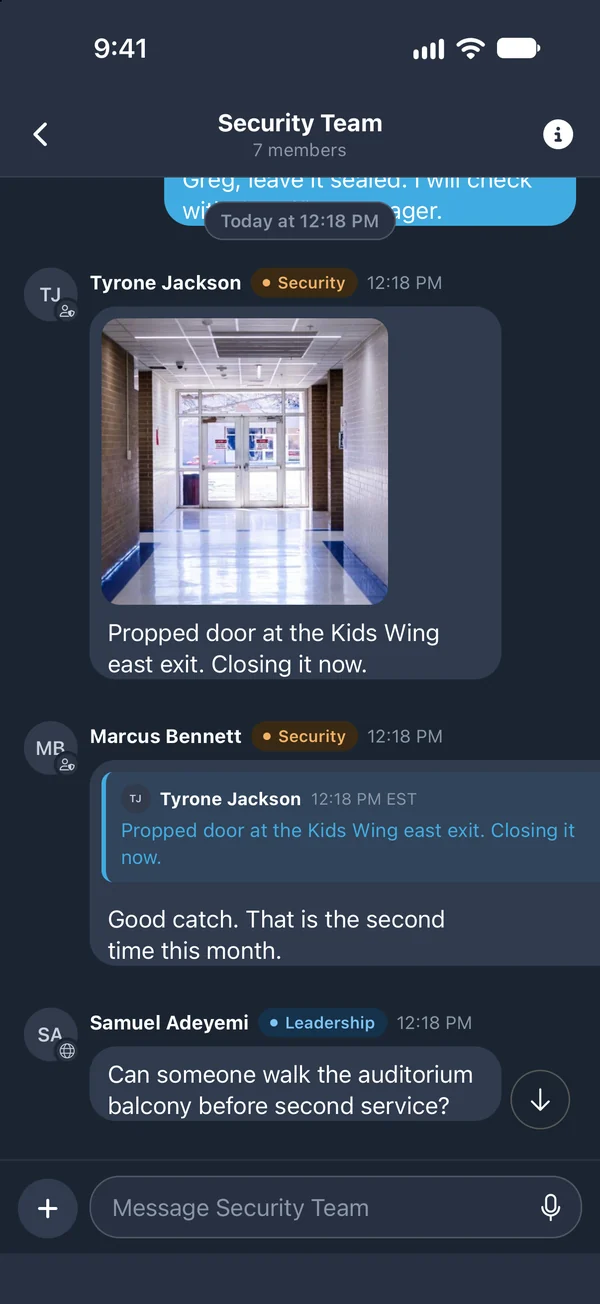
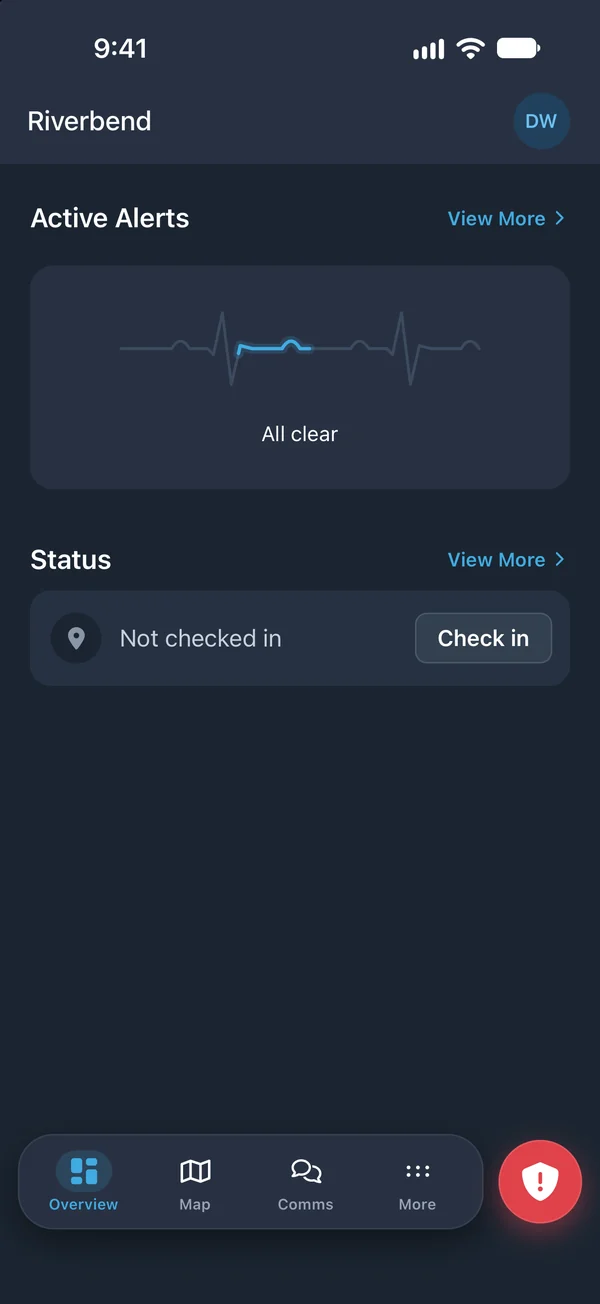
The same app is the team channel and the panic button
Officers use talk groups and chat to reach the team, check in to the site, and have the panic button in the same app. There is no separate scanner or second app to carry.
Guard tour questions
What is a guard tour system?
How do checkpoints work in PushPulse?
Do officers need a separate scanner?
What record does a supervisor get?
Can an officer report an incident during a patrol?
See PushPulse in action
Upgrading your safety and operations strategy is easier than you think. Get a personalized walkthrough from our team.