

Drills & Preparedness
Practice with the system you will use for real.
A drill only prepares people if it feels like the real thing. In PushPulse, a drill is your real alert with drill mode turned on, so your team practices the exact steps they will take in an emergency.
Plan it, run it, write it down.
Emergency drill software lets a team rehearse its response and keep a record that the drill happened. Here is how a drill runs in PushPulse.
Plan it and schedule it
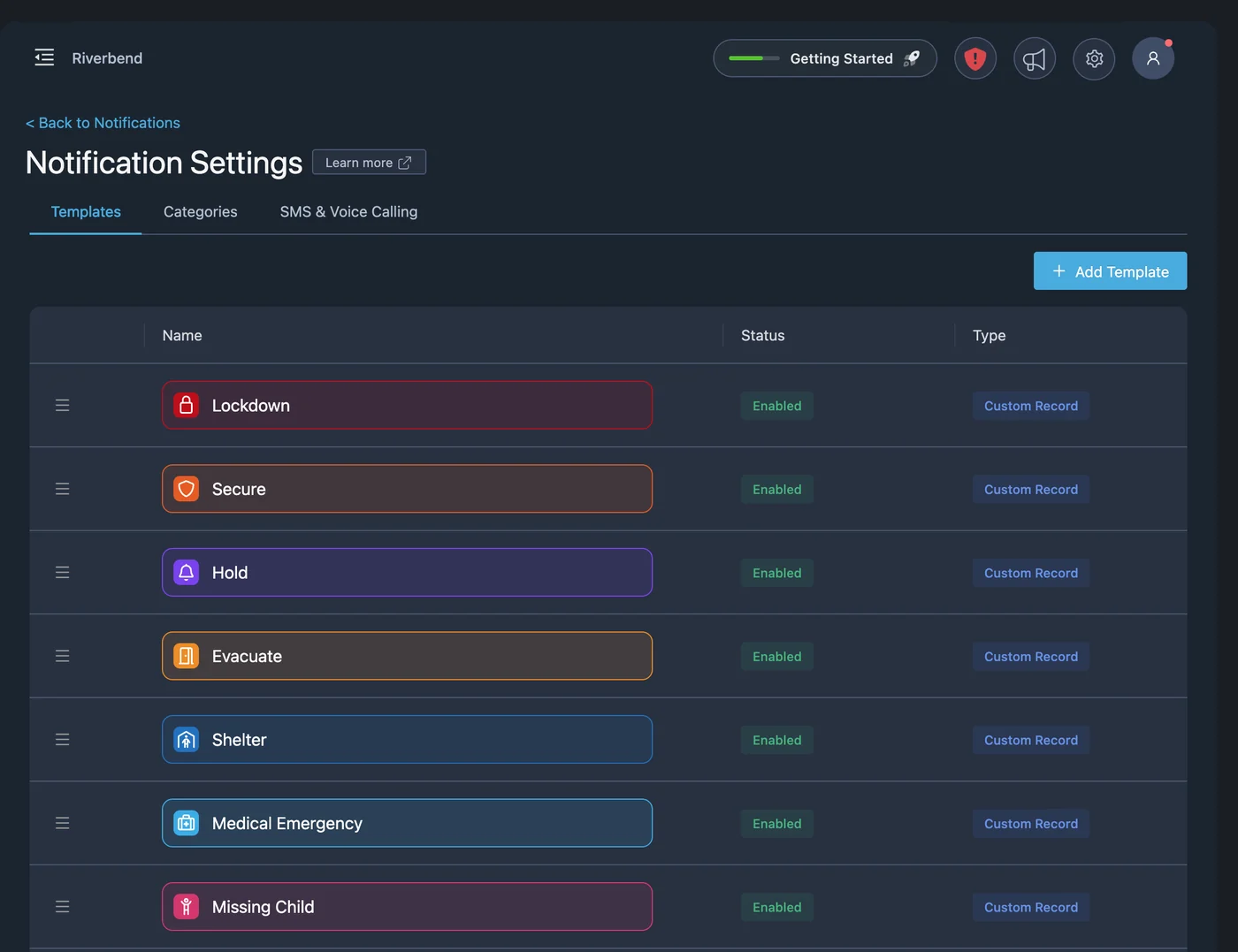
Choose the template you would use for the real event, such as lockdown, evacuation, or severe weather, and the locations or groups taking part. Send it on the day, or schedule the notification in advance.
Run it, clearly marked as a drill
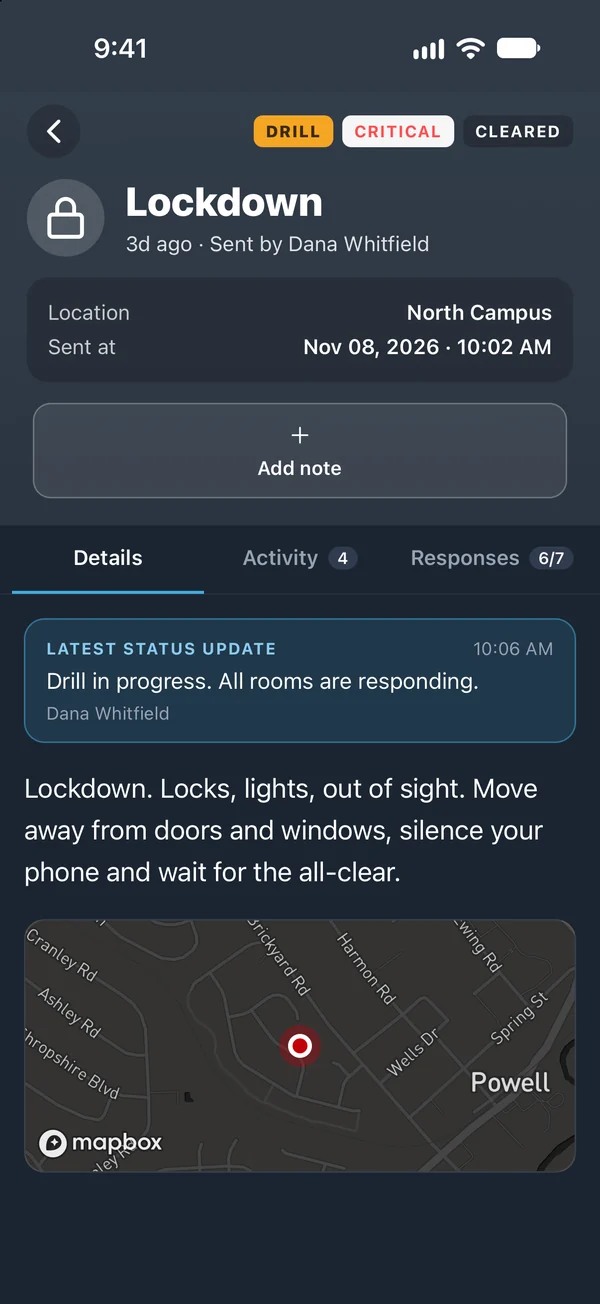
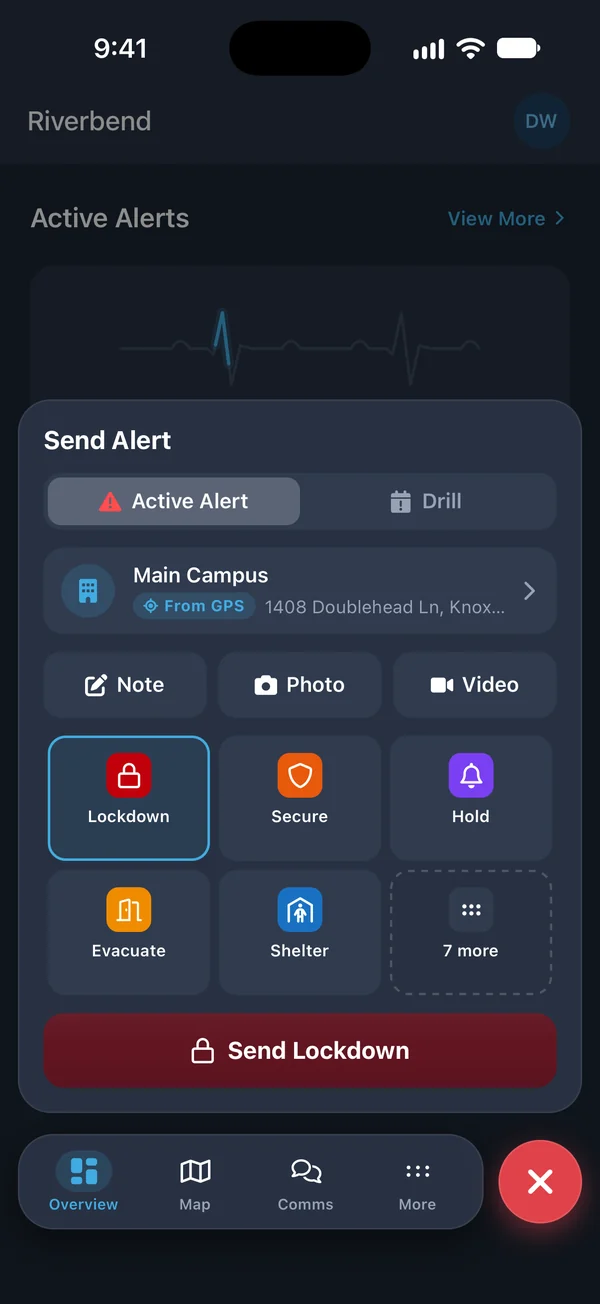
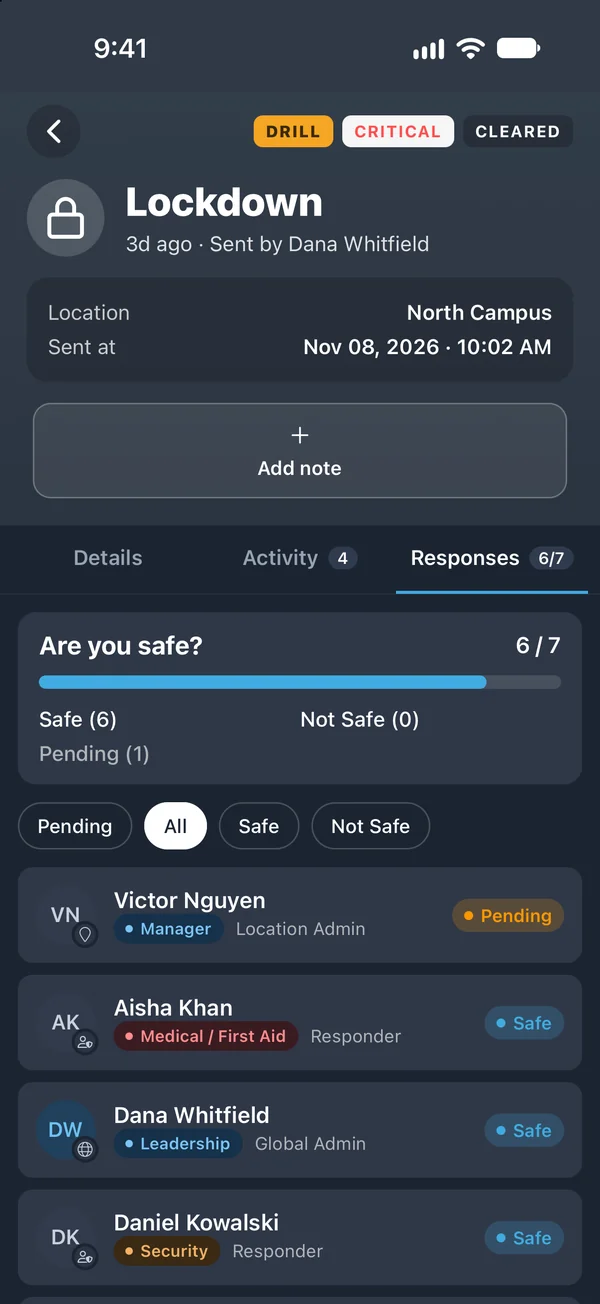
Drill mode marks the alert as a drill, so nobody mistakes practice for an emergency. Everything else is the same: the same channels, the same wall tablets, and the same safe or not safe question.
See who took part
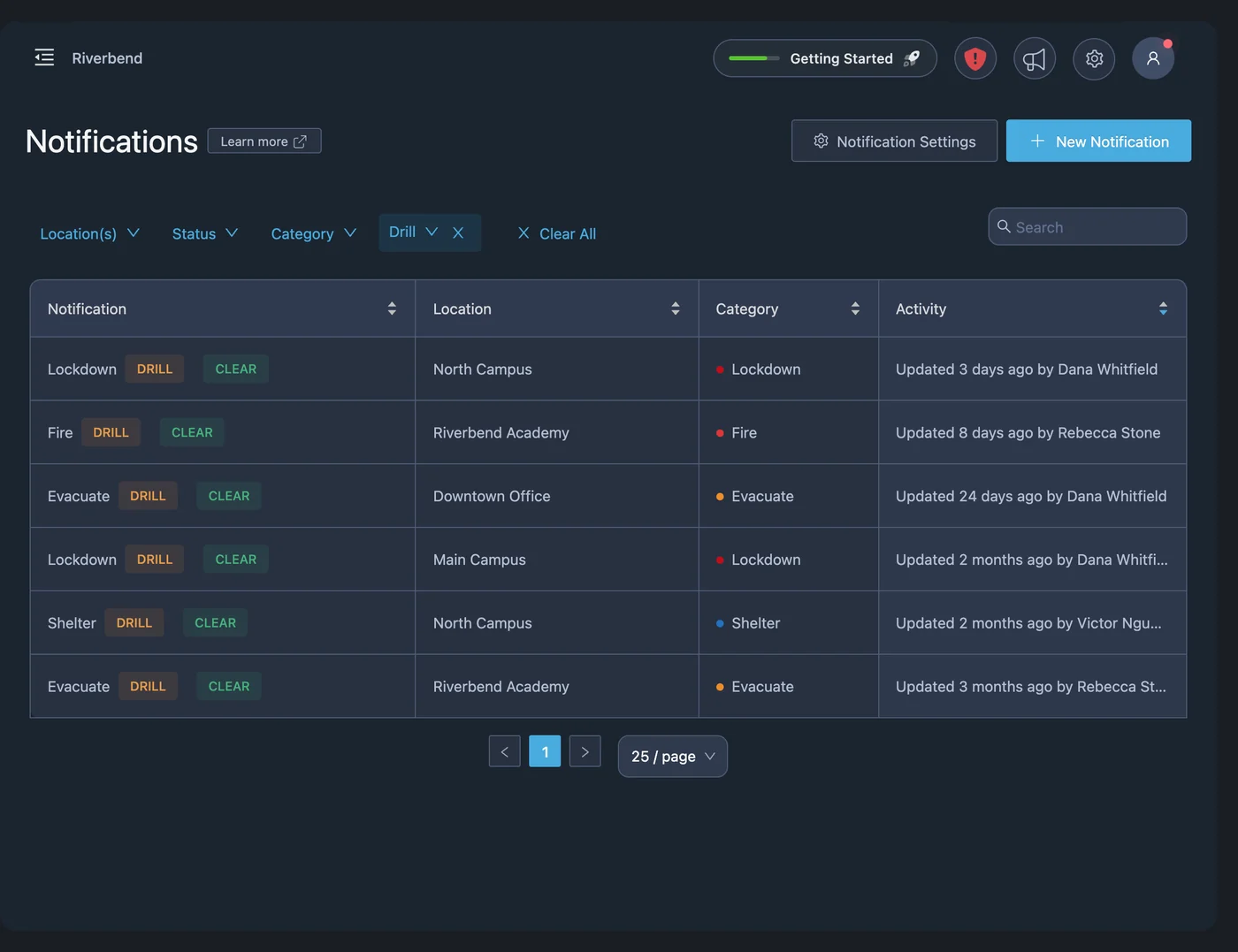
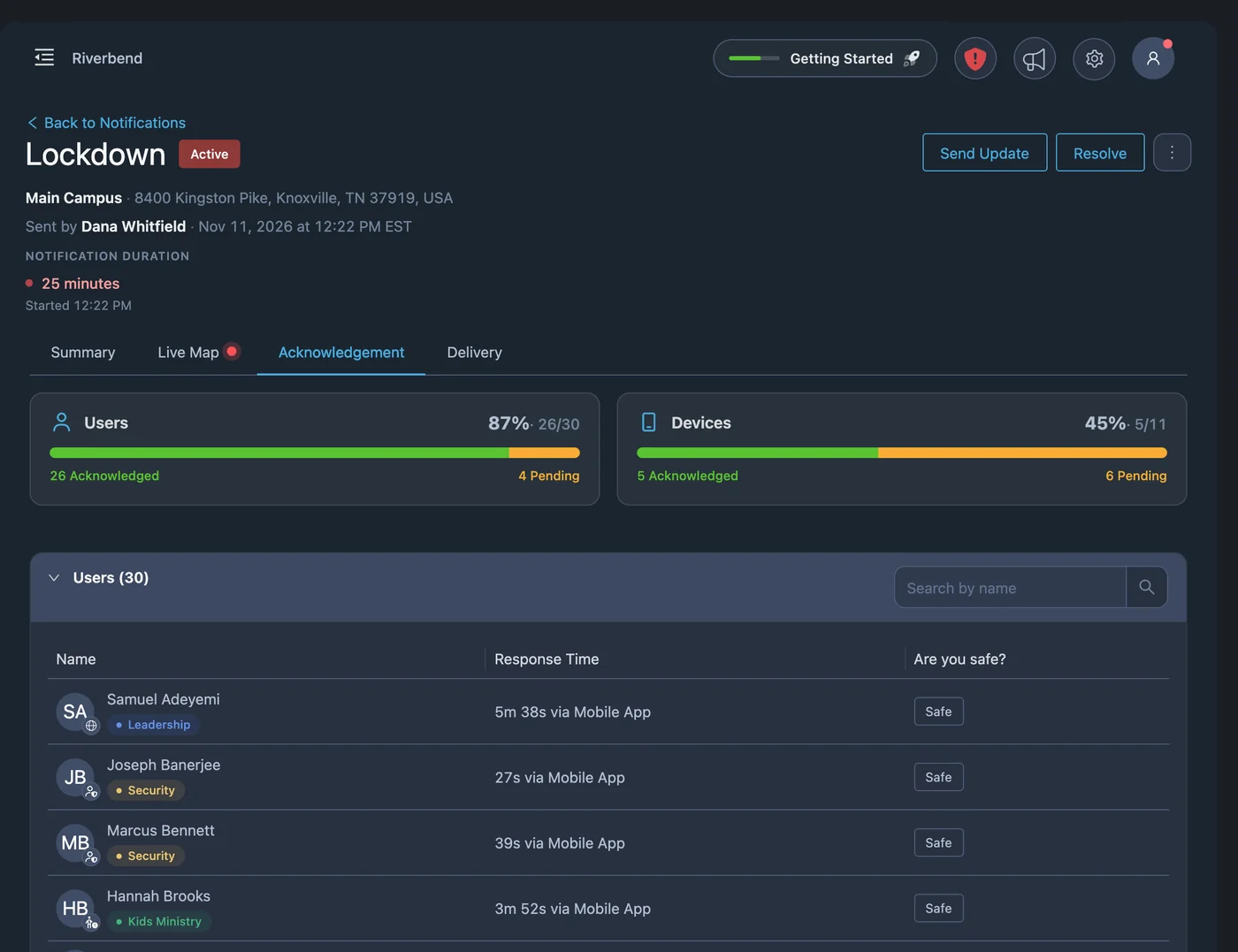
Acknowledgement charts show how many people responded, and the delivery and acknowledgement logs show each person and each channel. You can see who did not respond and follow up with them. Drills are marked as drills, so you can filter them apart from real incidents and find them in Analytics.
Capture what you learned
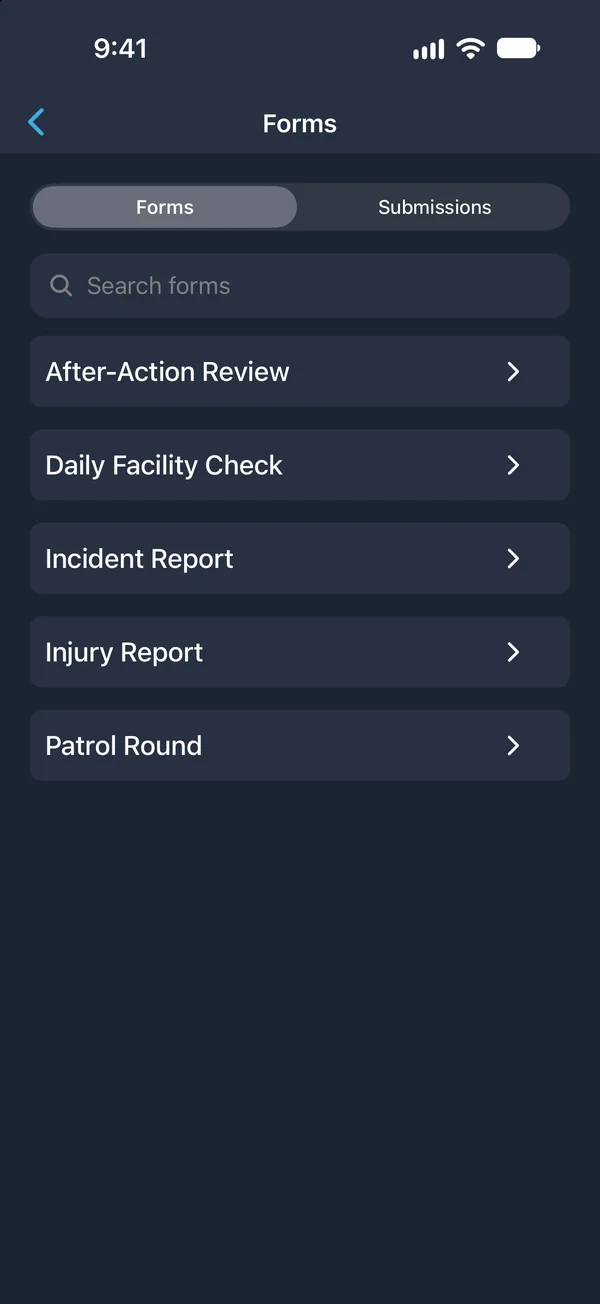
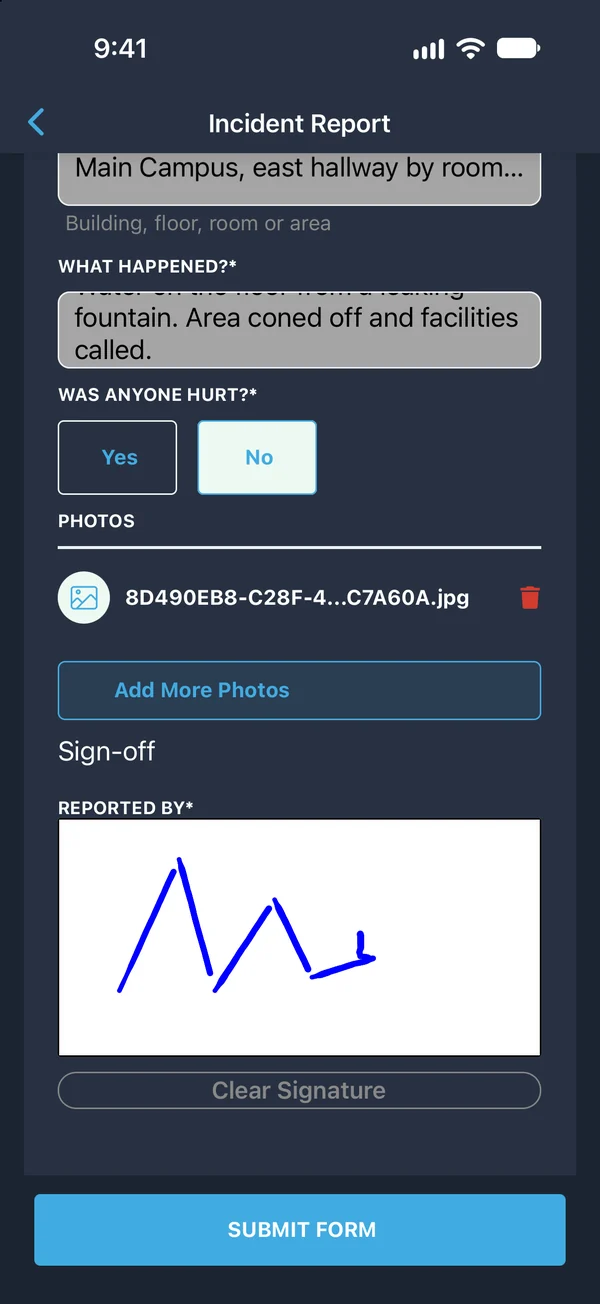
The Emergency Drill Evaluation form records how the drill was run, what went well, and what needs to change. Export the incident as a PDF and form submissions as CSV or PDF for your records.
Drill questions
What is drill mode in PushPulse?
Will people think a drill is a real emergency?
What kinds of drills can we run?
How do we document a drill?
Can a drill be scheduled in advance?
See PushPulse in action
Upgrading your safety and operations strategy is easier than you think. Get a personalized walkthrough from our team.