

Every site. Every person. One view.
See what is happening across all of your locations in real time. Who is checked in, which sites have active alerts, and where your team is right now. Whether you run two campuses or twenty, Live View puts your whole operation in one place.
Stop managing sites one at a time
When you are responsible for multiple locations, switching between them one at a time is not situational awareness, it is guesswork. Live View gives you a single dashboard across every campus, building, and site your organization runs. See the status of each location, any active alerts, and who is on the ground, all without making a single phone call to find out what is happening somewhere else.
- All sites visible from one dashboard
- Map-based and list view options
- Active alert indicators per site
- Site status at a glance
- Scales from two locations to dozens
Know who is on site before you need to ask
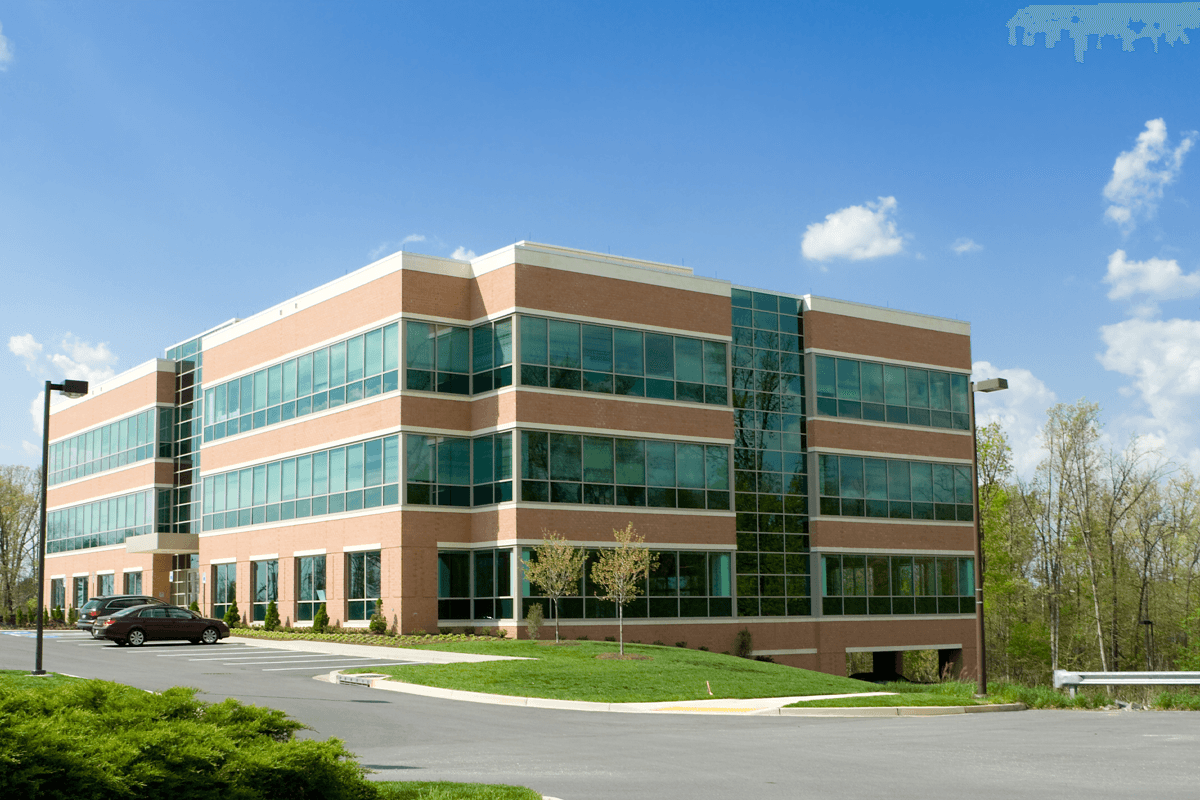
When an incident starts, the first question is always who is in the building. Live View answers that before the question gets asked. Team members check in to their site and location from the app, and their status appears on the dashboard in real time. Security guards confirming they are on post. Volunteers checking in before a Sunday service. Staff arriving at a shift. You see it as it happens, without a single phone call or radio check.
- Staff and volunteer check-in from the mobile app
- Real-time on-site and off-site status
- Check in to a specific site, floor, or room
- Admin visibility across all locations
- Check-in history and logs

Account for everyone, down to the room
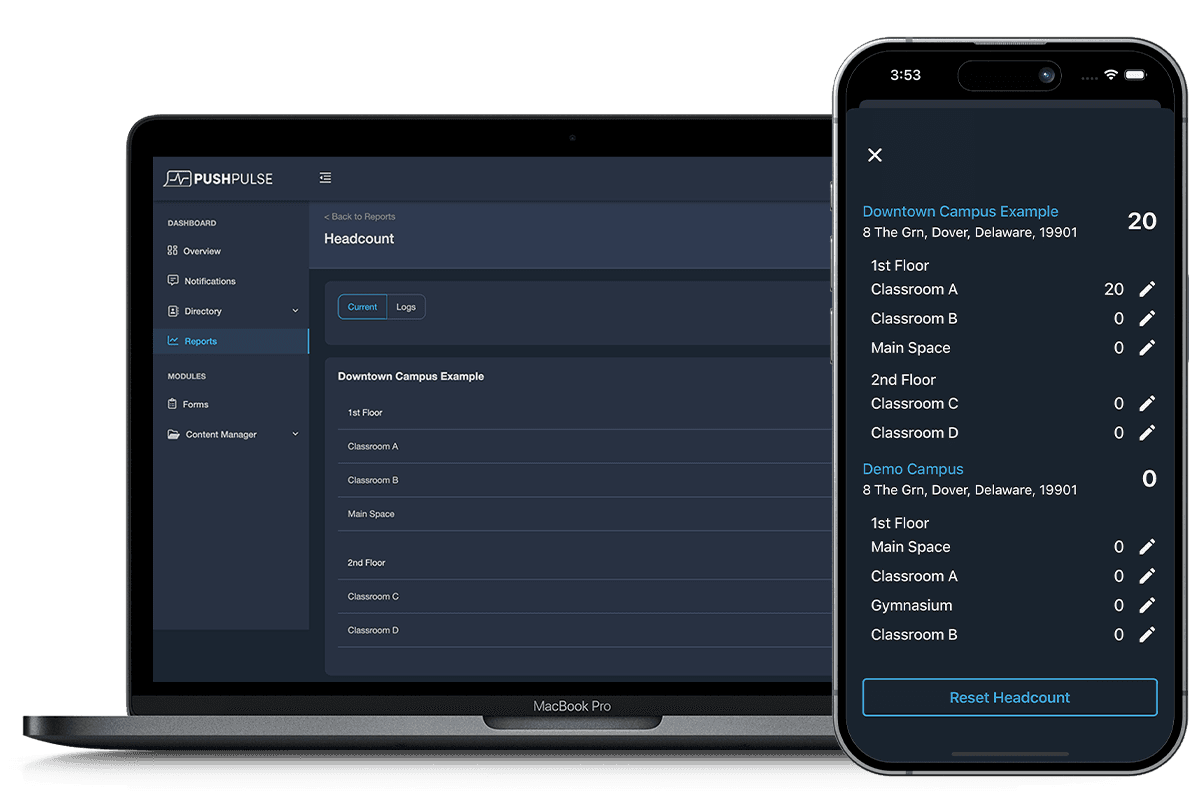
Knowing how many people are in a building is the starting point. Knowing which floor, which wing, or which classroom they are in is what makes an emergency response work. Live View tracks headcount by location, broken down by site, floor, and room so your team knows exactly where to go and who to account for. During a drill or a real event, that level of detail is the difference between a coordinated response and a frantic search.
- Total headcount per site
- Breakdown by floor and room
- Real-time occupancy as people check in and out
- Reset headcount between events or shifts
- Exportable headcount reports
When something happens anywhere, you know immediately
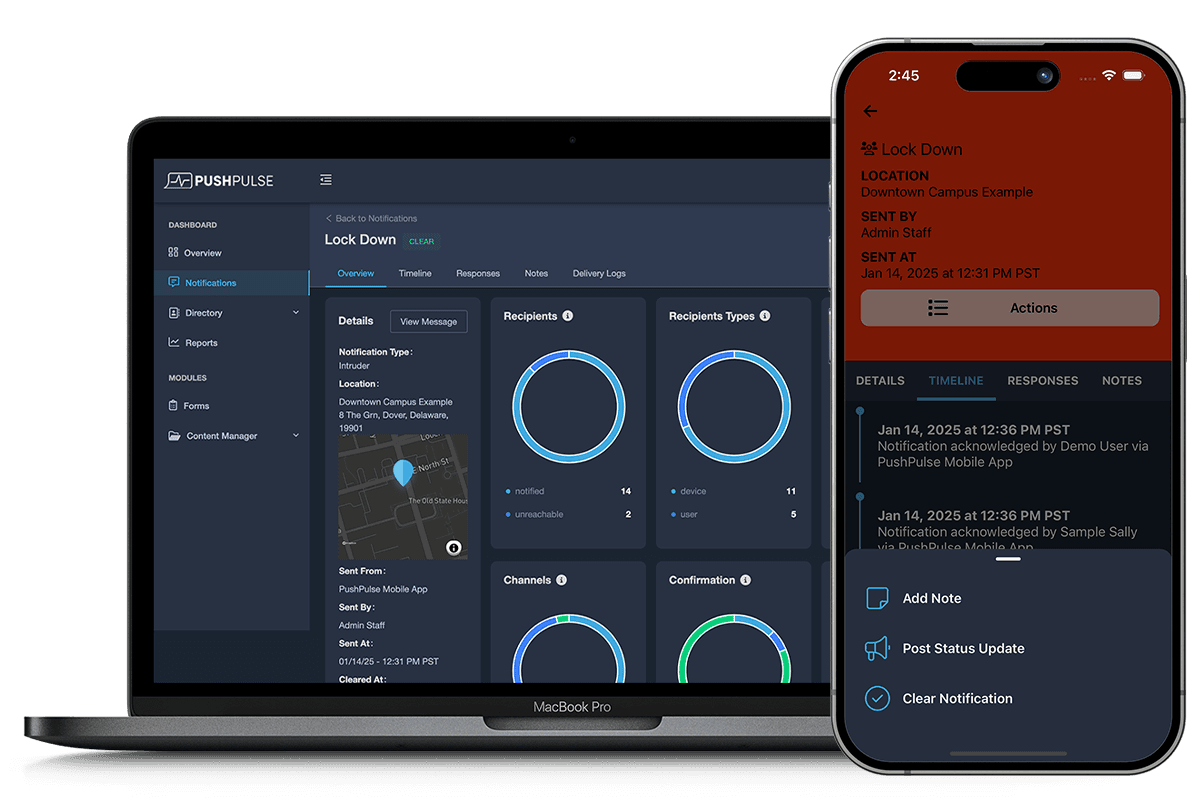
Live View is not just a status board for quiet days. When an alert fires at any of your sites, it surfaces immediately in the dashboard alongside the location, the type of incident, and who has been notified. A security director overseeing five properties sees the alert the moment it triggers, not after a phone call chain makes its way to the top. A school district administrator watching twelve campuses knows which building has an active situation without waiting for someone to escalate it.
- Active alerts surface immediately per site
- Alert type and location visible at a glance
- See notification and acknowledgement status from the dashboard
- Monitor response progress without leaving Live View
- Historical alert log per site
See how it all connects
See PushPulse in action
Upgrading your safety and operations strategy is easier than you think. Get a personalized walkthrough from our team.