

Your safety platform, on every device your team uses.
Mobile, desktop, web, and tablet. PushPulse works wherever your team works. One platform, one login, every surface, always in sync.
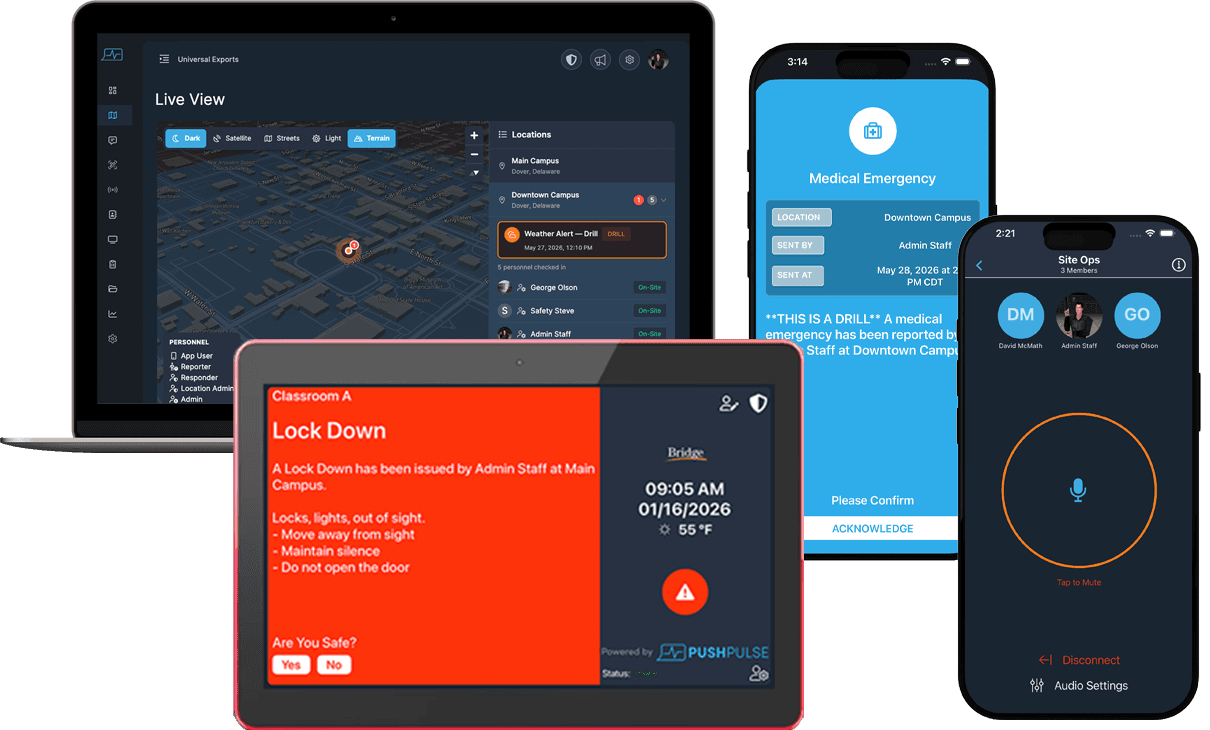
Mobile App
Desktop App
Web App
Tablet App
The full platform in their pocket
For most of your team, the phone is the device. PushPulse mobile gives every team member access to alerts, push-to-talk, team chat, forms, check-in, and the document library from iOS or Android. Receive alerts with Do Not Disturb override. Activate a panic button without navigating through menus. Check in to a site on the way through the door. Everything your safety platform does, available on the device they already carry.
- Available on iOS and Android
- Push notifications with Do Not Disturb override
- One-tap panic activation
- Push-to-talk and team chat
- Forms, check-in, and document access
- Offline access to key resources
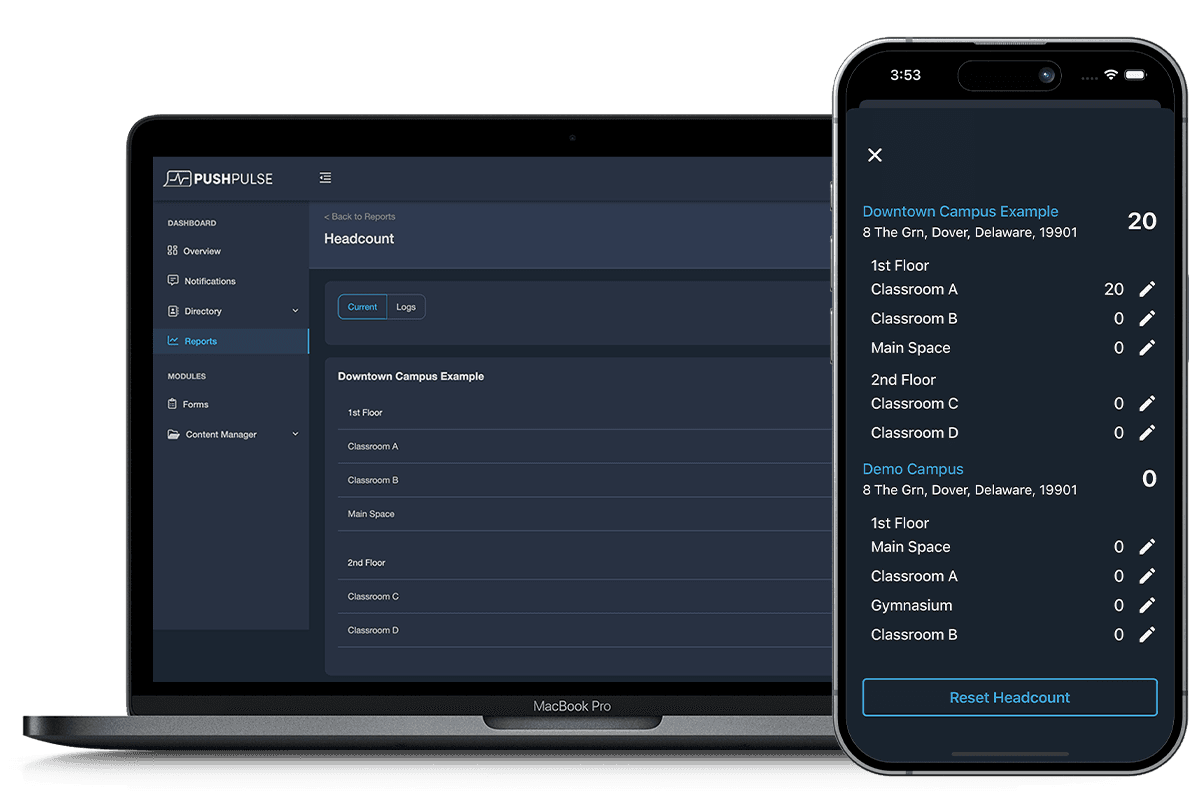
Command-level visibility for coordinators and admins
Coordinators, safety directors, and administrators need more than a phone screen. The PushPulse desktop app gives command-level users a full workstation view: compose and send alerts, monitor the Live View dashboard, manage incidents, review forms, and oversee check-in status across every site. Available on Mac and Windows, it is the primary interface for the people running the operation, not just responding to it.
- Available on Mac and Windows
- Full alert composition and send interface
- Live View dashboard and multi-site monitoring
- Incident management and response coordination
- Form review and report export
- User and group management
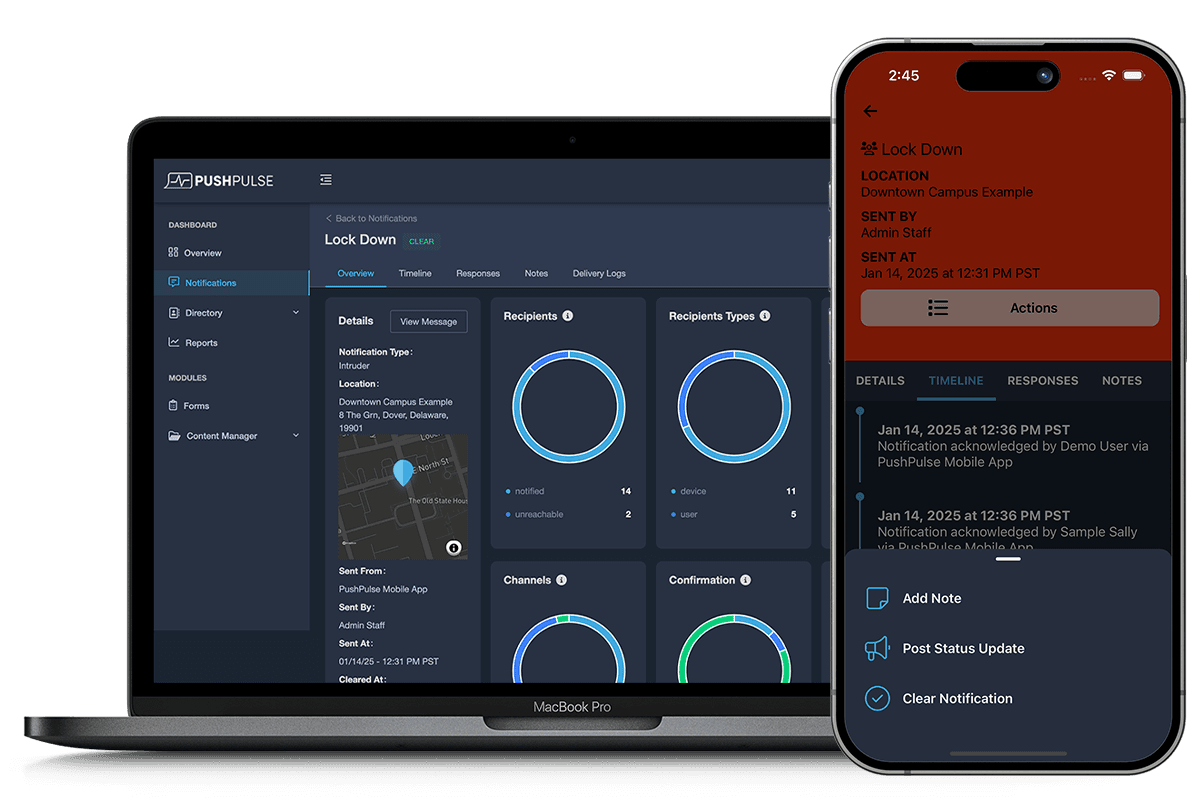
No install required. Access from any browser.
For occasional users, shared workstations, or anyone who cannot install software on their device, the PushPulse web app gives full platform access from any modern browser. Volunteers who help once a month. School administrators using district-managed computers. Security supervisors checking in remotely from a client site. No download, no IT request, no waiting. Open a browser, log in, and everything is there.
- Works in any modern browser
- No installation or IT approval required
- Full platform access on shared or managed devices
- Same interface as the desktop app
- Secure login with organizational credentials
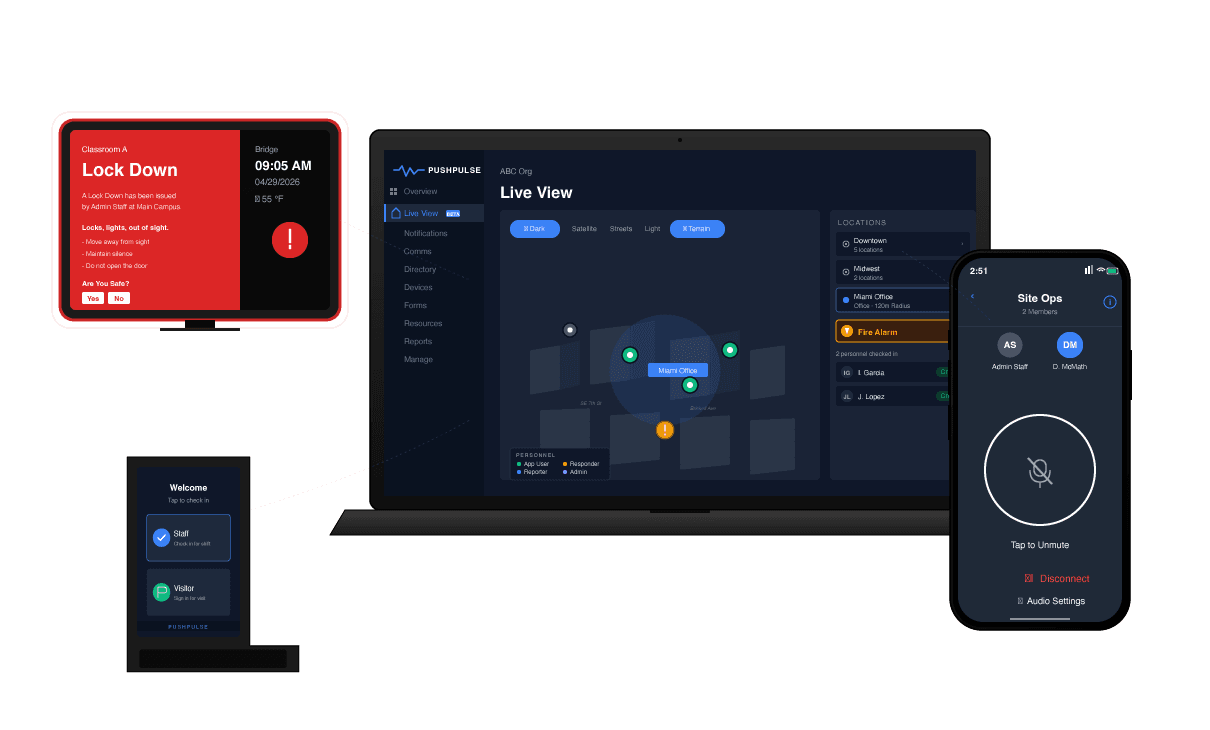
Switch devices. Never miss a beat.
A coordinator who sends an alert from the desktop sees the same acknowledgements on their phone a minute later. A team member who checks in on mobile shows as on-site immediately in the Live View dashboard. A form submitted from a tablet appears in the admin portal in real time. PushPulse keeps every surface in sync so your team can move between devices without losing context, missing updates, or duplicating work.
- Real-time sync across all devices
- Alerts, responses, and status visible on every surface
- Start a task on one device, continue on another
- One account, one login, every platform
- No manual refresh or re-login required between devices
See how it all connects
See PushPulse in action
Upgrading your safety and operations strategy is easier than you think. Get a personalized walkthrough from our team.