

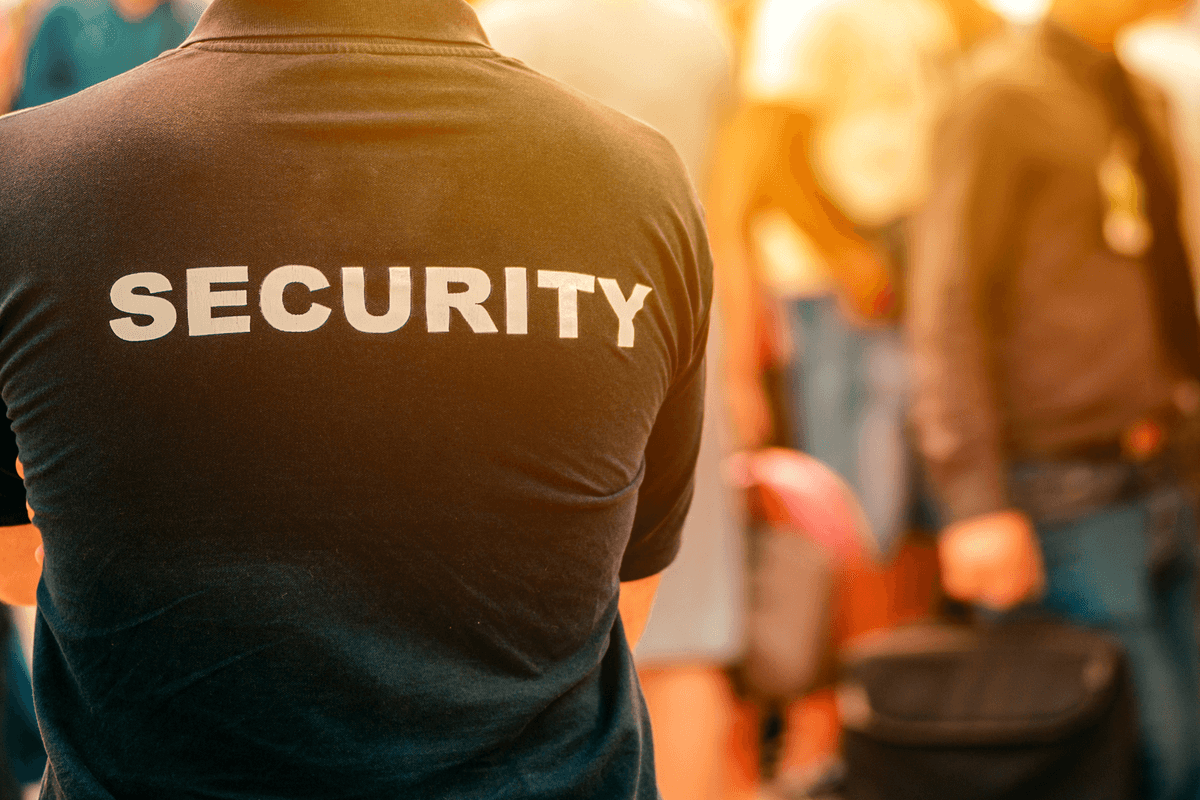
Private Security
Proof of patrol, team comms, and a panic button in one app.
Your client wants to know the rounds were made, your officers need to reach each other, and someone working alone needs a way to call for help. PushPulse does all three on the phones your officers already carry.
The essentials, without a full guard suite.
A security guard company app gives officers their checkpoints, reports, and team channel on one phone. PushPulse covers proof of patrol, communication, and alerting for firms that do not want to buy and run a full guard management suite.
Rounds your client can see
Set up doors, gates, and equipment as assets, each with a QR code you create and print from PushPulse. Officers scan them from a patrol form, and the asset scan report shows every scan with its time. One security company uses this to run its tours across client sites.
Reports filed where it happened
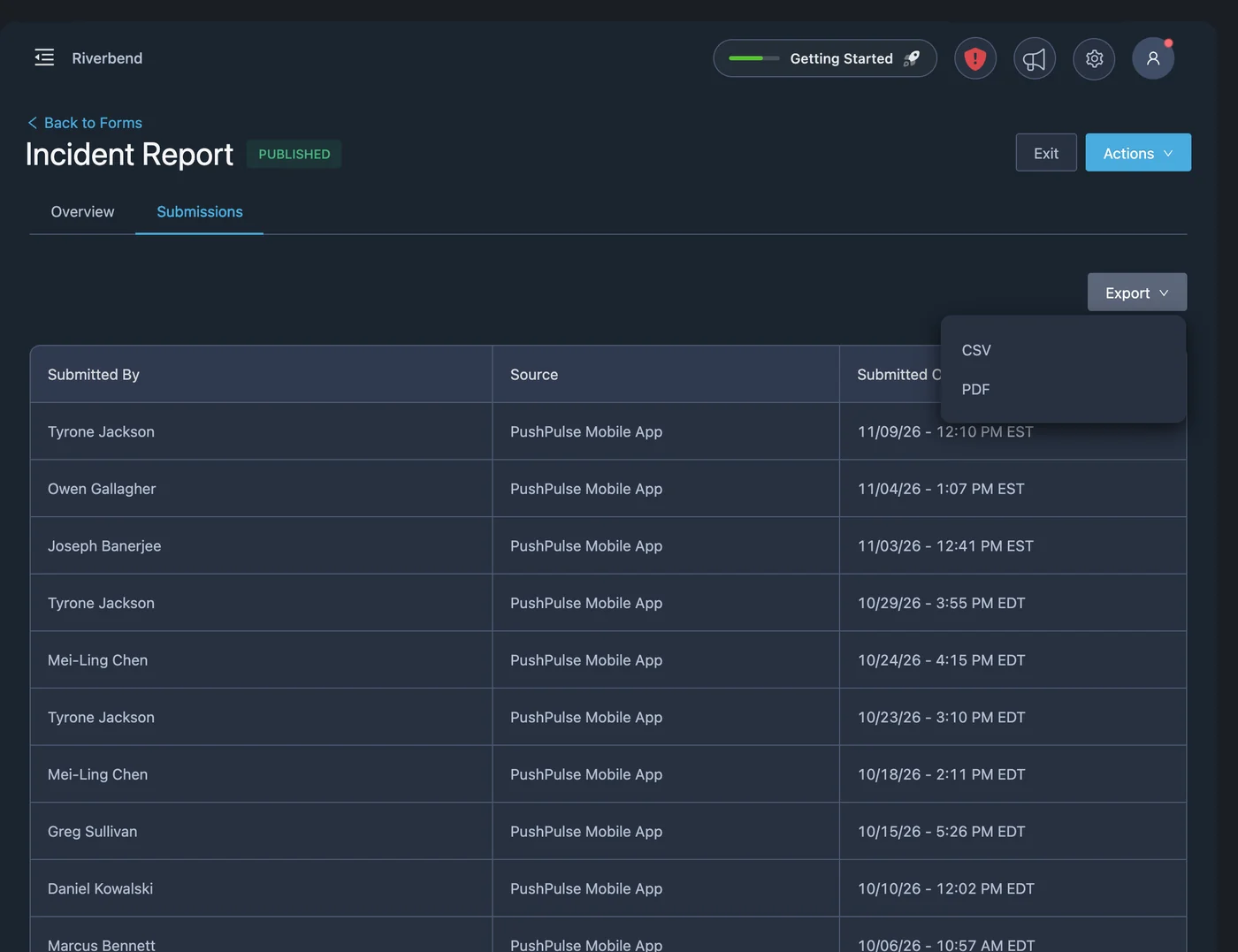
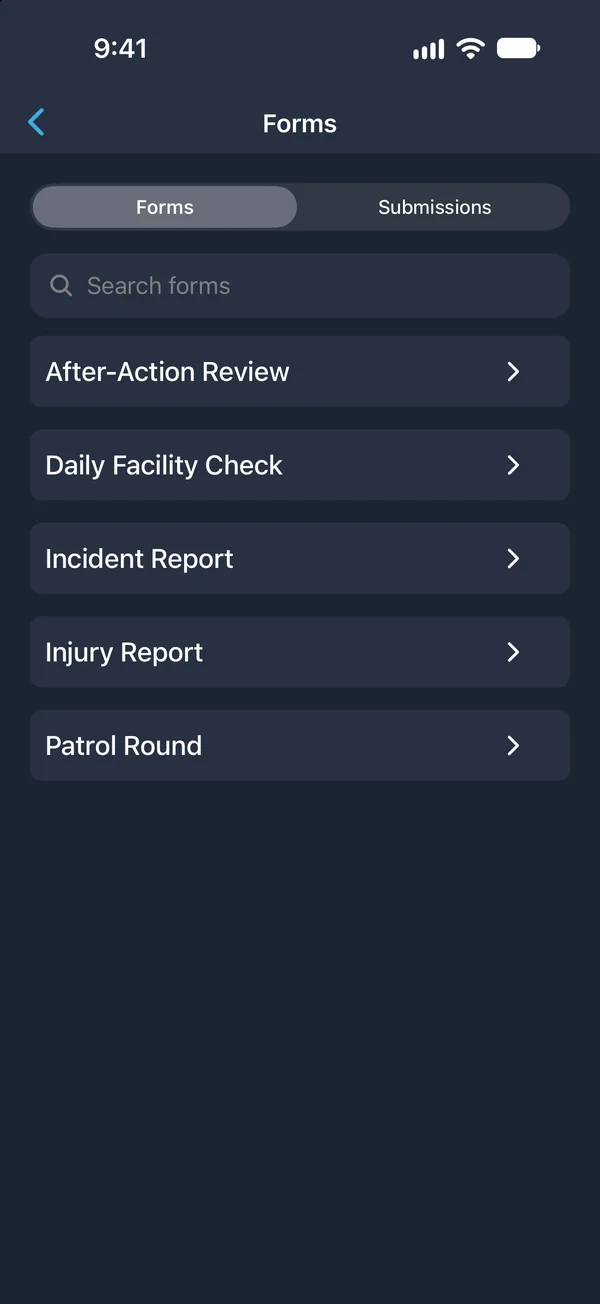
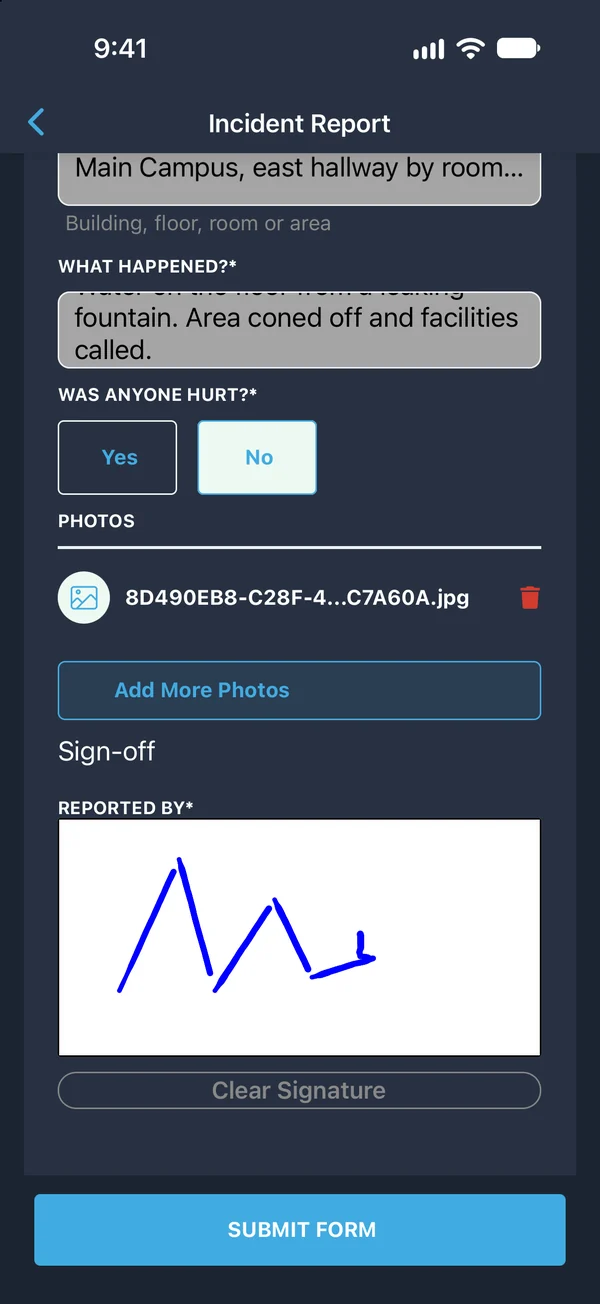
The Security Patrol Log, Incident Report, and Shift Handover Report are ready-made forms. Officers add photos from the camera, every submission records who filed it and when, and you export to CSV or PDF for the client.
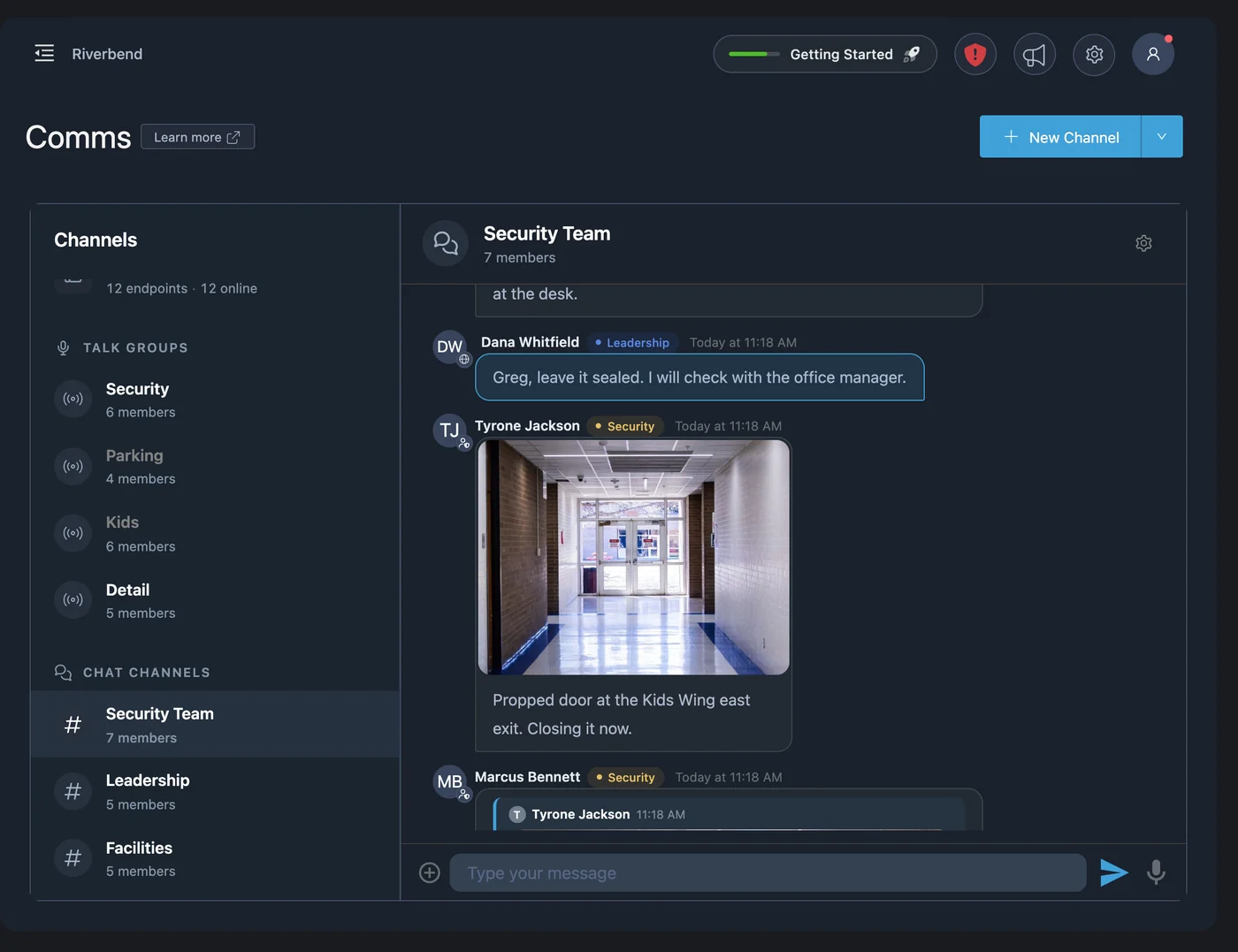
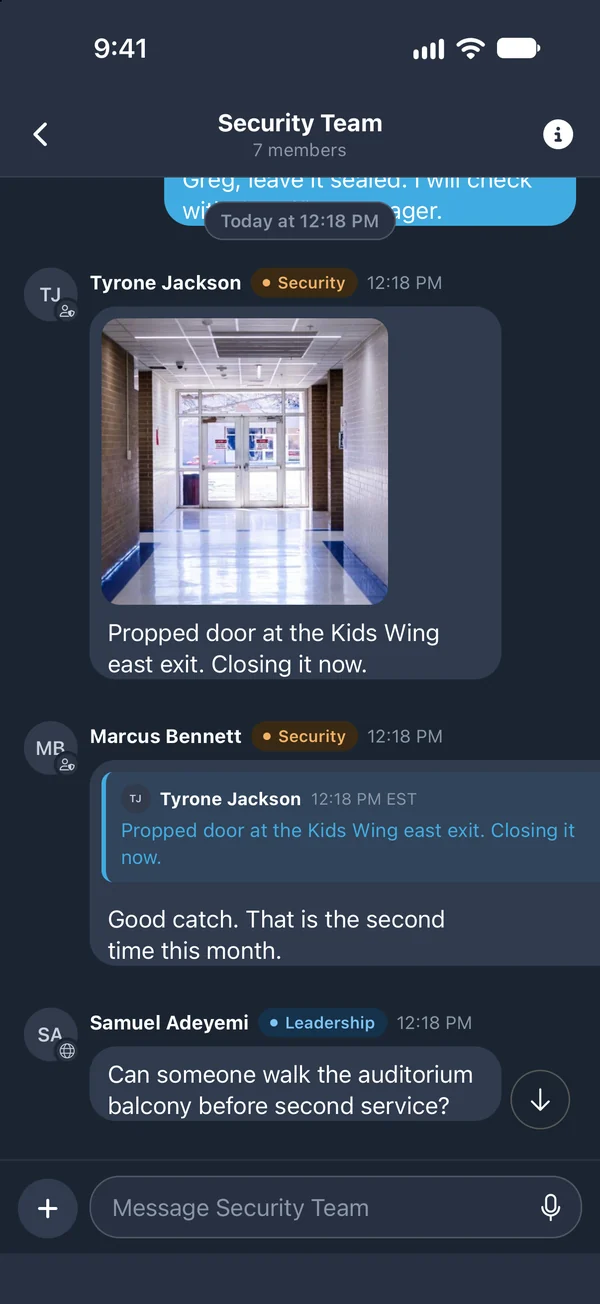
A team channel on every phone
Talk groups give each site or post its own live voice channel, chat carries photos and files, and post orders and BOLOs sit in the Document Library, available offline. An urgent BOLO goes out as an alert with a photo.
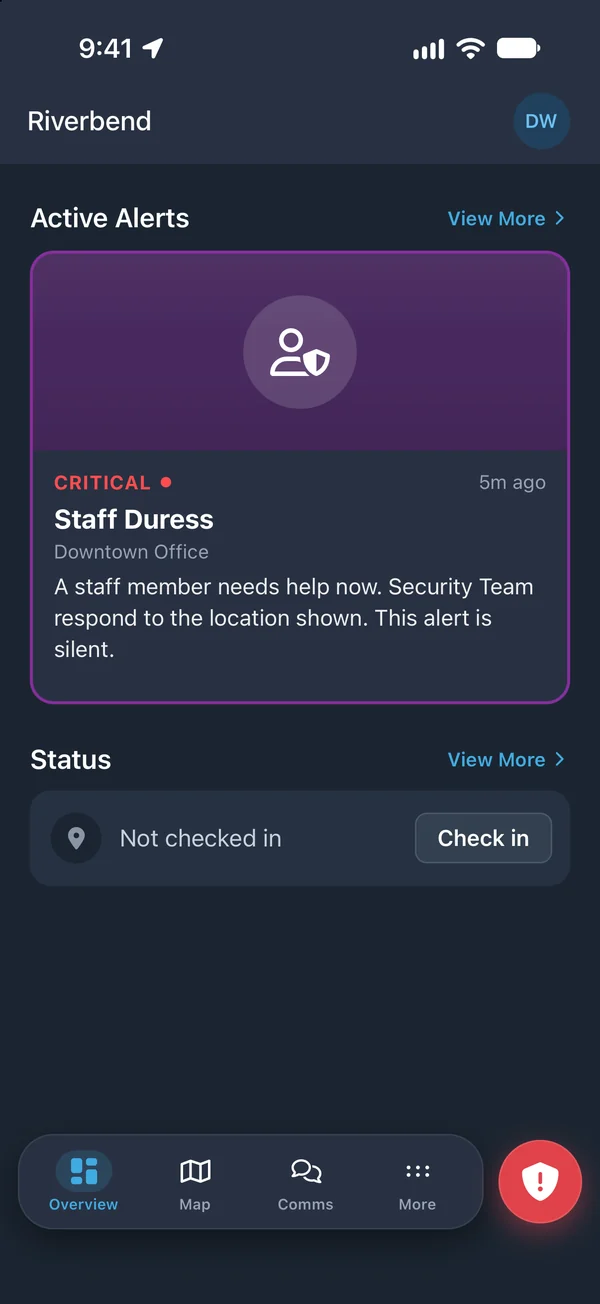
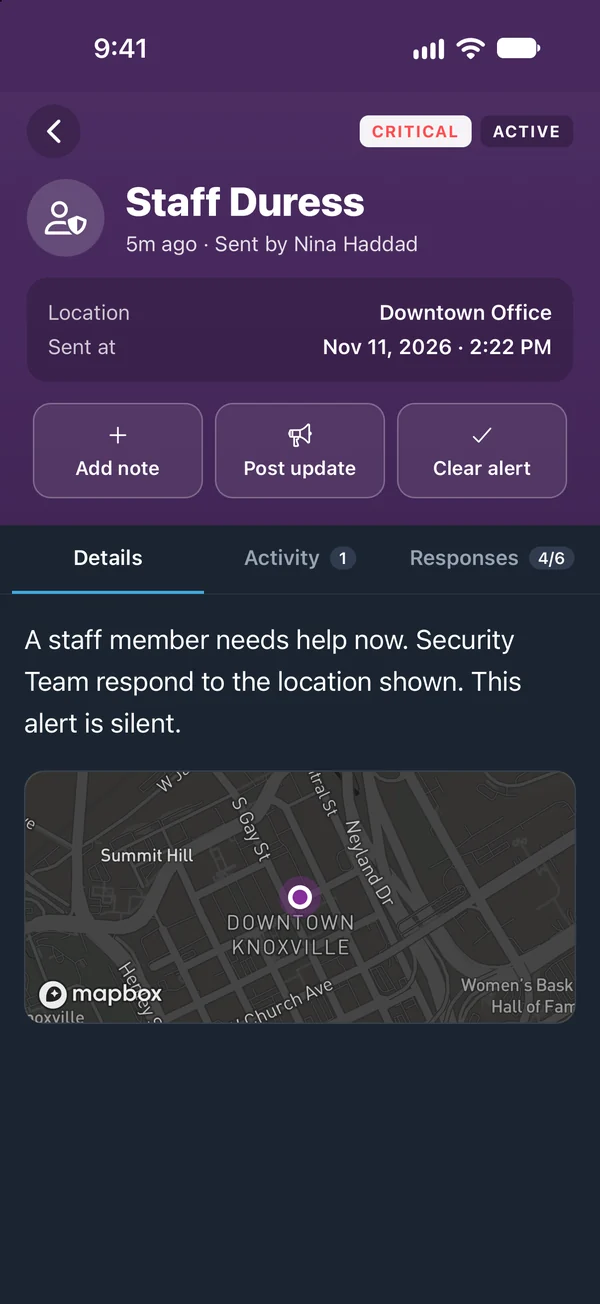
Backup for the officer on their own
A long-press in the app or a Bluetooth button sends a silent alert with who needs help and where. With location sharing set to on check in, supervisors see officers on the PushPulse Console map while they are on post.
For the office and the field
What each role gets from the same app.
See every post without calling it.
Check-ins show who is on site, the Console map shows officers sharing location on post, and incident history is searchable across sites.
Brief the team and hear from every post.
Talk groups and chat reach the shift, BOLOs go out with a photo, and the Shift Handover Report passes the night on to the day.
One app in place of a clipboard and a radio.
Scan checkpoints, file reports with photos, open post orders offline, talk to the team, and call for backup from the same phone.
Hand over a record, not a promise.
Export scans and reports to CSV or PDF, and export an incident as a PDF with its full timeline.
Security company questions
What does a security guard company app do?
How do guard tours work in PushPulse?
Is PushPulse a full guard management suite?
Is the voice feature push-to-talk?
Can officers see post orders without a signal?
See PushPulse in action
Upgrading your safety and operations strategy is easier than you think. Get a personalized walkthrough from our team.