


Apps
One platform on every screen your team uses.
PushPulse Mobile for phones, PushPulse Console in the browser, PushPulse Desktop for Windows and Mac, and PushPulse Hub for tablets. Each app is built for the job that device does, and an alert sent from one reaches all of them.
Four apps, each built for its job.
A safety platform has to reach people on whatever is in front of them: a phone in a pocket, a computer at a desk, or a tablet on the wall. PushPulse has an app for each one, and they share the same alerts, notes, and records.
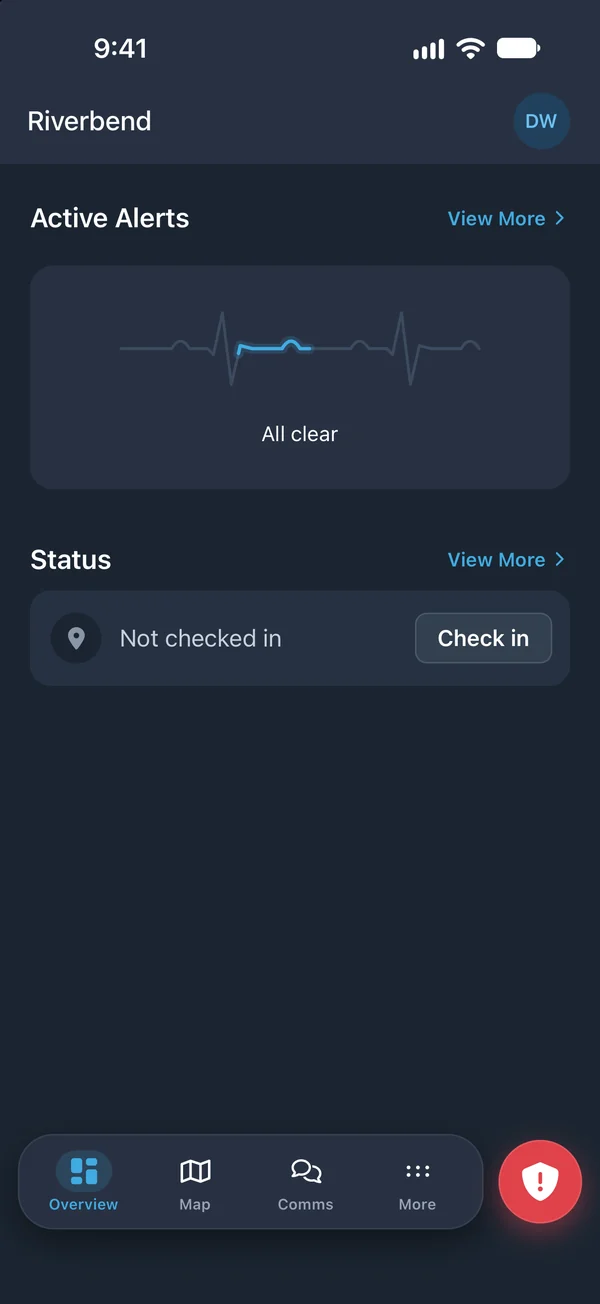
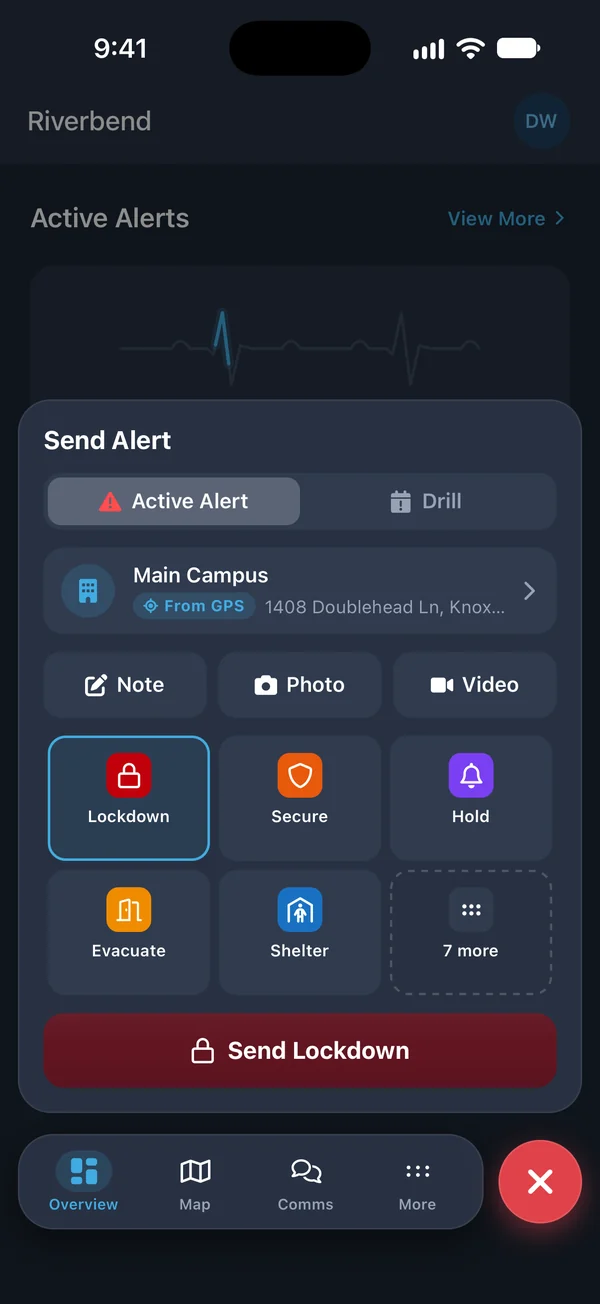
PushPulse Mobile: the full toolkit in a pocket
For most of your team, the phone is the device that is always with them. PushPulse Mobile lets them send and receive alerts, talk and chat with the team, file a form, open a procedure, and check in to a site.
- iOS and Android
- Long-press panic and alert templates
- Talk groups, chat, and paging
- Forms and the Document Library, with offline documents
- Map, check-in, and location sharing
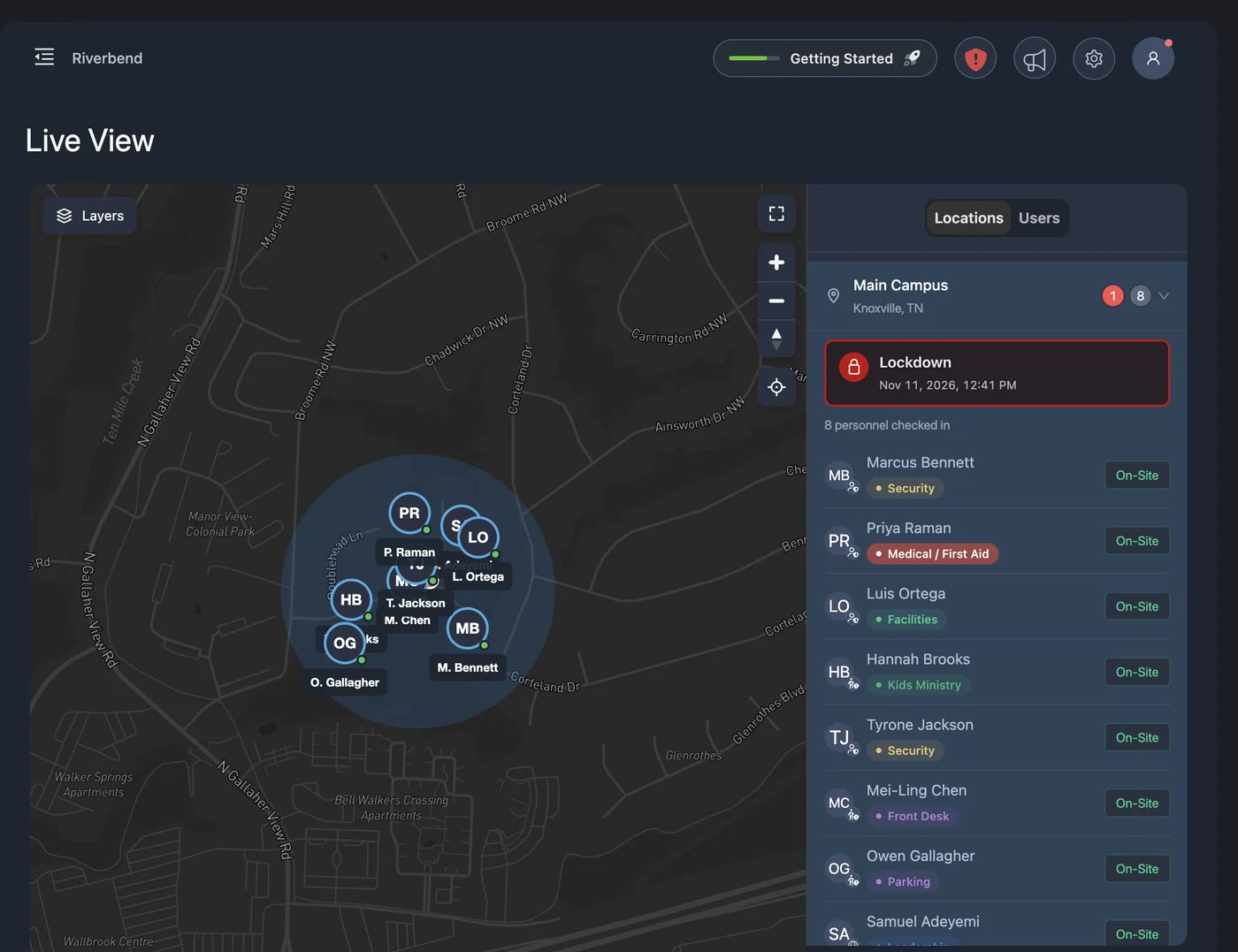
PushPulse Console: the command workstation
PushPulse Console is the web app where admins and dispatchers run the platform. Send an alert, follow an incident on the complete live map, review forms, and manage your users, groups, templates, and settings. It runs in a browser, so there is nothing to install.
- Runs in a web browser
- Quick alert button and the full incident view
- Complete live map
- Talk groups, chat, and paging
- Users, groups, templates, and settings
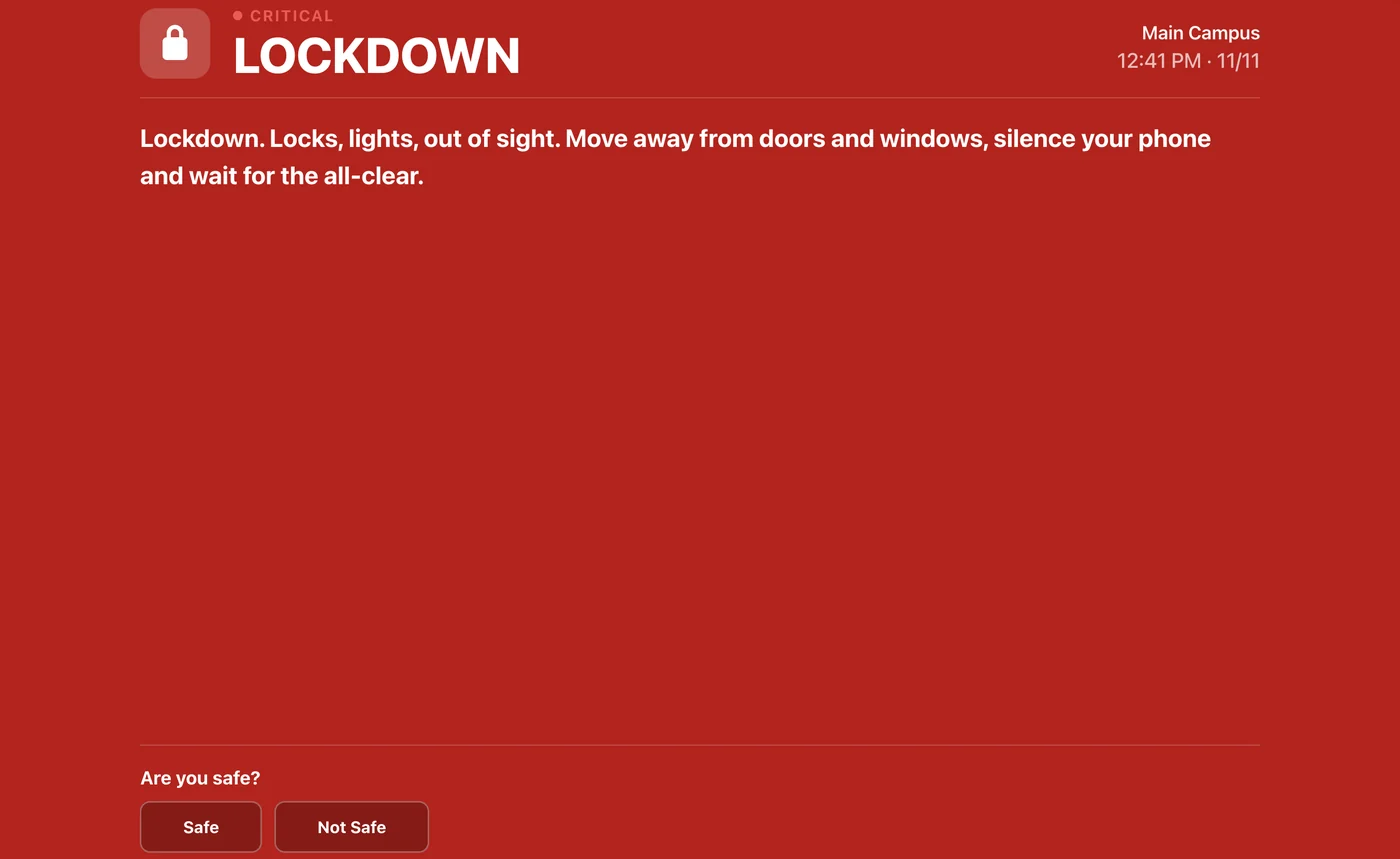
PushPulse Desktop: alerts at the desk
PushPulse Desktop is a small app for people who spend the day at a computer, such as a front office or reception desk. Alerts appear on the screen, and a keyboard shortcut or a USB or Bluetooth button sends a panic alert without picking up a phone.
- Windows and Mac
- Receive alerts on your computer
- Alerts shown full screen or as a ticker, banner, or toast
- Panic by keyboard shortcut, USB button, or Bluetooth button
- Alert notes and check-in
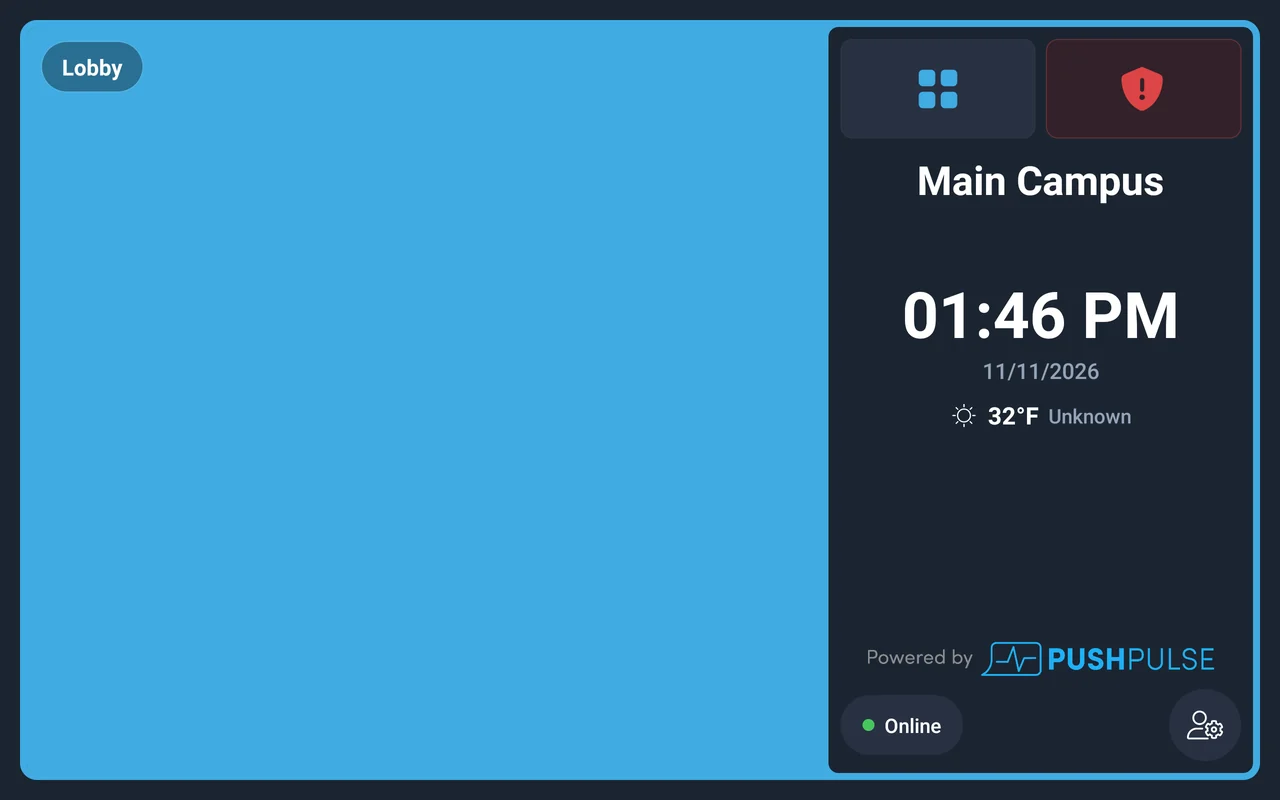
PushPulse Hub: the tablet on the wall
PushPulse Hub turns a tablet into a shared safety station for a room. Anyone can send an alert, hear a page, fill out a form, or read a procedure. Hub runs on the PushPulse Hub tablet, and on an iPad or Android tablet you already own.
- PushPulse Hub tablet, iPad, or Android tablet
- Send and receive alerts
- Receive voice pages by zone
- Forms, documents, and alert notes

Ready for your IT team
Larger organizations need the apps to fit how they already manage people and devices. For enterprise customers, PushPulse supports single sign-on, automatic user provisioning, and managed deployment of the mobile app.
- Single sign-on (SSO)
- SCIM user provisioning
- Mobile device management (MDM) support
- Available for enterprise customers
App questions
What apps does PushPulse have?
What is PushPulse Console?
What is the difference between PushPulse Console and PushPulse Desktop?
Which apps have talk groups and chat?
Does PushPulse work on an iPad?
Can admins manage PushPulse from a phone?
Does PushPulse support SSO and MDM?
See PushPulse in action
Upgrading your safety and operations strategy is easier than you think. Get a personalized walkthrough from our team.