

Missing Child / Code Adam
Every staff member looking for the same child in seconds.
When a child is missing, the first minutes matter most. PushPulse sends the description and photo to every staff phone and wall tablet at once, so exits are watched and the search starts right away.
The first minutes of a missing child response.
A missing child alert gets a description and photo to every staff member at the same time, so exits are covered before the child can leave the building. Many organizations call this a Code Adam response. Here is how it runs in PushPulse.
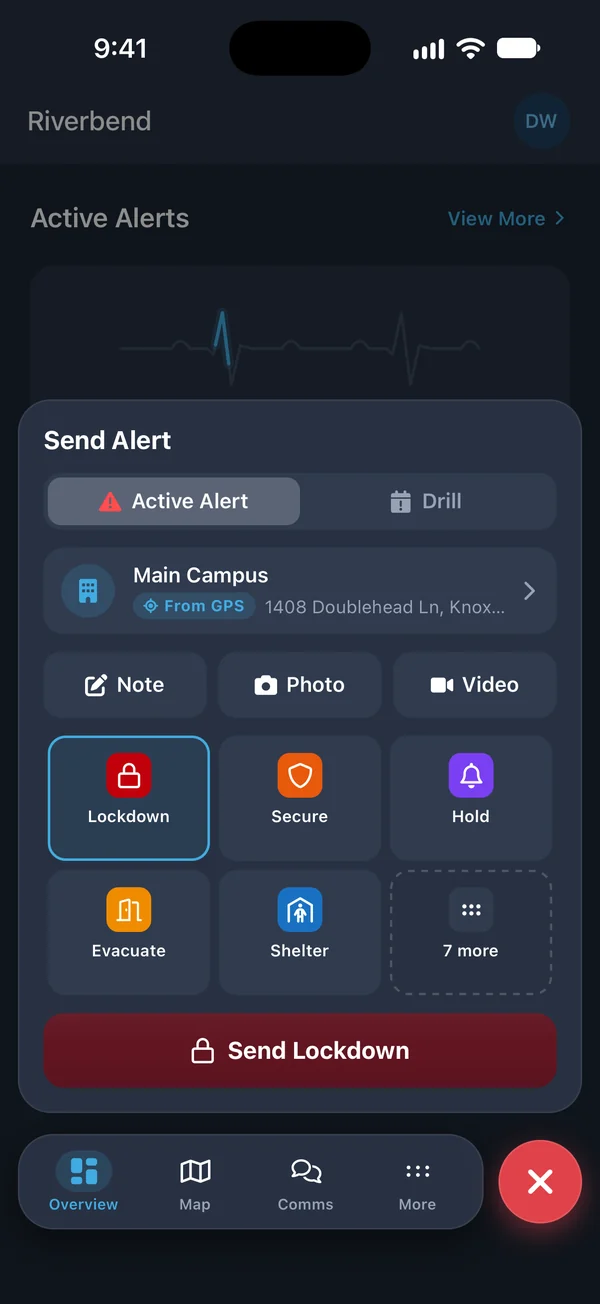
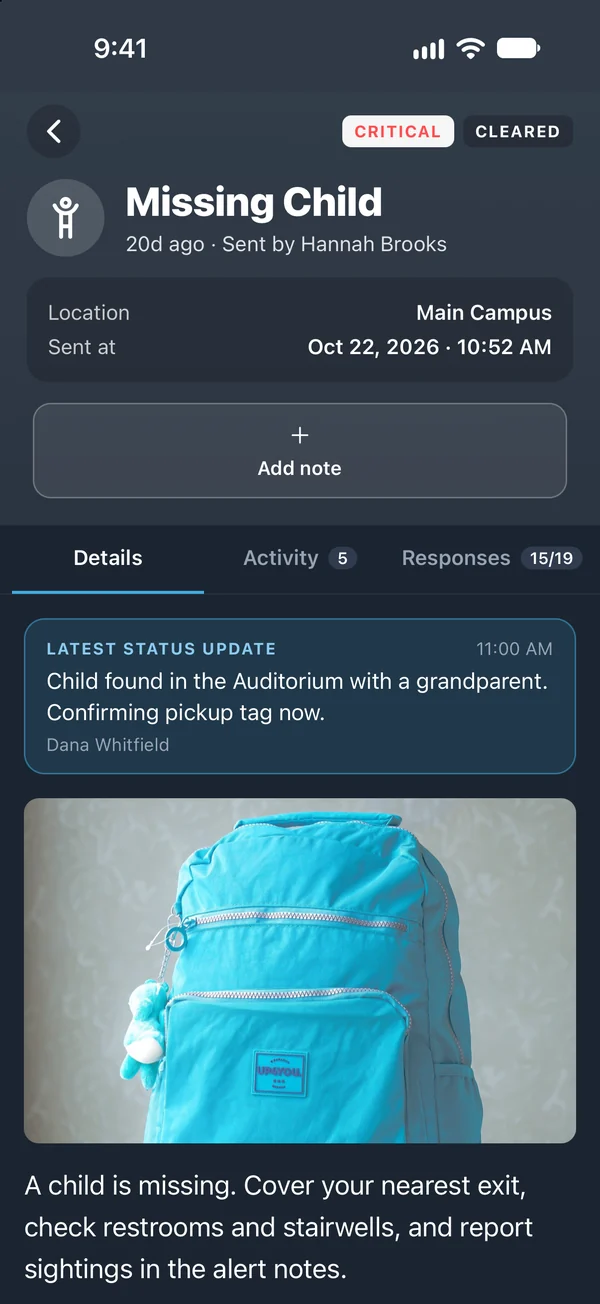
Send the description and the photo
A staff member opens the Missing Child template on a phone or a wall tablet. They type the name, clothing, and where the child was last seen into the additional details, attach a photo if the parent has one, and send.

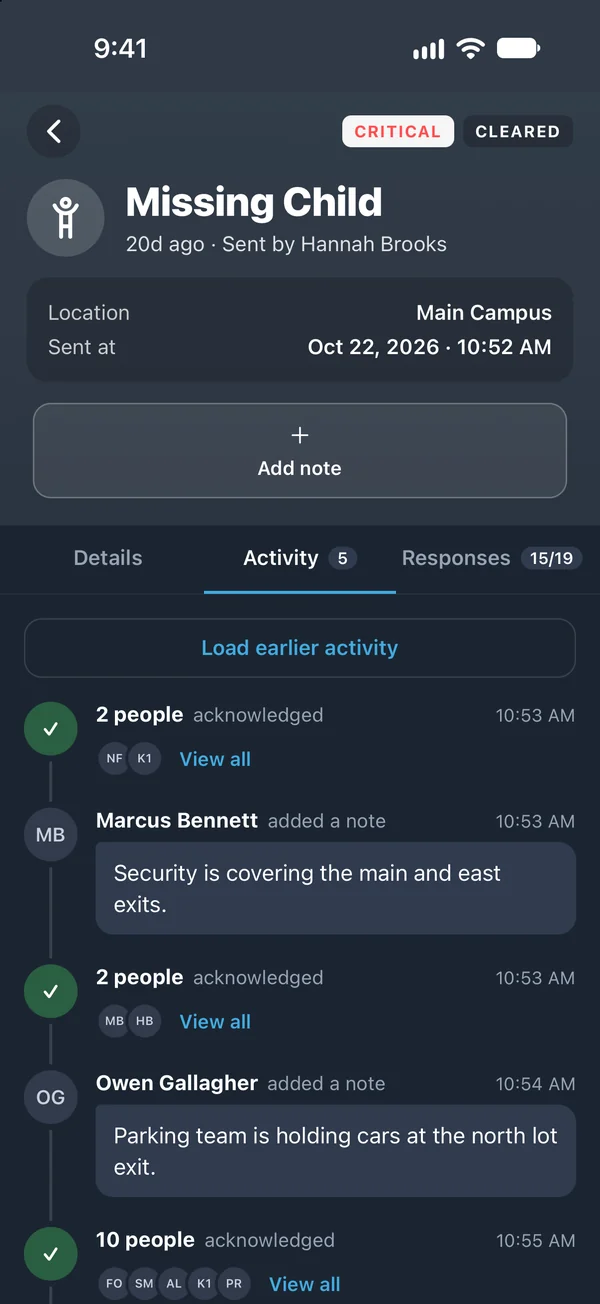
Every phone and wall tablet shows the child
The alert, with the photo, reaches staff in the app, by email, and by SMS, and appears on the PushPulse Hub tablets in each room. Send it to all staff, or start with the group closest to the child, such as the kids ministry team, and widen it with a second alert. With Planning Center or Rock RMS connected, you can alert only the people on the schedule that day.
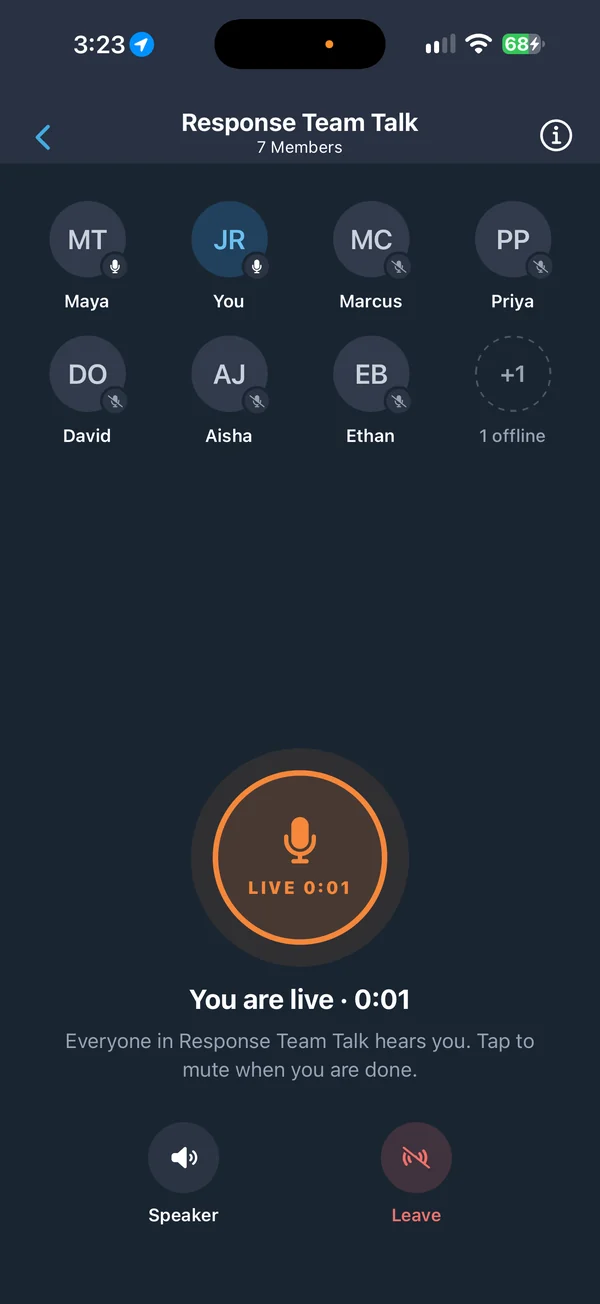
Cover the exits and coordinate the search
A voice page to the right paging zones tells rooms to watch their doors. Staff at the exits and staff searching share what they find in the notes on the alert, and use a talk group when they need to speak live.
Found, confirmed, and documented
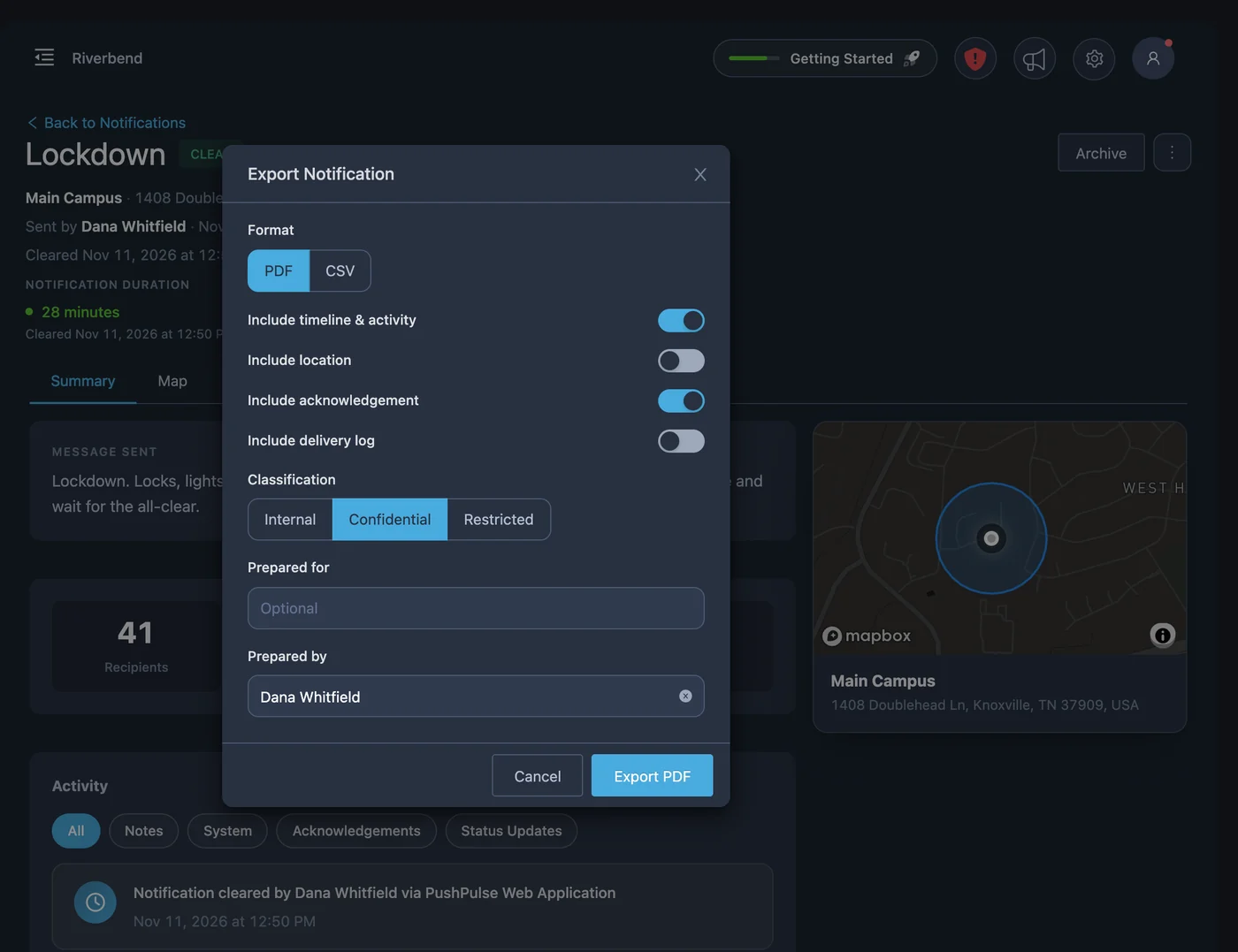
New information goes out as a status update to everyone who got the alert. When the child is found, the all-clear tells every staff member to stand down. The timeline is the record of the response, and an Incident Report form captures the follow-up for the family and your file.
Missing child questions
What is a Code Adam alert?
Can a missing child alert include a photo?
How do staff know what to do?
Who receives a missing child alert?
Can we practice a missing child response?
See PushPulse in action
Upgrading your safety and operations strategy is easier than you think. Get a personalized walkthrough from our team.