This release adds live location tracking and geofenced check-in, full admin controls in the mobile app, a training mode for practicing alert sending and response without notifying anyone, a redesigned alert experience, and phone-only invites for team members without a work email. Bluetooth panic buttons that pair to both tablets and the mobile app, role-based scheduling and certification tracking, and role-based shared threat intel are coming next.
PushPulse ships updates because the teams using it every day continue to give us great feedback to incorporate into the product. This round focuses on two things field teams have been asking for: less time tied to a desktop, and a faster, cleaner experience in the moments that actually matter.
What's new
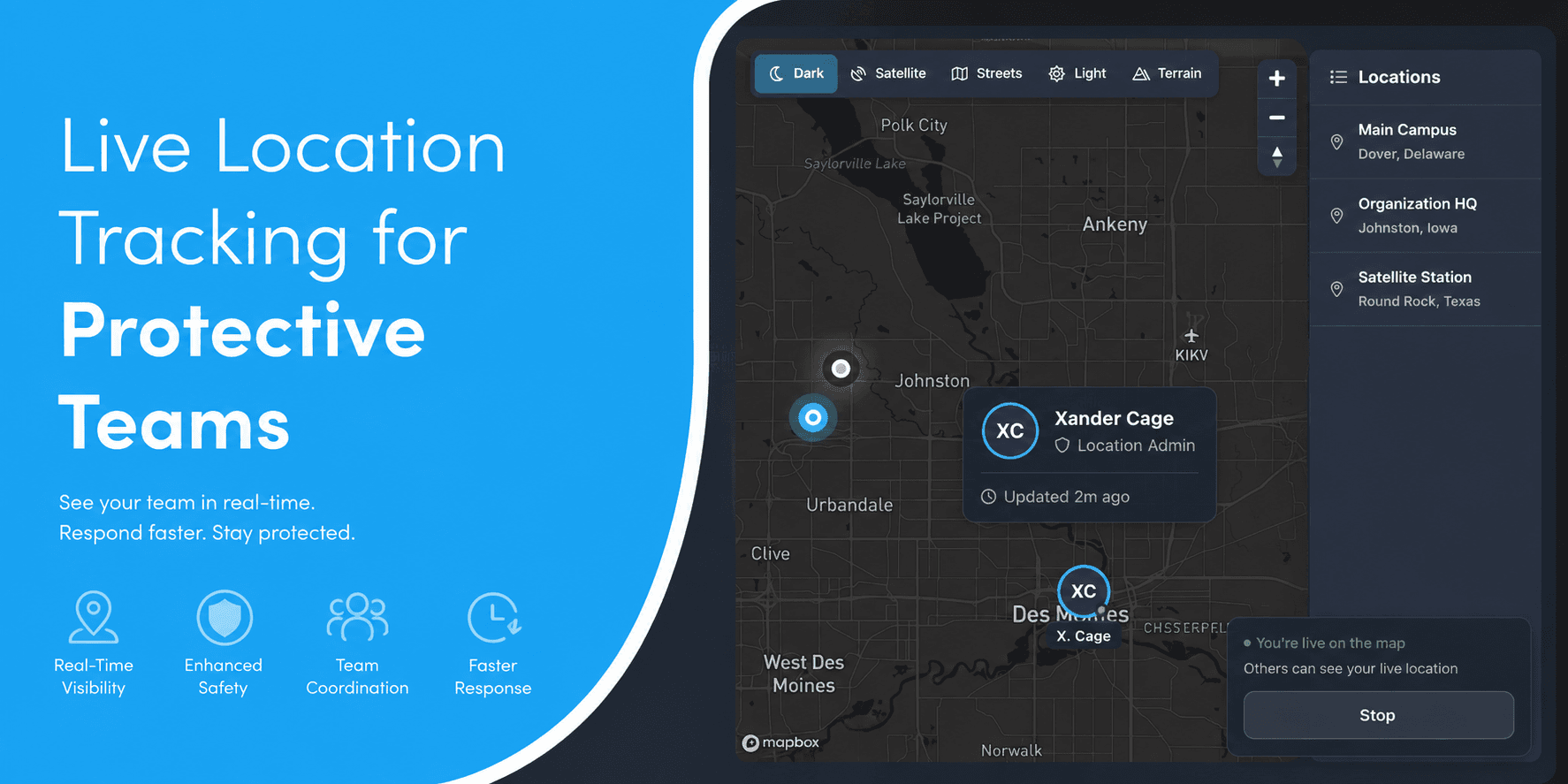
Live location tracking and geofenced check-in
Real-time position on a shared map, plus automatic check-in and check-out when a team member crosses into or out of a defined zone. We covered this in depth in a separate post on live location tracking and geofencing, including why it matters for executive protection details and guard companies specifically.


Admin controls, now in the mobile app
Adding or editing users, locations, org profile details, and comms channels used to mean logging into the web app. Now it's all available directly from the mobile app. A supervisor covering a site, a guard company manager between properties, or a church safety lead who's rarely at a desk can update the roster or fix a channel without waiting to get back to a computer.

Training mode for sending and managing alerts
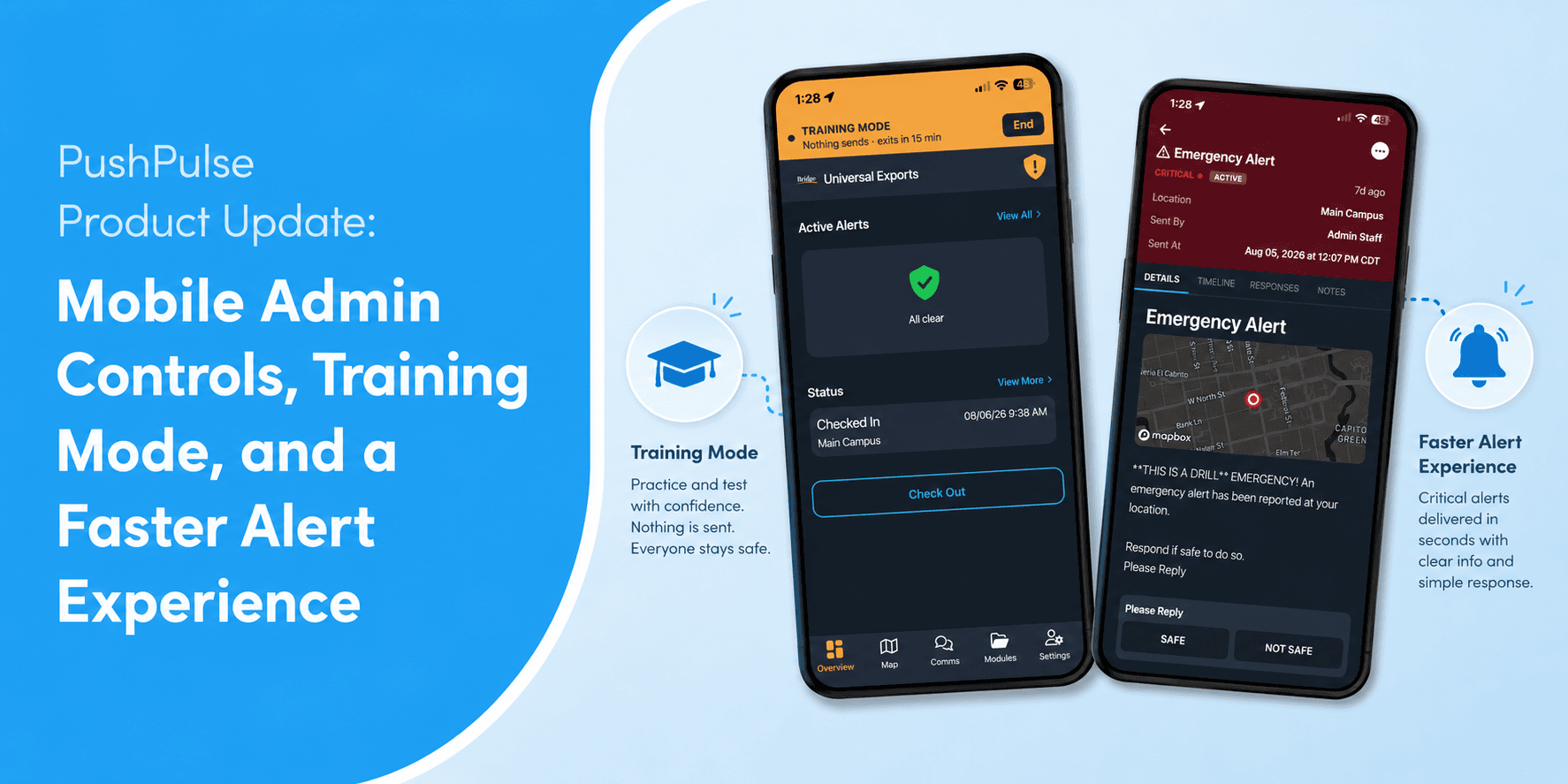
New team members can now practice sending and managing an alert, start a simulated alert, walk through its details, timeline, and responses, without anything actually going out. Nothing sends during a training session, no push, SMS, voice, or tablet takeover, and responses play back as a simulation so the practice looks and feels real. If a real emergency alert comes in mid-session, it breaks through immediately and ends the training, practice never gets in the way of an actual alert. Sessions auto-exit after 15 minutes, or can be ended anytime.
That matters most for teams with regular turnover: guard companies onboarding new hires, volunteer safety teams bringing on new members. People learn how to send and manage an alert before they're the one responsible for it during a real shift.


A cleaner, faster alert experience
Alerts got a visual refresh from top to bottom. Each alert now opens into a clear, severity-coded view with the location pinned on a map, and separate tabs for details, timeline, responses, and notes, so you're not scrolling through one long feed to find what you need. The responses tab shows a live tally, how many have replied and how many are still pending, broken out by response option, plus a recipient-by-recipient list showing exactly who's responded and who hasn't, whether that's a person or a tablet stationed at a post or entry point. When seconds matter, seeing who hasn't checked in yet at a glance is not a cosmetic detail.


Phone-only invites
Not everyone on a field team has a work email. Guard companies, part-time staff, and volunteer teams often onboard people who only have a phone number. Team members can now be invited and enrolled using just a phone number, no email address required.
Coming soon
We're teasing a few things still in development. None of these are available yet, but here's what's coming:
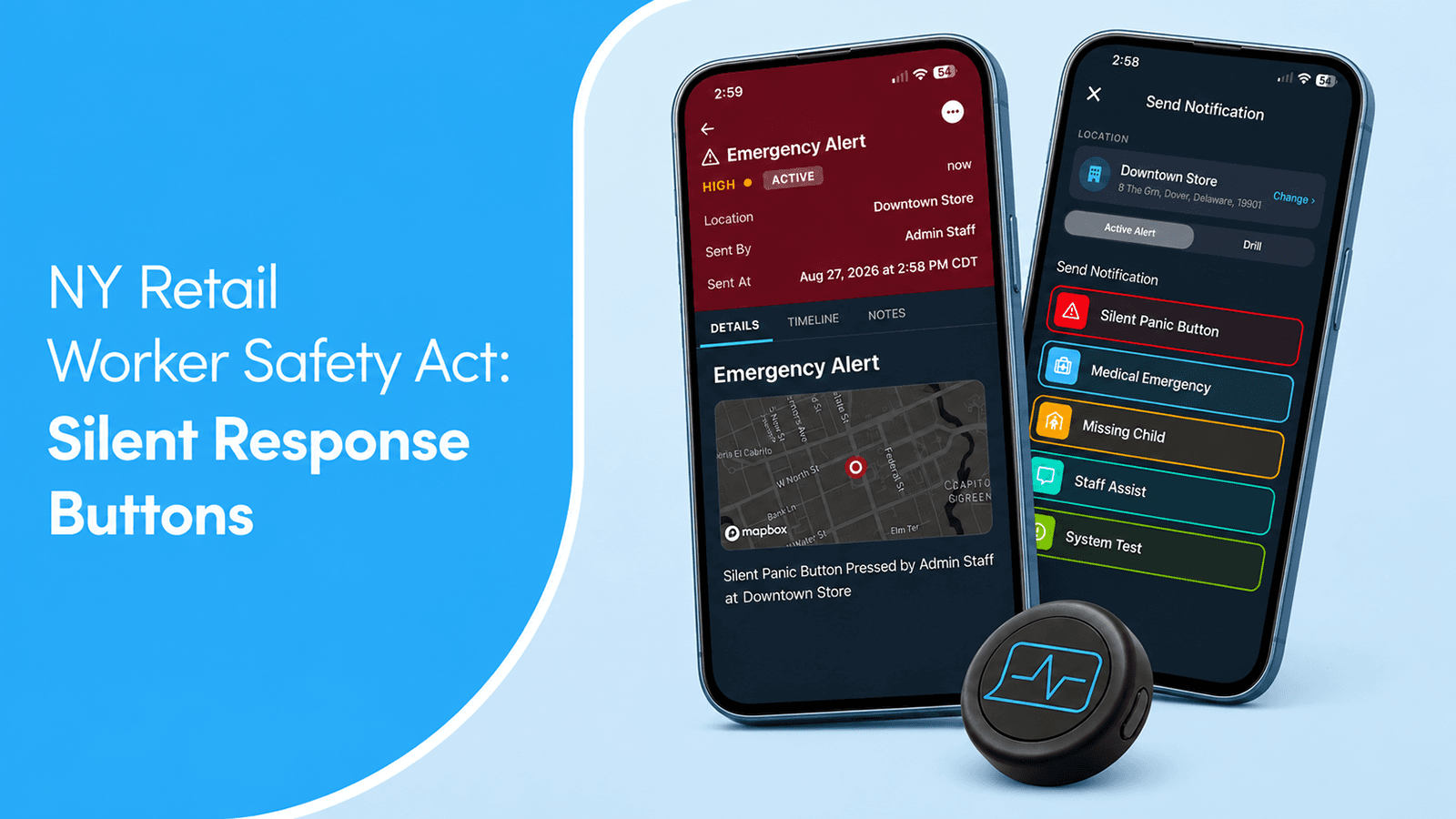
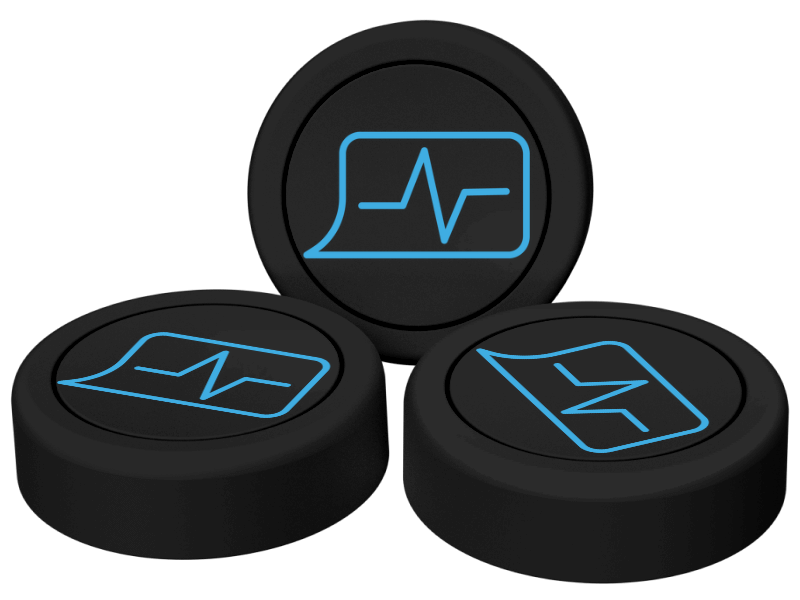
Bluetooth panic buttons that pair to tablet or mobile app.
A physical panic button that pairs directly with either a PushPulse tablet or the mobile app, so triggering an alert doesn't depend on someone carrying a dedicated device
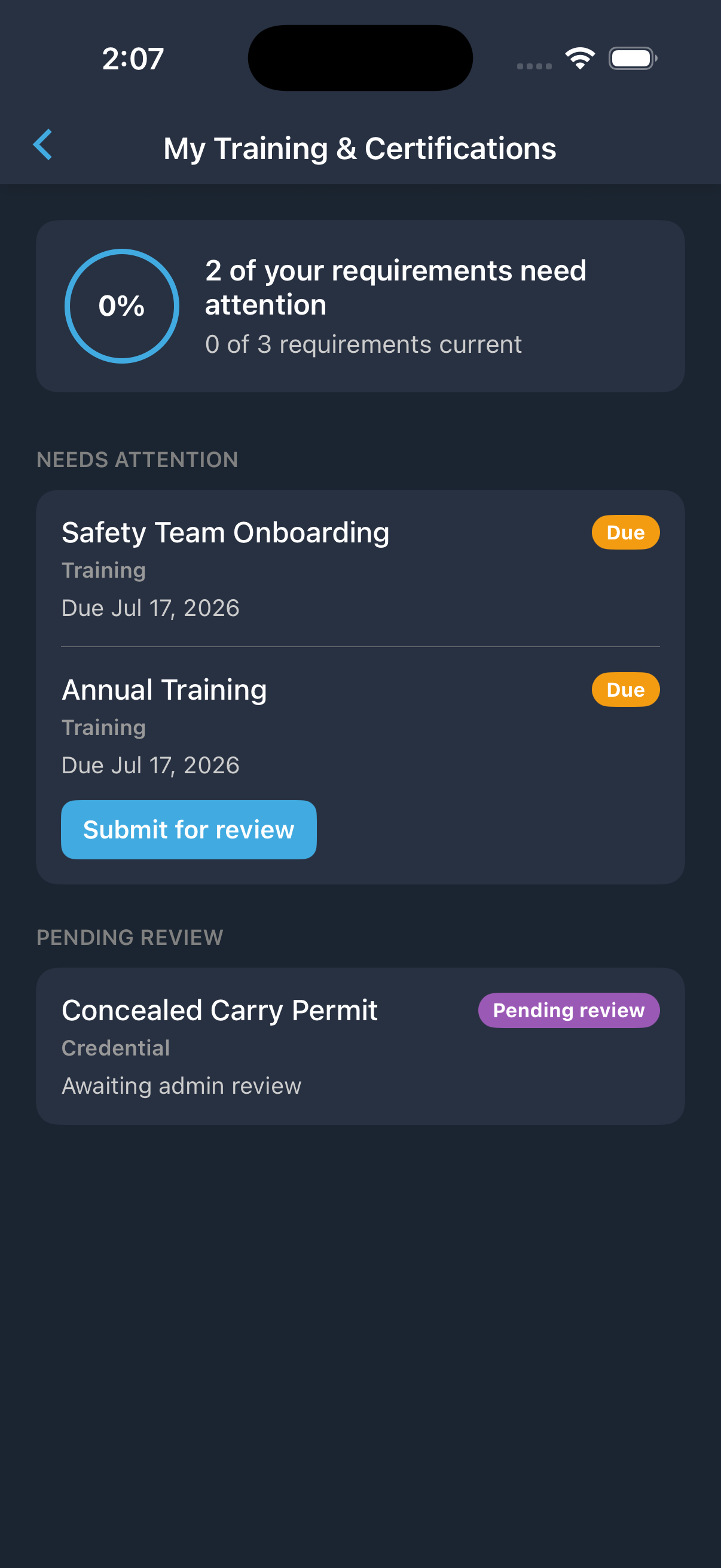
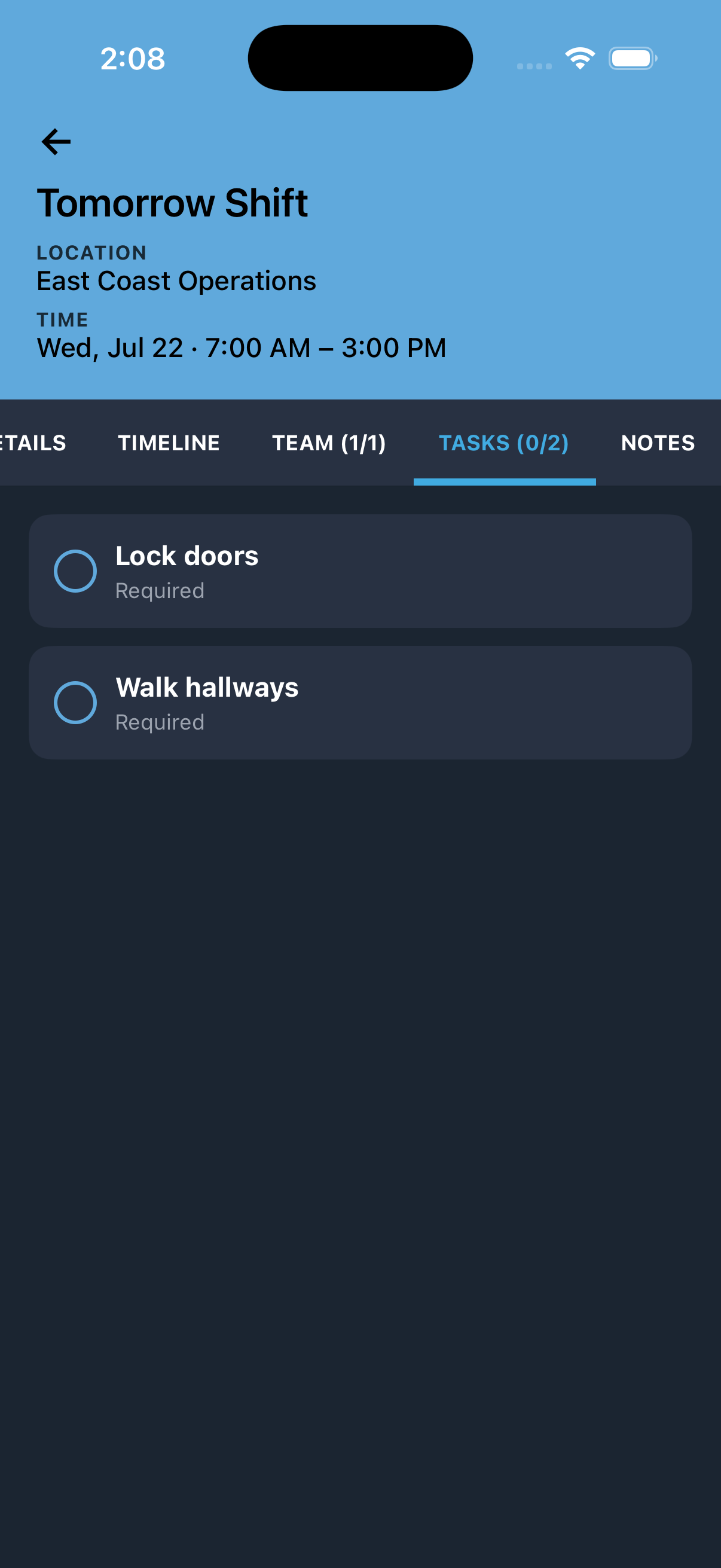
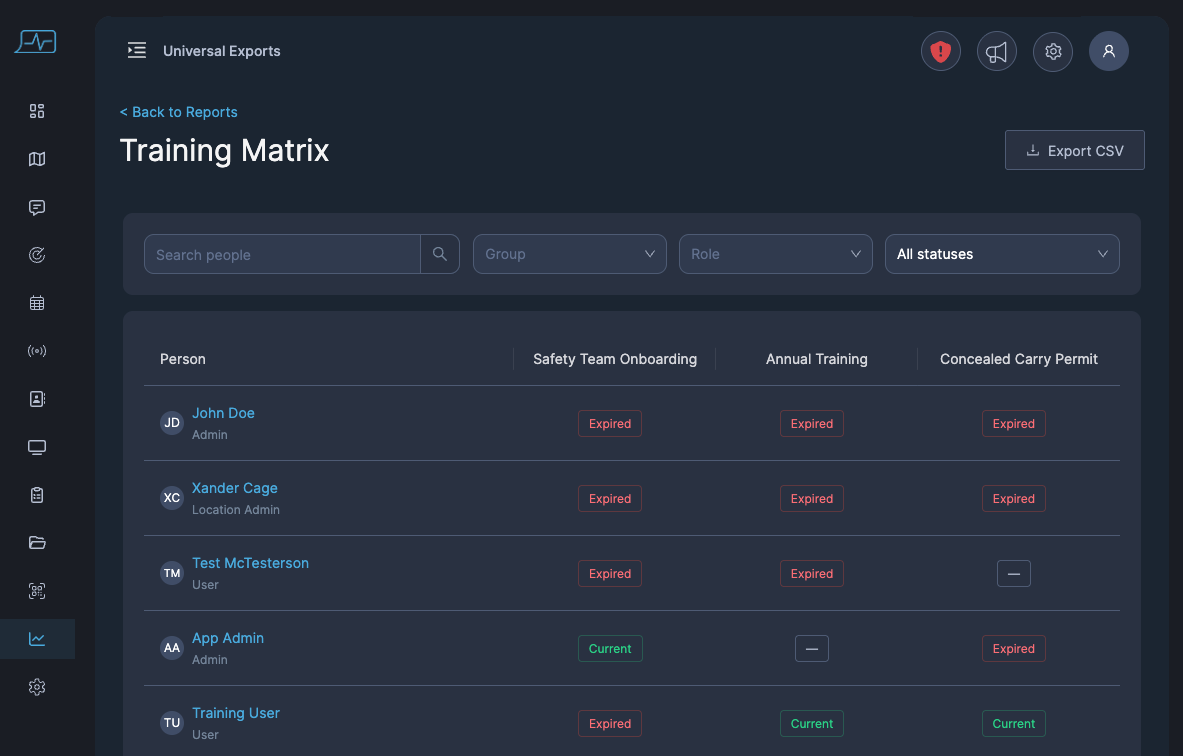
Scheduling and certification/compliance tracking.
Track shift schedules alongside required trainings, background checks, and certifications, available on mobile and visible by role, so only the people who need to see a given schedule or record can see it.
Shared threat intelligence.
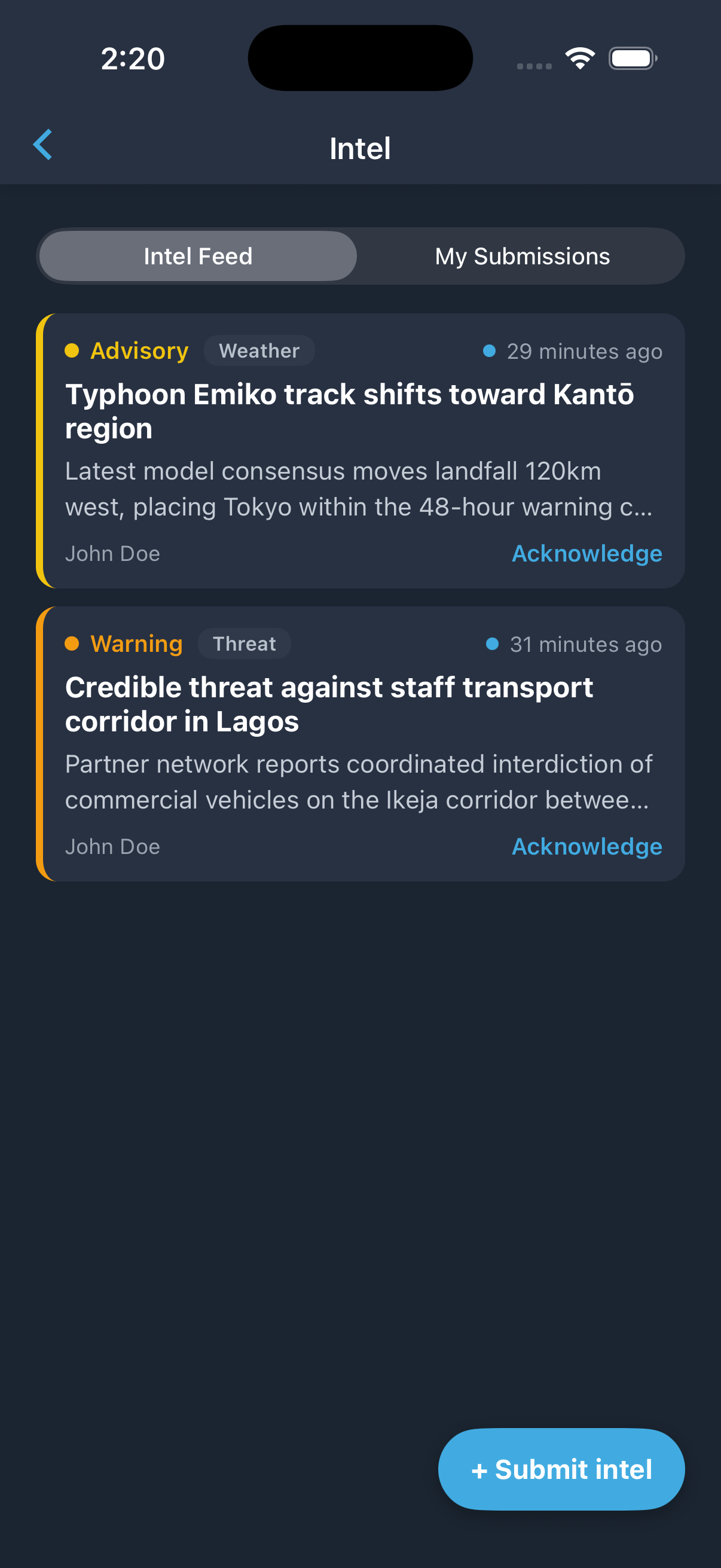
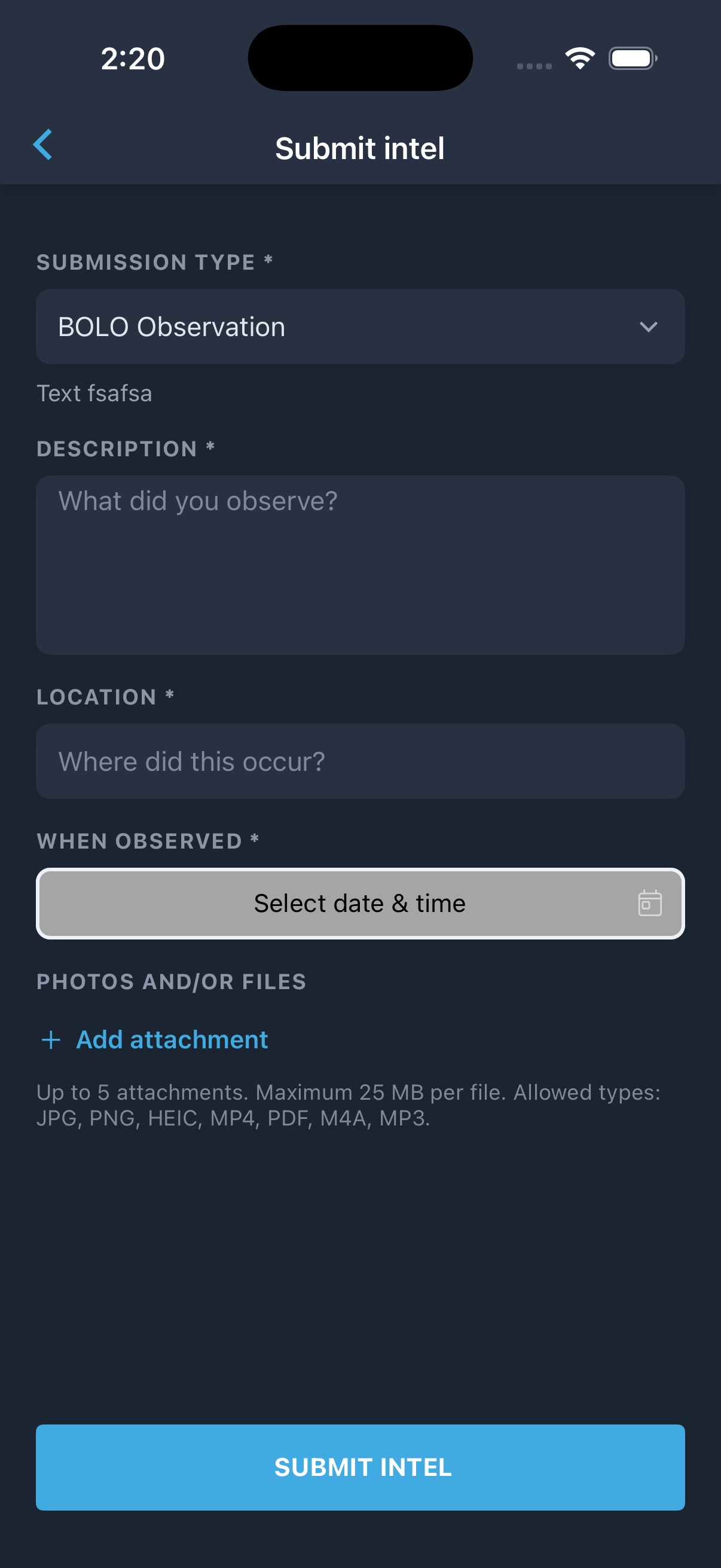
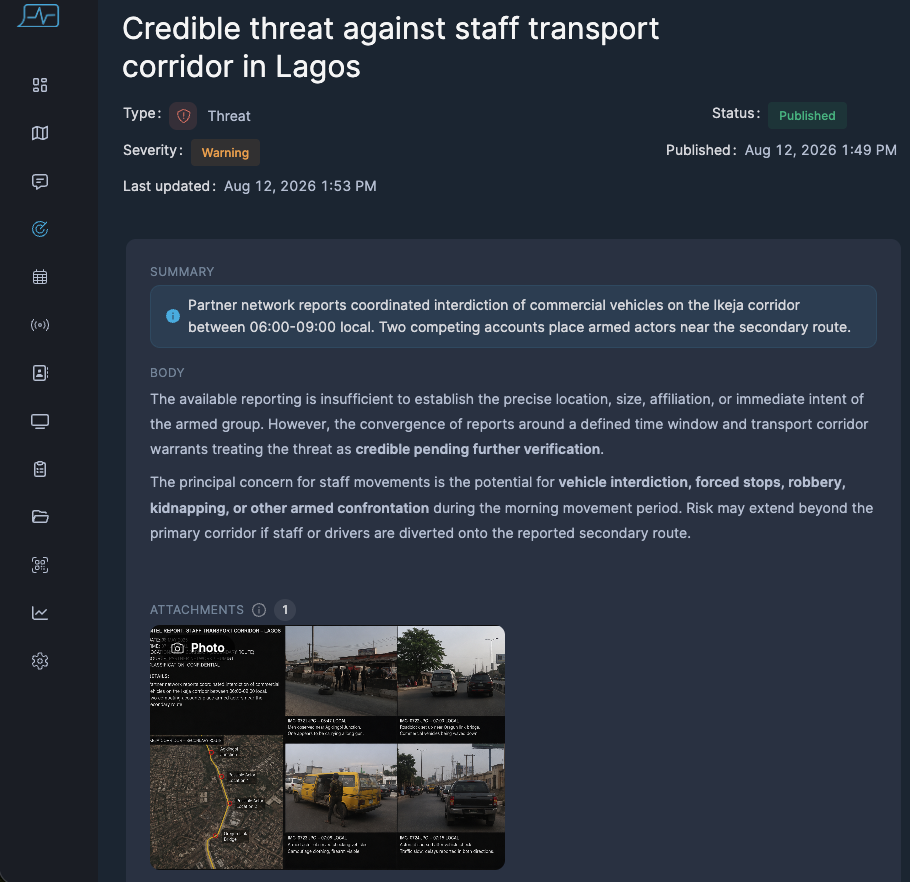
A two-way threat feed built into the platform your team already uses daily. Field teams can submit intel reports directly from the app, not just receive them, with visibility controlled by role and responsibility so sensitive intel reaches only the people with a need to know.
Ready to See What's New?
If it's been a few weeks since your team logged in, PushPulse looks and works differently today than it did last quarter.
We build based on what protective teams and guard companies actually run into in the field, not in a boardroom.
See how PushPulse can work for your team
Frequently asked questions
What is training mode in PushPulse? It's a practice environment for sending and managing alerts. Nothing sends and responses are simulated, but a real incoming alert still breaks through and ends the session immediately.
Can I invite team members who don't have an email address? Yes. Team members can now be invited and enrolled using only a phone number.
Can admins manage users and locations from the mobile app now? Yes. Adding and editing users, locations, org profile details, and comms channels no longer requires the web app.
Will Bluetooth panic buttons work with the mobile app? Yes, that's coming soon. Bluetooth panic buttons will pair with either a PushPulse tablet or the mobile app.
Is scheduling or certification tracking available now? Not yet. It's on the roadmap alongside shared threat intelligence.