Whether you're hosting a Sunday service for 2,000 congregants, a private school field day, or a large corporate security event, one truth holds across every gathering: if something goes wrong, how you communicate in the first 60 seconds matters more than almost anything else.
Most event organizers spend months planning logistics — venues, parking, catering, AV — and comparatively little time designing what happens when the unexpected occurs. A fire alarm triggers. A medical emergency unfolds on the floor. A severe weather alert comes in mid-ceremony. A suspicious person is reported near a children's area.
These aren't hypothetical scenarios. They happen. And when they do, a clear, pre-designed emergency communication plan is the difference between orderly response and chaos.
This guide walks you through how to build one — covering your staff, your vendors, and your attendees — so that everyone on your grounds knows exactly what to do, who to listen to, and how to stay safe.
Step 1: Start With a Risk Assessment Before the Event
Before you can design a communication plan, you need to know what you're communicating about. Every venue and event type carries its own risk profile.
Ask yourself:
What is the venue layout?
Are there multiple buildings, outdoor spaces, or hard-to-reach areas where people could be isolated during an emergency?
How large is the expected attendance?
A crowd of 200 and a crowd of 2,000 require very different alert distribution strategies.
What is the demographic makeup of attendees?
A church with a large elderly population or a school event with children requires special considerations for mobility assistance and reunification protocols.
What external risks exist?
Is the venue near a highway, industrial facility, or in an area prone to severe weather?
What vendors and contractors will be on-site?
Caterers, AV crews, parking attendants, and security contractors all need to be looped into your emergency protocols — but they often aren't.
Document your risks in a simple matrix: list the most likely scenarios (medical emergency, fire/evacuation, severe weather, active threat, power failure) and rank them by probability and potential impact. This becomes the foundation for your plan.
Step 2: Define Your Communication Hierarchy
One of the most common failures during an event emergency is a breakdown in the chain of command. Too many people trying to communicate at once — or worse, no one taking the lead — creates confusion and delays response.
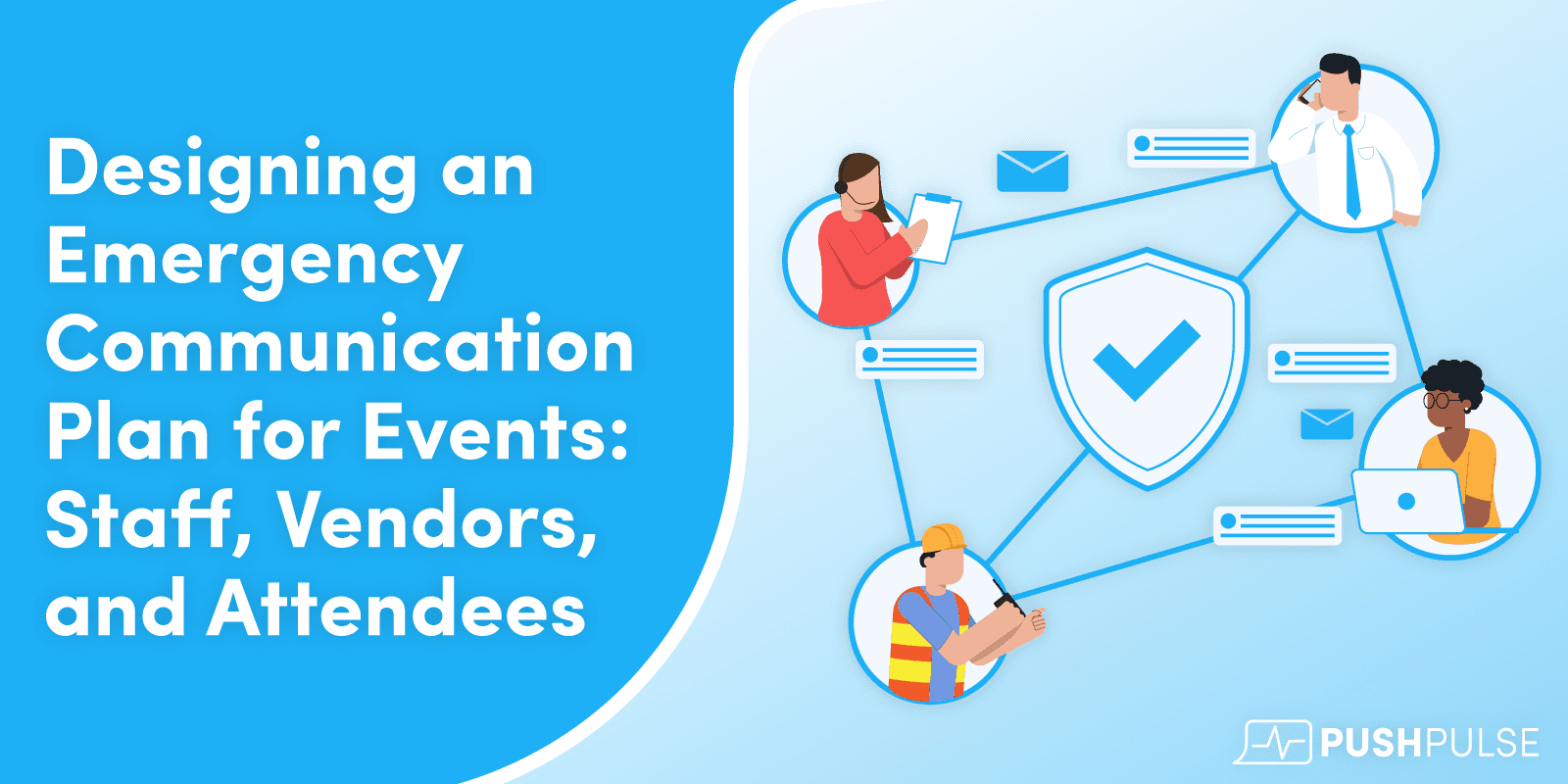
Establish a clear communication hierarchy before the event begins:
Incident Commander (IC): The single point of authority during an emergency. At a church, this might be the facilities director or head of security. At a school event, it might be the principal or operations manager. The IC is the only person authorized to escalate to full-site alerts.
Zone Leaders / Floor Captains: For larger events, break the venue into zones (north parking, main hall, gymnasium, outdoor pavilion, etc.) and assign a responsible person to each. Zone leaders communicate upward to the IC and downward to attendees in their area.
Communications Coordinator: This person manages the technology — sending alerts via your emergency notification platform, monitoring incoming reports, and logging what's happening in real time.
Vendor Liaison: Designate one person on your team whose job is to keep vendors and contractors informed. Vendors often have their own radios and chains of command; your liaison bridges the two.
Write this hierarchy down. Put it on a laminated card that every key staff member carries. Don't assume people will remember it under pressure.
Step 3: Build a Tiered Alert System
Not every incident requires the same level of response. Shouting "EVACUATE NOW" for a minor kitchen smoke alarm creates unnecessary panic. Conversely, treating a genuine security threat as a minor inconvenience can cost lives.
Design a three-tier alert system:
Tier 1 — Informational (Staff Only): A low-level issue requiring monitoring or minor action. Examples: a vendor reports a minor injury, parking is blocking an emergency lane, a guest reports a suspicious item. Staff are notified via your alert platform; attendees are not yet informed.
Tier 2 — Precautionary (Staff + Vendors): A situation that may escalate and requires vendors and all staff to prepare. Examples: severe weather approaching within 30 minutes, a credible disturbance nearby, a medical emergency requiring EMS on-site. Staff and vendors receive detailed alerts; attendees may receive a calm, general advisory.
Tier 3 — Emergency (All — Staff, Vendors, and Attendees): An immediate threat requiring action from everyone on the grounds. Examples: fire, active threat, tornado warning with imminent strike, structural emergency. All parties receive clear, directive alerts via every available channel simultaneously.
This tiered model prevents over-communication (which breeds complacency) and under-communication (which causes panic). It also ensures your team is always a step ahead of the public-facing message.
Step 4: Communicate With Staff — Before and During the Event
Your staff are your first line of response. They need to know the plan cold before the event starts.
Pre-Event Briefing: Hold a 15–20 minute all-hands briefing 30–60 minutes before doors open. Cover the event layout, assigned zones, the communication hierarchy, and the location of emergency equipment (AEDs, fire extinguishers, first aid kits). Review at least two likely scenarios and walk through the expected response.
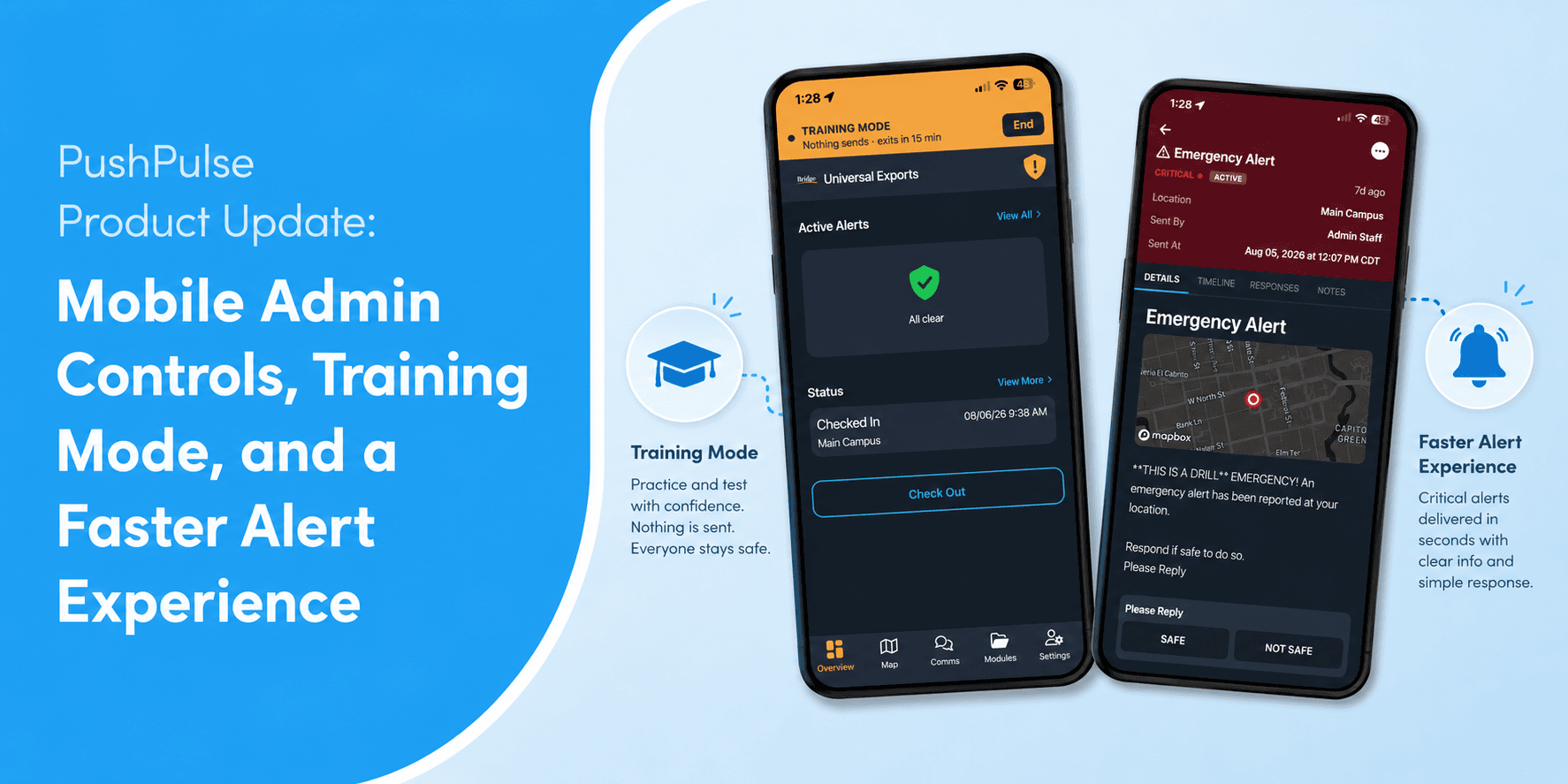
Equip Every Key Staff Member With Alerts: Every zone leader, security team member, and supervisor should be enrolled in your emergency notification platform — such as PushPulse — so they receive geo-targeted alerts instantly on their mobile device. Don't rely on walkie-talkies alone; they fail, batteries die, and coverage can be spotty in large venues.
Establish a Staff Check-In Protocol: During the event, zone leaders should check in with the IC on a set schedule (every 30–60 minutes). This keeps everyone situationally aware and ensures emerging issues surface before they escalate.
Designate Alternates: For every critical role, identify a backup. If your IC has to respond to a medical emergency, someone needs to be ready to step into the communications chair.
Step 5: Loop in Vendors and Contractors — Don't Treat Them as an Afterthought
This is the step most organizations skip — and it regularly causes problems.
Vendors and contractors may represent 20–40% of the people working your event. During an emergency, they can be tremendous assets or serious liabilities depending on whether they've been prepared.
Include Vendors in the Pre-Event Briefing: Even a 5-minute standalone briefing covering evacuation routes, muster points, and who to report to is vastly better than nothing. Provide them with a simple one-page reference card.
Share Contact Protocols: Give every vendor supervisor your Communications Coordinator's direct number and instruct them to report any safety concern immediately — no matter how minor it seems.
Onboard Vendor Supervisors Into Your Alert System: With PushPulse, you can create distinct notification groups. Add vendor supervisors to a "Vendors & Contractors" group so they receive Tier 2 and Tier 3 alerts in real time. They don't need access to all internal communications — just what they need to respond safely.
Discuss Vendor-Specific Risks: A catering team working with open flame has specific hazards. An AV crew running cables across walkways creates trip and electrical risks. Walk through these with each vendor group so they know what to watch for and who to notify.
Step 6: Communicate With Attendees — Clearly, Calmly, and Through Multiple Channels
Communicating with attendees during an emergency is an art. Panic is contagious. Misinformation spreads faster than the truth. Your goal is to deliver clear, directive, calm messages that tell people exactly what to do — not just what's happening.
Prime Your Audience Before the Event Starts: A brief announcement from the stage or a slide on the main screen before the program begins can cover exit locations, where to gather in case of evacuation, and how attendees will receive emergency information. This isn't morbid — it's the same thing every airline does before takeoff. Attendees appreciate it.
Use Multiple Channels Simultaneously: During an emergency, don't rely on a single channel. Use your PA system AND your digital signage AND your emergency notification platform. People have headphones in. People are in bathrooms. People are outside. Redundancy in messaging is responsible planning.
Design Message Templates in Advance: Trying to write a public-facing emergency message while an incident is unfolding is extremely difficult. Pre-write your templates for each scenario. PushPulse allows you to store and quickly deploy pre-built alert templates so your team can activate a message in seconds without composing it under pressure.
Example evacuation template: "Attention: Please calmly exit the building using the nearest marked exit. Move to the designated assembly area in the [north/south/east/west] parking lot. Do not use elevators. Staff are available to assist. We will provide updates as soon as possible."
Train Staff on Public-Facing Language: "Please move toward the exits now" is more effective than "There might be an emergency." Uncertainty breeds panic; direction reduces it.
Plan for Special Needs: Identify attendees who may need evacuation assistance — people with mobility limitations, families with young children, elderly guests. Assign staff specifically to assist these individuals.
Step 7: Plan for Post-Incident Communication
The emergency itself is only part of the story. How you communicate after an incident shapes trust, compliance, and your organization's reputation.
All-Clear Notifications: Once the incident is resolved, send an explicit all-clear to staff, vendors, and — when appropriate — attendees. People need to be told when it's safe to resume normal activity.
Reunification Protocols: For school events, have a formal parent-student reunification protocol with a designated location and process. Communicate this to families in advance, not in the middle of an incident.
After-Action Debrief: Within 24–48 hours of any incident, gather your key staff and walk through what happened: What did the communication plan do well? Where did it break down? What would you change? Your plan should be a living document that improves after every activation.
Stakeholder Communication: For churches and private schools, leadership will want to communicate with their broader community after any notable incident. Prepare a brief, factual, reassuring message and send it through your normal channels (email, app, website).
Step 8: Choose the Right Technology to Power Your Plan
A well-designed plan is only as good as the tools used to execute it. When evaluating emergency communication technology for events, look for:
Multi-channel delivery: Can you send alerts simultaneously via SMS, push notification, email, and in-app message? Different people receive information differently, and you need to reach everyone at once.
Pre-built message templates: Can your team deploy a pre-written alert in under 30 seconds?
Audience segmentation: Can you send a detailed tactical message to staff and a simpler message to attendees at the same time? Segmentation prevents oversharing sensitive operational details with the public.
Two-way communication: Can staff report incidents back to command? Situational awareness is only possible if information flows both directions.
Geo-targeting: Can you alert only the people in a specific zone or building, rather than blasting everyone on the grounds for a localized incident?
Simple activation: Is the interface clean enough that a stressed team member who has never activated an alert before can do it correctly the first time?
PushPulse is built with exactly these scenarios in mind — for the operations directors, security leaders, and facilities managers who are responsible for keeping people safe when things go sideways.
A Final Word: Practice Makes the Plan Real
You can design the most thorough emergency communication plan in the world, but if your team has never practiced it, it will fail when it counts. Run a tabletop exercise before your next major event — walk your key staff through a scenario step by step, talk through who sends what alert and when, and identify the gaps before they matter.
The organizations that handle emergencies best aren't necessarily the ones with the most resources. They're the ones that planned, prepared, and practiced — and they have the tools to act in the moments when it counts most.
PushPulse is an emergency alert and incident management platform built for operations, facilities, and security leaders at churches, private schools, and security organizations. Want to see how PushPulse can help you build and execute your event emergency communication plan? Request a demo today.