

Severe Weather
When the warning comes, everyone knows where to go.
Weather warnings give you minutes, not hours. PushPulse gets your shelter instructions to the right locations at once, shows you who has reached safety, and keeps everyone updated until it passes.
One person watches the weather. Everyone gets the message.
A severe weather alert system carries a warning and shelter instructions from the person watching the weather to everyone who needs to act. In PushPulse, someone on your team sends the alert, and the platform handles delivery, responses, updates, and the record.
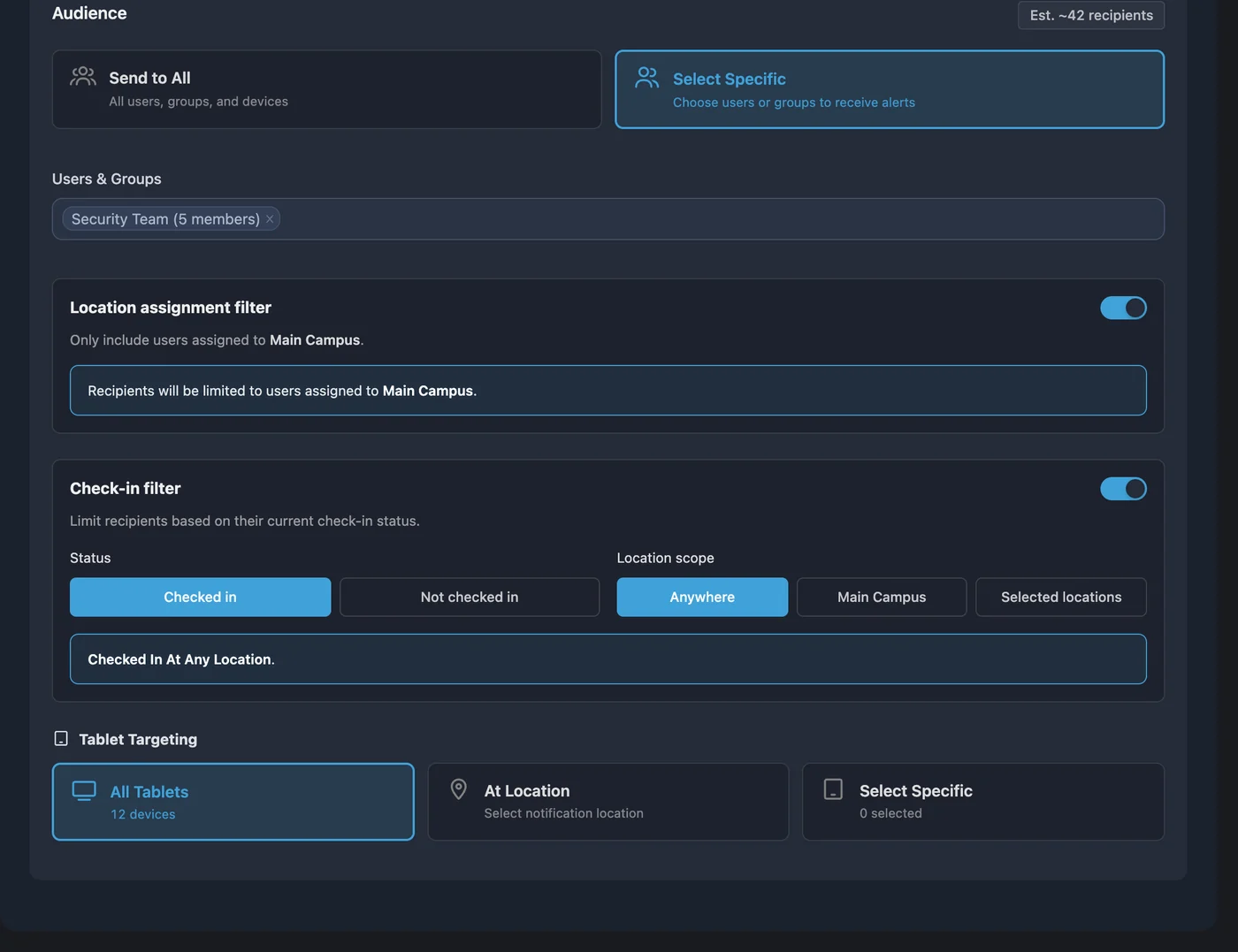
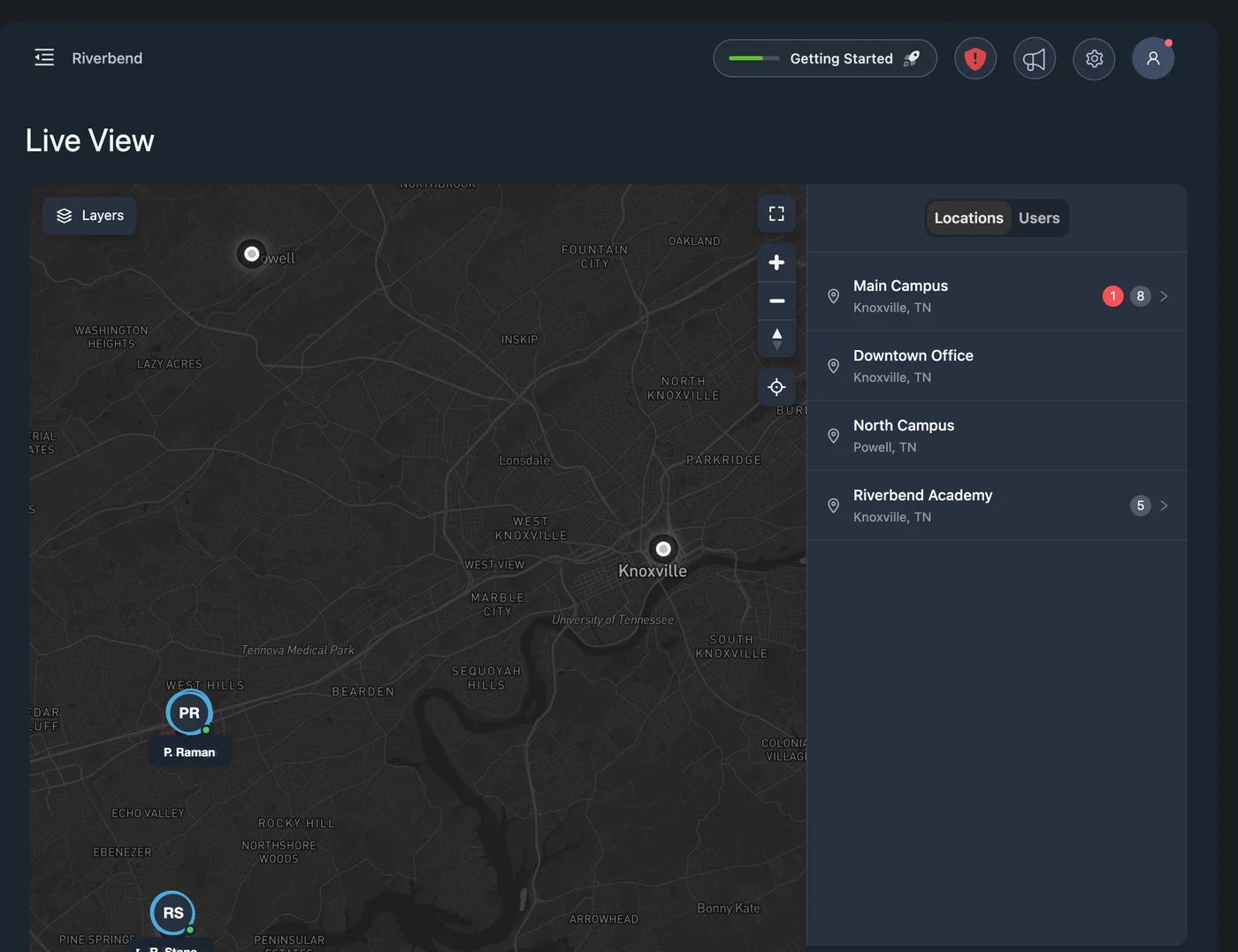
Send the warning to the locations affected
When a warning is issued, your safety lead sends the alert for the action people need to take, such as shelter or evacuate, to the locations in its path. A campus across town that is not affected does not need to be disturbed.

Shelter instructions in every room
The alert arrives on phones, by SMS, email, and voice call, and on the PushPulse Hub tablets on the wall. A voice page to your paging zones can tell each room where to shelter.
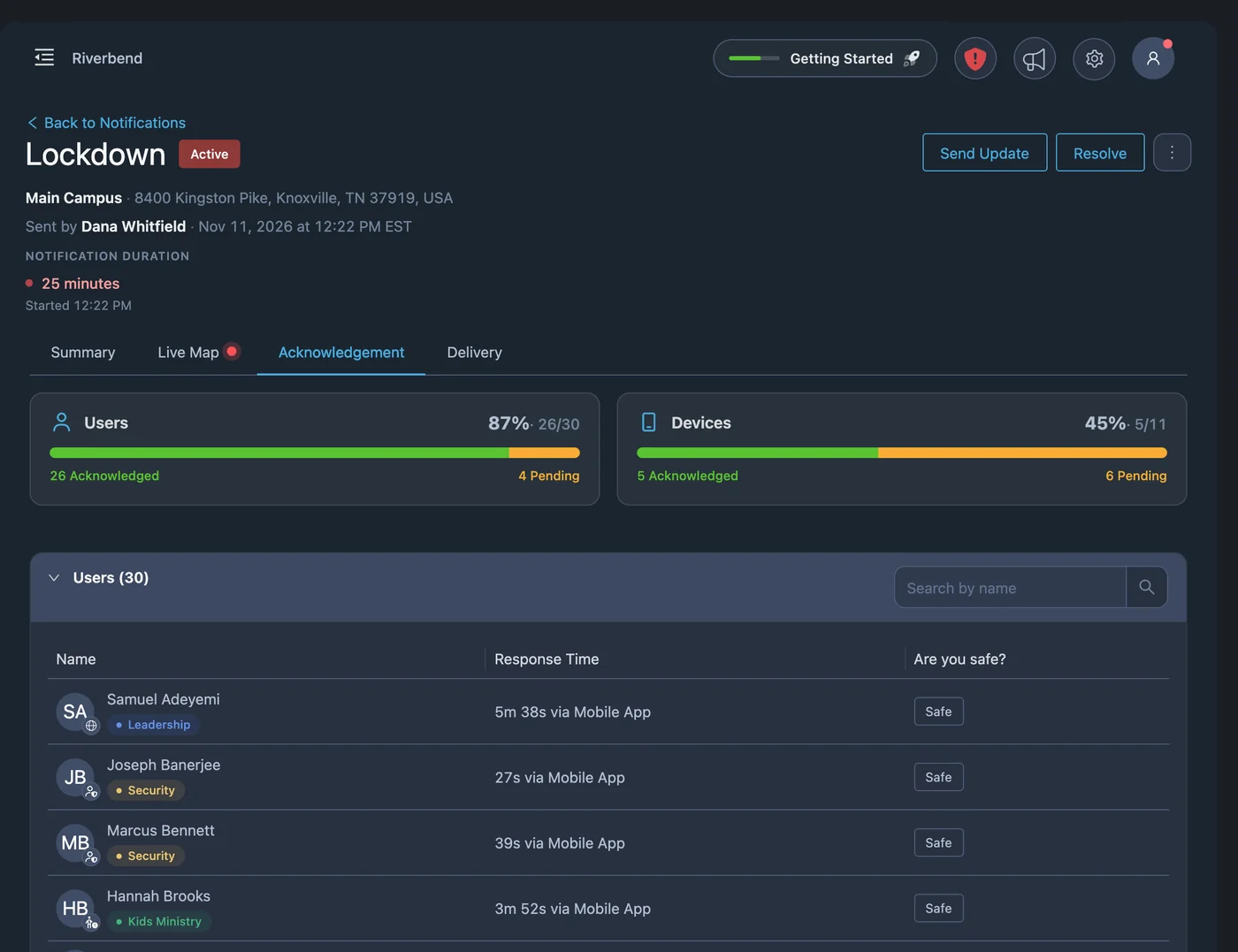
Confirm everyone is sheltered
Add a safe or not safe question to the alert and staff answer from the app, email, or SMS. You see who has answered and who has not while there is still time to check on them.
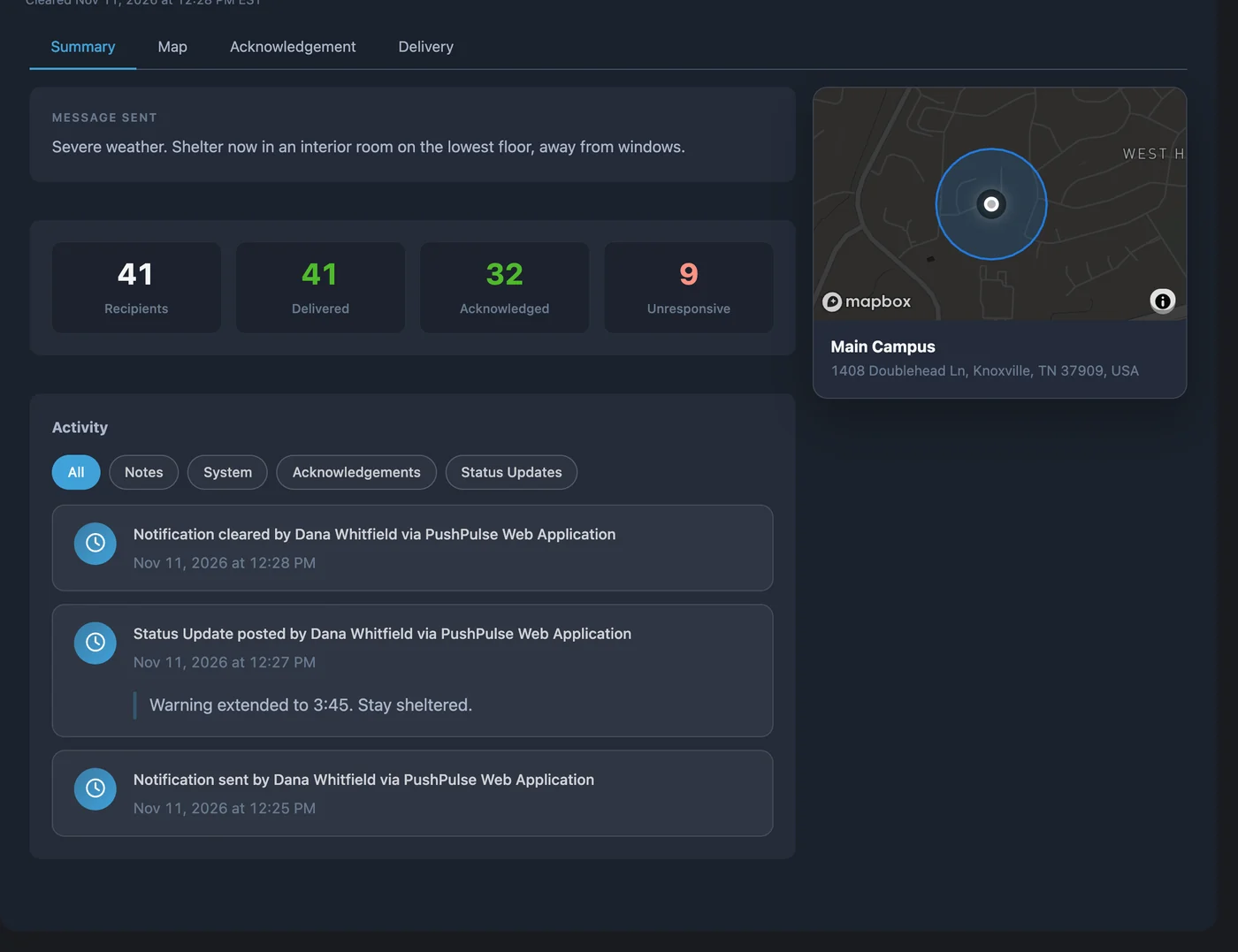
Updates until the all-clear
Post a status update as the storm moves and every recipient gets it on the same channels. Send the all-clear when it has passed. For closures and delayed starts you know about ahead of time, schedule the notification in advance.
Severe weather questions
Does PushPulse send weather alerts automatically?
Can we alert only the locations in the path of a storm?
Can parents or members receive weather closings?
How do we know staff reached shelter?
Can we schedule a closure or delay notice?
See PushPulse in action
Upgrading your safety and operations strategy is easier than you think. Get a personalized walkthrough from our team.