

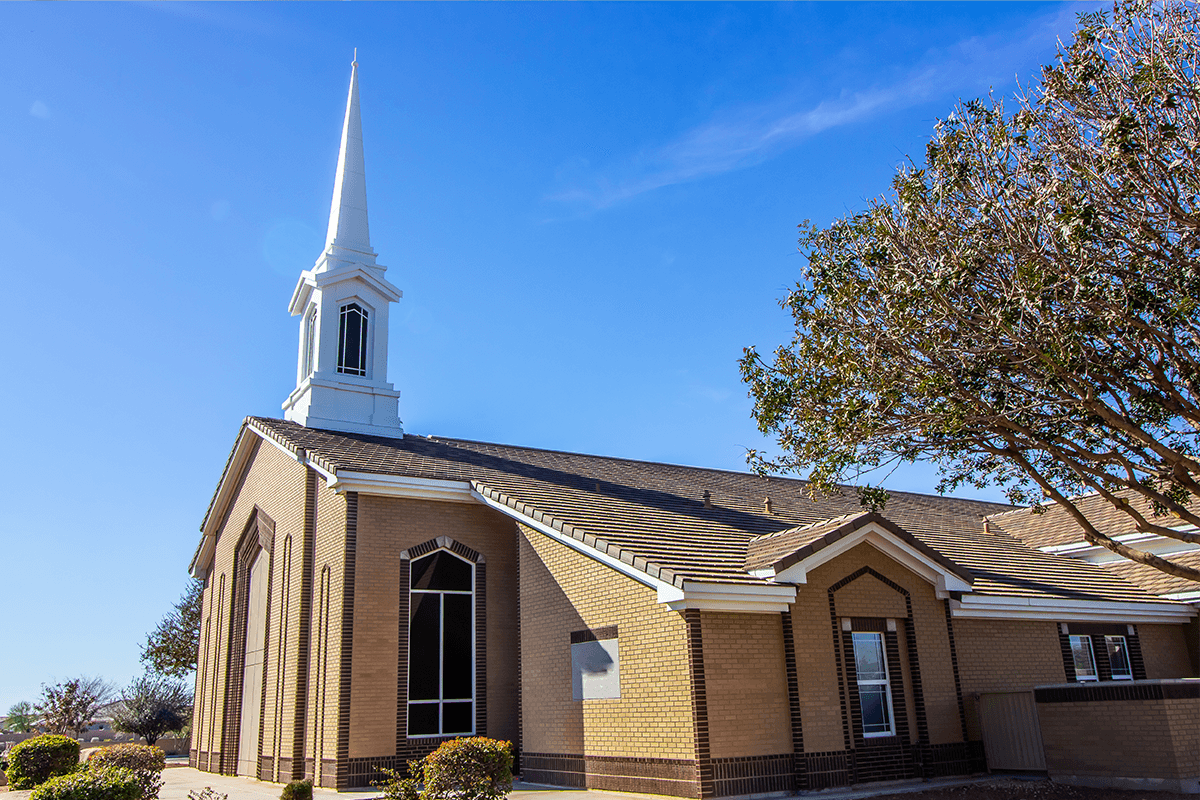
Churches & Houses of Worship
Your volunteers change every week. Your response should not.
A medical emergency in the sanctuary, a missing child in the kids wing, a concerning person in the lobby. PushPulse gives a volunteer safety team one app to alert the right people, talk to each other, and keep a record.
Built around a Sunday morning.
Church safety team software helps volunteers respond to emergencies during services and events. PushPulse covers alerting, team communication, and reporting, so a team that changes from week to week still responds like a trained one.
Reach the people serving today
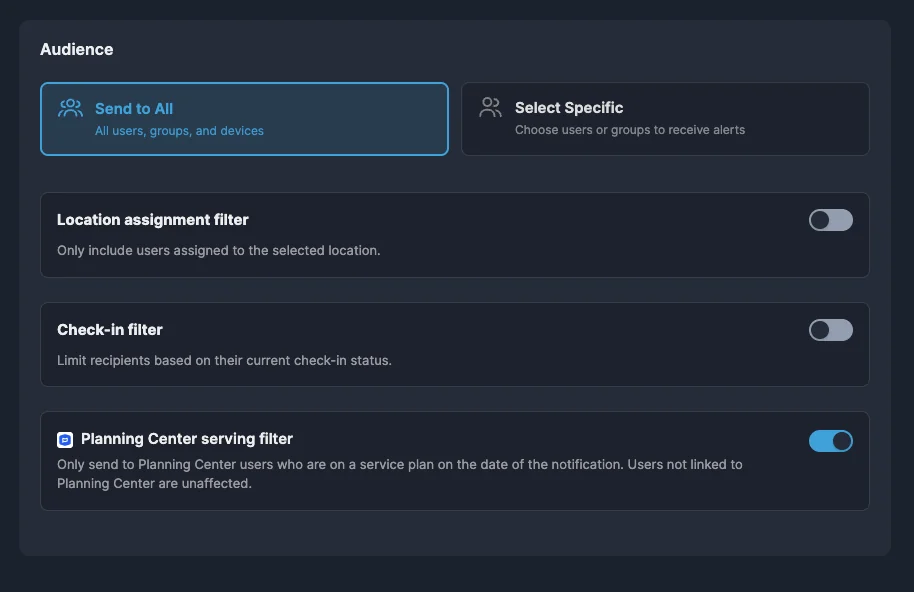
A church roster is not the same two Sundays in a row. With Planning Center or Rock RMS connected, PushPulse keeps your people in sync and can send an alert only to the people on the schedule that day. Volunteers do not need to be staff to be users.
Medical calls, handled quietly
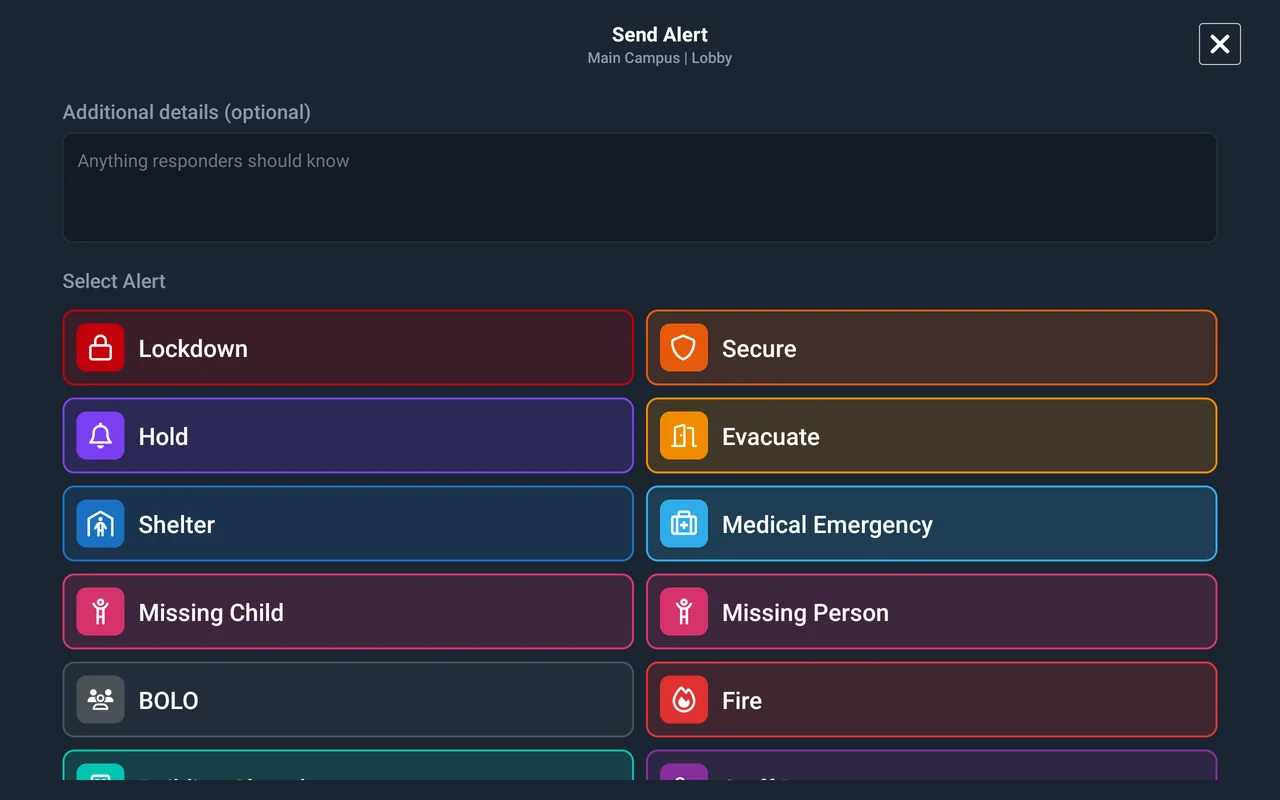
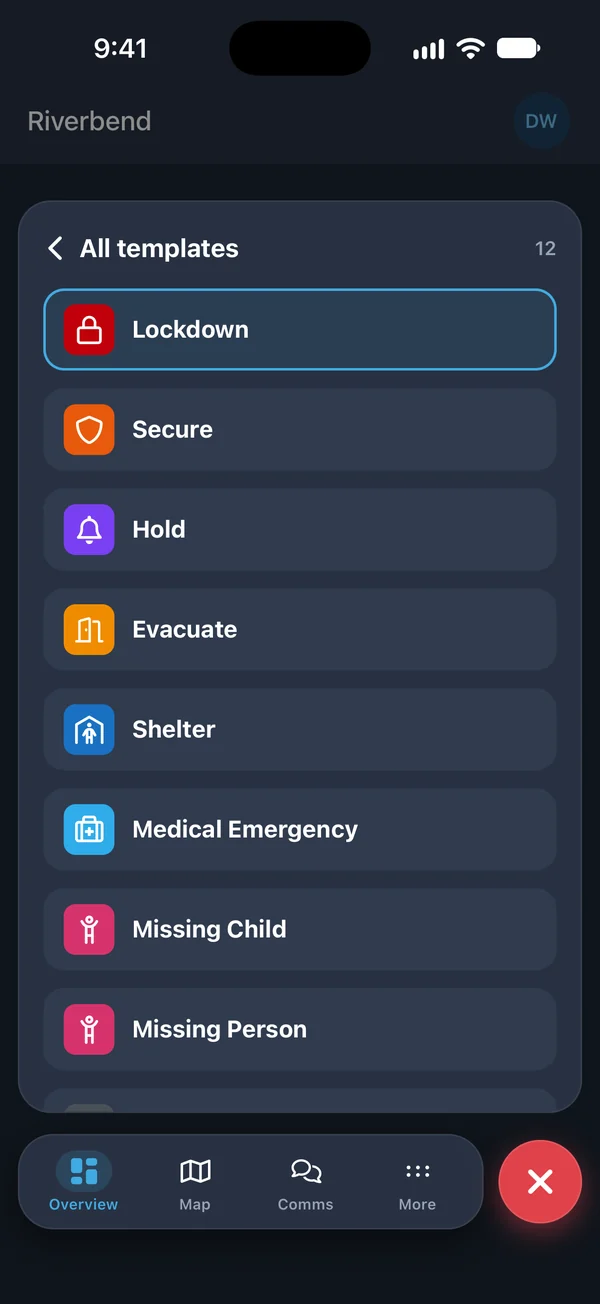
Medical emergencies are the most common reason church safety teams use PushPulse. The Medical Emergency alert goes only to your medical team, with who sent it and where, while the service continues. The sender can be prompted to call 911.
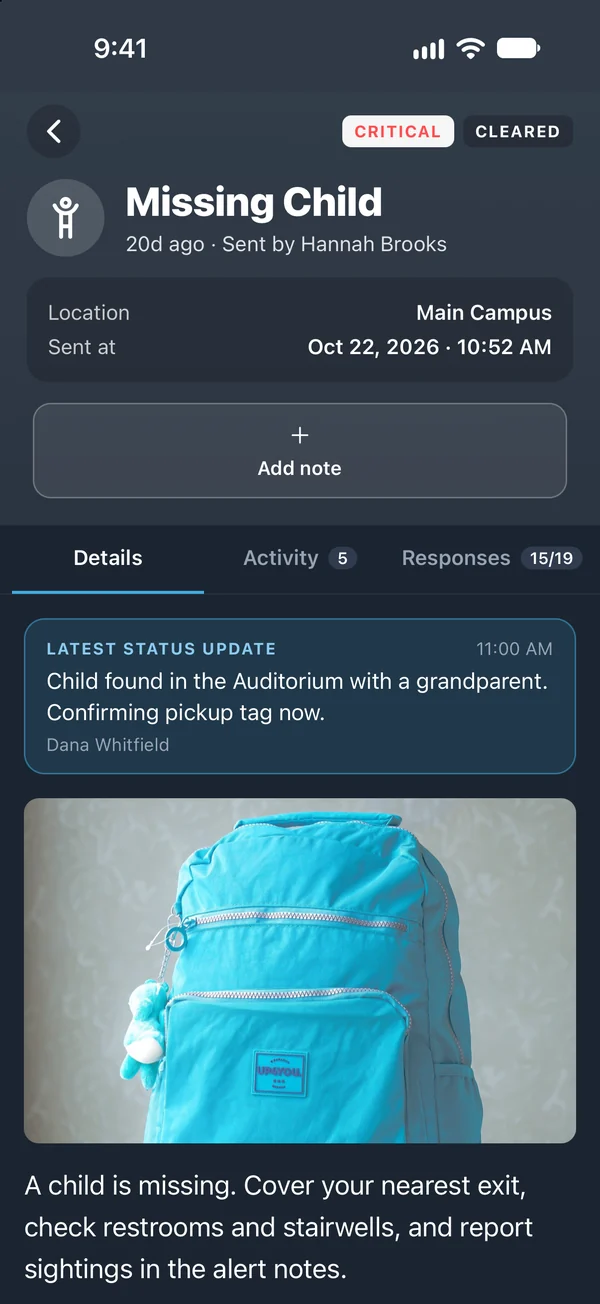
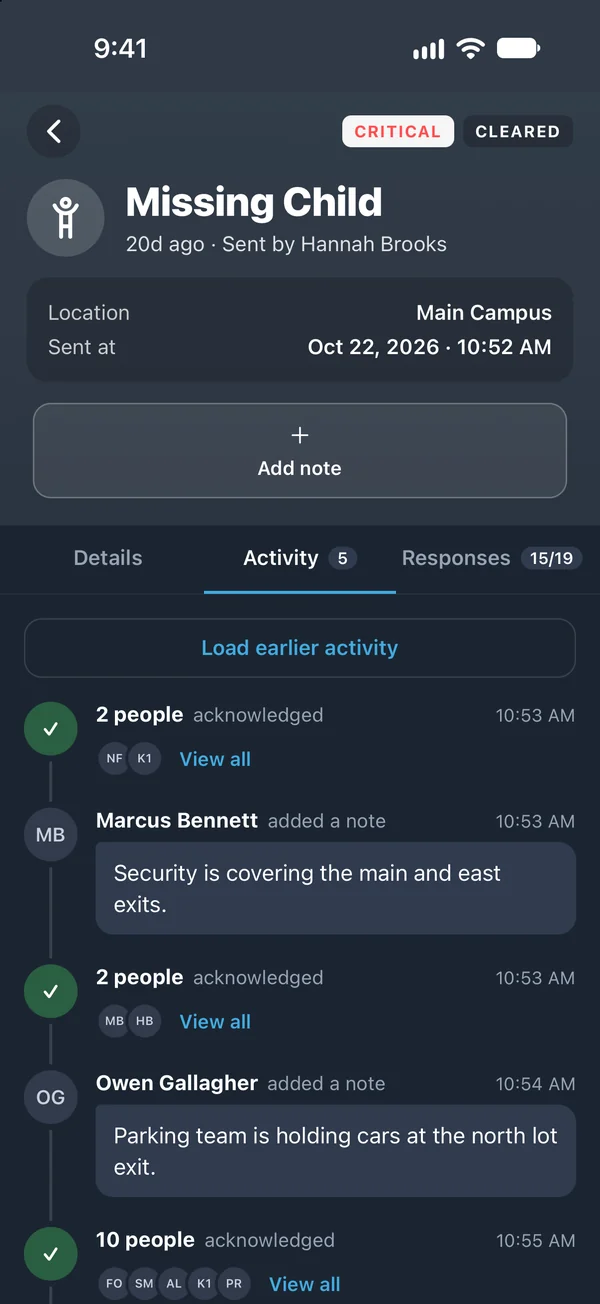
A missing child, with every volunteer looking
When a parent reports a child missing, the Missing Child alert sends the description and a photo to every phone and to the PushPulse Hub tablets in the kids rooms. A voice page tells rooms to watch their doors, and the all-clear goes out when the child is found.
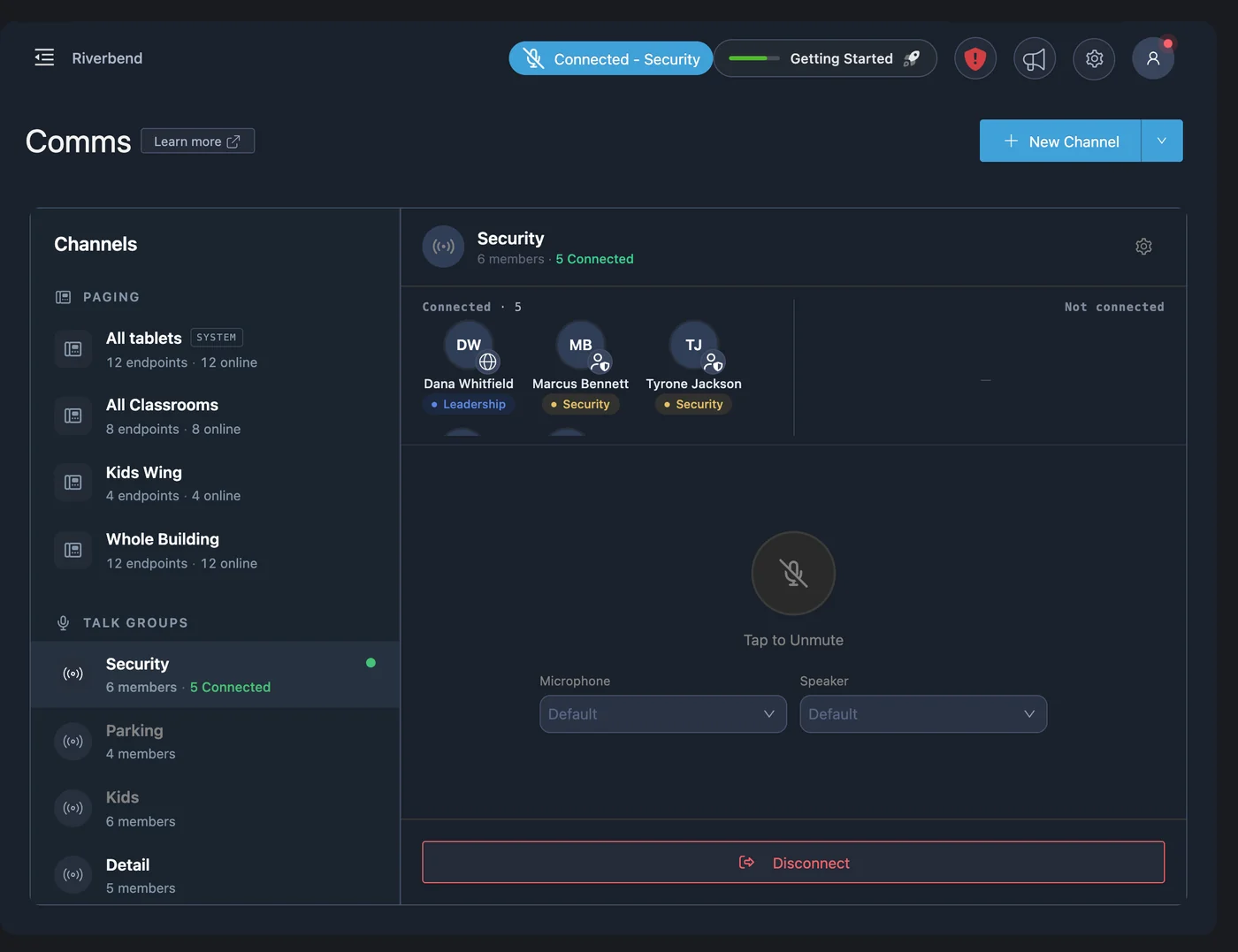
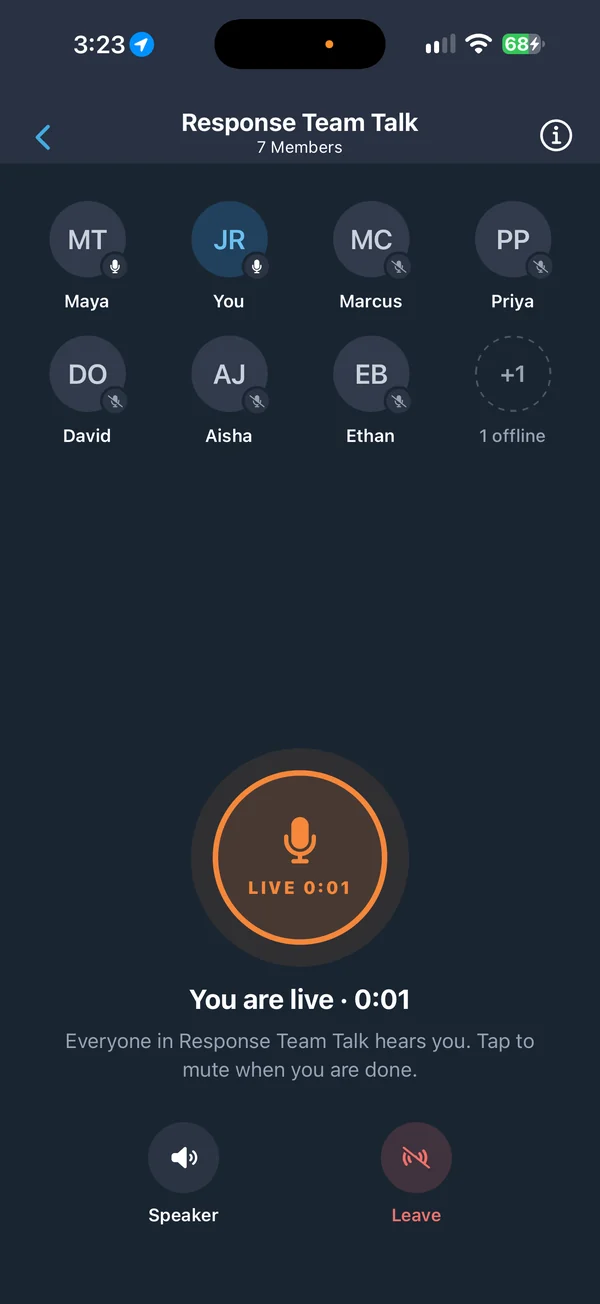
Put the radios away
Talk groups give your safety team live voice on their own phones, with a separate group for parking, kids, and medical if you want one. Chat channels carry photos and notes that do not need to be said out loud.
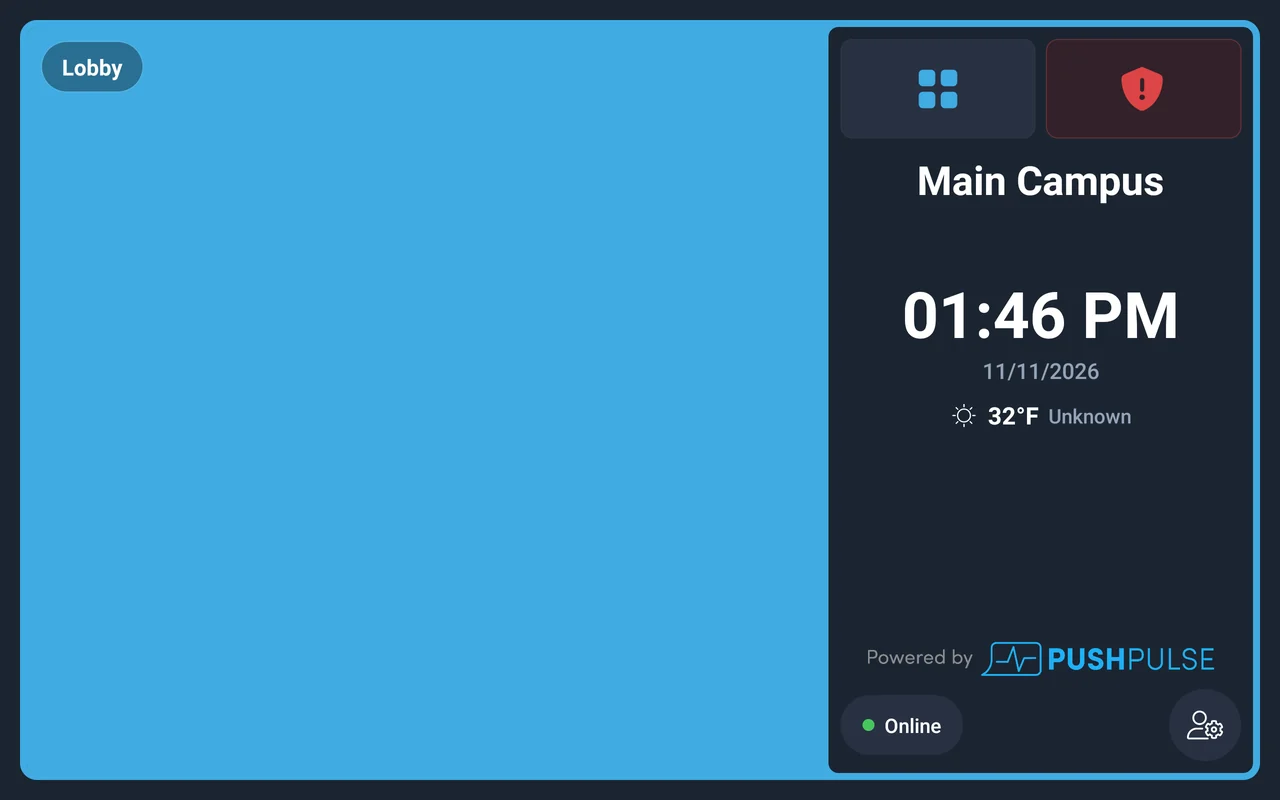
A tablet that earns its place on the wall
A PushPulse Hub tablet in the lobby or a classroom lets anyone call for help without signing in. The rest of the week it shows your slideshow, calendar, and logo.
For every role on a Sunday
Each person on your team needs something different from the same system.
Run a volunteer team like a trained one.
Send an alert from your phone, talk to your team in a talk group, and see who has acknowledged. After the service, the incident timeline and an Incident Report form are your record.
Help is one tap from every kids room.
A Hub tablet on the wall lets a room leader call for help without leaving the children. A missing child alert puts the photo in front of every volunteer at once.
Know what happened and what was done.
Every alert leaves a timeline you can export as a PDF, and drills are kept apart from real incidents in Analytics. Your emergency plan lives in the Document Library where volunteers can read it.
People stay in sync with your church system.
Planning Center and Rock RMS keep your people lists current. Hub tablets connect over Wi-Fi or PoE and are set up by pairing them to your account and choosing a room.
Church safety questions
What is church safety team software?
Does PushPulse work with Planning Center or Rock RMS?
Do volunteers have to be staff to use PushPulse?
Does PushPulse handle child check-in or pickup?
Can we replace our radios?
See PushPulse in action
Upgrading your safety and operations strategy is easier than you think. Get a personalized walkthrough from our team.